
DDoS Protection: Definition, Purpose and How to Stop Traffic Floods
DDoS protection filters traffic by behaviour rather than identity, allowing legitimate users through while silencing the noise of coordinated botnets.
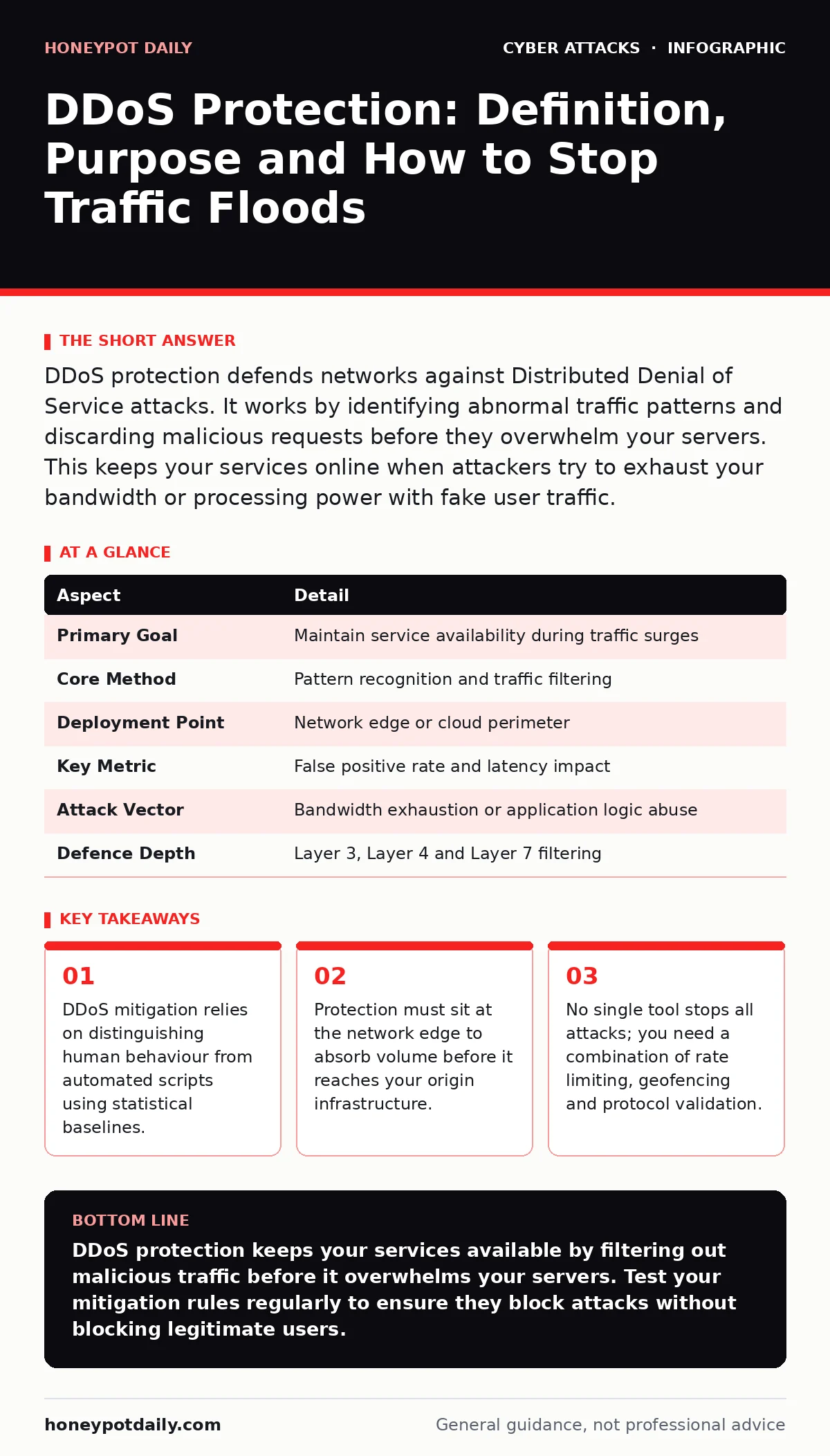
DDoS protection defends networks against Distributed Denial of Service attacks. It works by identifying abnormal traffic patterns and discarding malicious requests before they overwhelm your servers. This keeps your services online when attackers try to exhaust your bandwidth or processing power with fake user traffic.
The Traffic Jam Analogy
Imagine a small shop with one door. It serves customers efficiently until a thousand people stand in the doorway, refusing to enter but blocking everyone else. This is a Distributed Denial of Service attack. The attackers do not need to break in. They simply create congestion. Your resources are tied up handling their presence. Legitimate customers cannot get in. The shop remains open, but it cannot serve anyone.
DDoS protection acts as a security checkpoint outside the door. It checks credentials or asks questions that only real customers can answer. The bots fail the check and are turned away. The real customers pass through. The shop continues to operate. This analogy holds because the problem is not theft. It is availability. The goal is to keep the path clear for valid interactions.
What DDoS Protection Actually Does
At its core, DDoS protection is a filtering mechanism. It sits between the internet and your servers. Its job is to inspect incoming data packets. It decides which packets to forward and which to drop. It does this by comparing current traffic against a known baseline of normal behaviour. If traffic spikes beyond expected limits, the system triggers mitigation rules. These rules might block specific IP addresses, throttle connection rates or challenge suspicious clients with puzzles.
The system must make this decision in milliseconds. If it takes too long, the queue backs up. Your servers become unresponsive. Therefore, speed is the primary constraint. Accuracy is the secondary constraint. You want to stop attacks without stopping real users. This balance is difficult. Too strict, and you lock out customers. Too loose, and the attack gets through.
| Aspect | Detail |
|---|---|
| Primary Goal | Maintain service availability during traffic surges |
| Core Method | Pattern recognition and traffic filtering |
| Deployment Point | Network edge or cloud perimeter |
| Key Metric | False positive rate and latency impact |
| Attack Vector | Bandwidth exhaustion or application logic abuse |
| Defence Depth | Layer 3, Layer 4 and Layer 7 filtering |
The Anatomy of the Flood
Attacks come in different flavours. Volume-based attacks try to clog your pipe. They send massive amounts of data. Your bandwidth fills up. Nothing else can get through. Protocol attacks target the handshake. They start connections but never finish them. Your server waits for the rest. It runs out of memory. Application attacks are smarter. They mimic real users. They request heavy pages. They search your database. They look normal but they are automated. They exhaust your CPU or disk I/O.
You need different defences for each. Volume attacks require capacity. You need more bandwidth than the attack can fill. Protocol attacks require state inspection. You need to track the handshake. Application attacks require logic analysis. You need to understand what a real user does. Most modern solutions combine these approaches. They look at the packet header. They look at the application payload. They correlate the two.
Where It Fits in Your Defence Stack
DDoS protection does not work in isolation. It is the outer shell. It handles the brute force. Behind it, you have other layers. You have firewalls. You have intrusion detection systems. You have application logic. If the DDoS tool fails, these other layers must hold. If they fail, you have an incident.
Consider your incident response plans. They should include a trigger for DDoS detection. When the mitigation tool flags an attack, your team needs a playbook. Who calls the provider? Who updates the DNS? Who communicates with customers? Without a plan, you react slowly. Slowness costs uptime. You also need to consider privileged access management. If attackers breach your perimeter, they might try to disable the DDoS protection. Limiting who can change firewall rules prevents this sabotage.
This layering is critical. DDoS protection buys you time. It keeps the lights on. It gives your team a chance to investigate. It does not stop data theft. It does not stop malware. It only ensures availability. You must pair it with other security measures. For example, phishing simulations help train staff to avoid clicks that could install malware. Malware can turn devices into bots. Reducing botnets reduces attack sources.
The Hidden Cost of Mitigation
There is a trade-off in every filter. Every rule you add adds latency. Every check you perform uses CPU. If you inspect every packet deeply, you slow down your network. Users notice this. They leave. You lose revenue. If you inspect lightly, you miss sophisticated attacks. You get overwhelmed.
This is why tuning is a constant task. You must monitor your false positive rate. This is the number of legitimate users you block by mistake. If this number is high, your protection is hurting your business. You must adjust the sensitivity. You must whitelist known good traffic. You must update your baselines as your business grows. If you launch a marketing campaign, traffic will spike. Your system might see this as an attack. You must pre-emptively adjust the thresholds.
See also: Port Scanning Mistakes: 7 Errors That Leave Your Network Exposed · Network Scanning: How Defenders Spot and Stop Port Probes
Common Misconceptions About DDoS
Many teams believe that buying a service solves the problem. It does not. Configuration matters more than the tool. A poorly configured enterprise-grade tool is worse than no tool. It blocks your users. It creates a false sense of security. You must test your rules. You must simulate attacks. You must verify that legitimate traffic passes.
Another mistake is focusing only on the network. You think if your bandwidth holds, you are safe. This is wrong. Application attacks do not care about bandwidth. They care about your logic. They exploit your code. You need to secure your application. You need to validate input. You need to limit resource usage per user. DDoS protection is the first line. It is not the last.
Also, do not ignore the human element. Account lockout policies can be weaponised. Attackers can trigger lockouts for real users. This is a denial of service. It is not a network flood. It is a logic abuse. Your DDoS tool will not see this. You need application-level controls. You need to detect rapid failed logins. You need to block the source IP, not just lock the account.
Integrating With Email and Identity
DDoS is not just about web servers. It can target your email infrastructure. Attackers can flood your mail servers with connection requests. They can send malformed headers. They can exhaust your processing power. You need protection here too. Ensure your email filtering integrates with your DDoS mitigation.
Consider DKIM. It verifies the sender of an email. It does not stop floods. But it helps you filter spam. Spam can be a precursor to an attack. It can hide malicious payloads. It can clutter your logs. Clean traffic is easier to protect. You should also watch for baiting attacks. These try to trick users into clicking links. The links might lead to sites that harvest credentials. The harvested credentials can be used to launch attacks against your systems.
The Continuous Battle
DDoS protection is not a set-and-forget solution. Attackers evolve. They find new ways to mimic humans. They use residential proxies. They use IoT devices. They change their patterns. You must adapt. You must review your logs. You must update your rules. You must stay informed.
This is a marathon. It requires patience. It requires resources. It requires expertise. But it is necessary. Availability is a product feature. If your service is down, you lose trust. Trust is hard to rebuild. Protecting your traffic is protecting your reputation. Do it right. Do it continuously.
Key takeaways
- DDoS mitigation relies on distinguishing human behaviour from automated scripts using statistical baselines.
- Protection must sit at the network edge to absorb volume before it reaches your origin infrastructure.
- No single tool stops all attacks; you need a combination of rate limiting, geofencing and protocol validation.
- Misconfigured rules can block legitimate users, making testing and tuning a continuous operational task.
DDoS protection keeps your services available by filtering out malicious traffic before it overwhelms your servers. Test your mitigation rules regularly to ensure they block attacks without blocking legitimate users.
Frequently asked questions
Does DDoS protection stop hackers from stealing data?
No, it only prevents service disruption by filtering excessive or malicious traffic. You need additional security measures like encryption and access controls to protect data.
Is cloud-based protection better than on-premise?
Cloud-based solutions can absorb larger volumes of traffic by dispersing it across global networks. On-premise solutions offer more control but have limited capacity.
How this guide was produced: written by the Honeypot Daily editorial team with AI assistance, checked against the public references listed below, and reviewed when the facts change. See our editorial policy or report an error.