
Citrix NetScaler Vulnerabilities Prevention Checklist
Default administrative paths and unpatched components expose the gateway, making isolation and strict access control the primary defence against remote compromise.
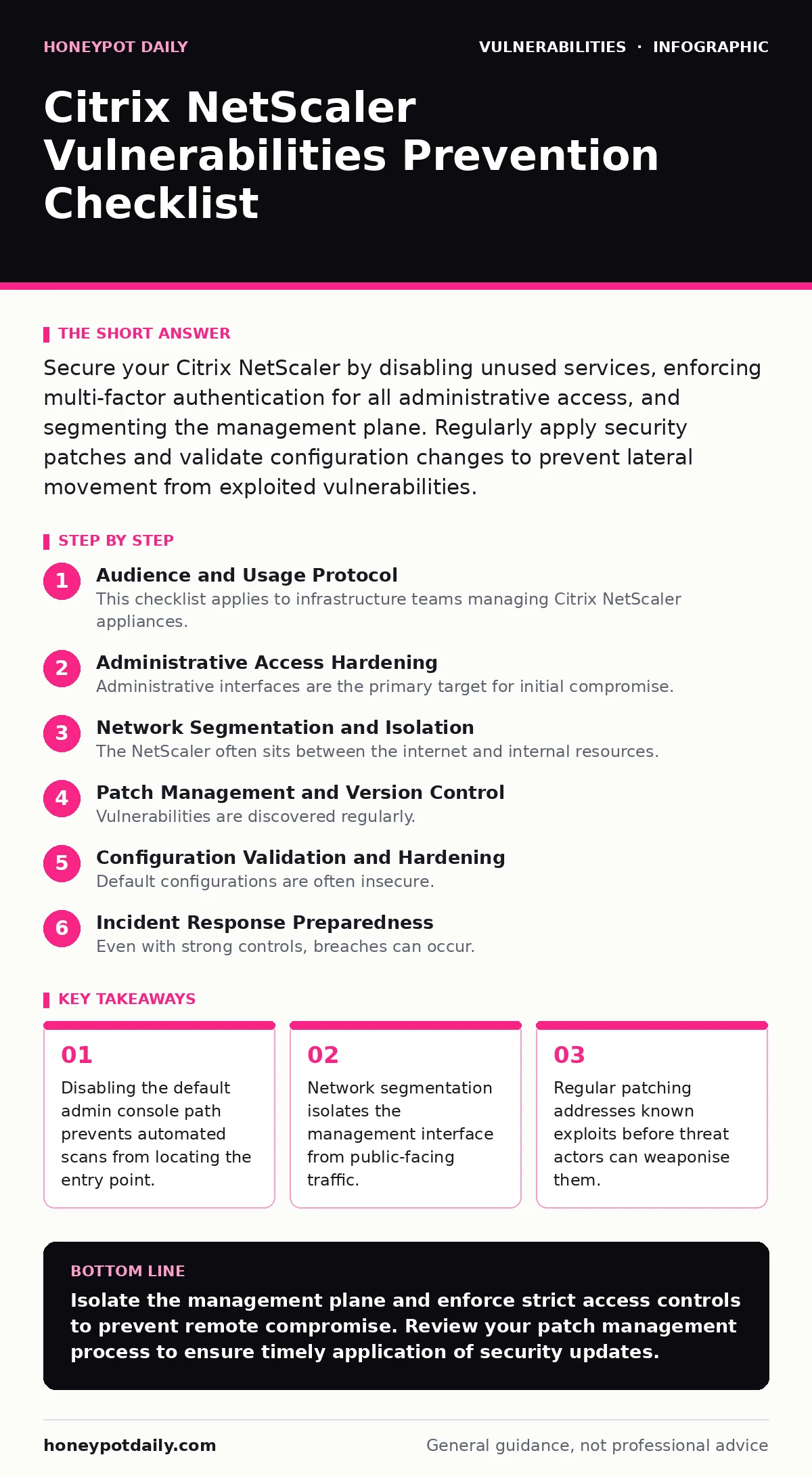
Secure your Citrix NetScaler by disabling unused services, enforcing multi-factor authentication for all administrative access, and segmenting the management plane. Regularly apply security patches and validate configuration changes to prevent lateral movement from exploited vulnerabilities.
Audience and Usage Protocol
This checklist applies to infrastructure teams managing Citrix NetScaler appliances. Use this list to audit your current configuration against known attack vectors. Each item represents a specific control that reduces the attack surface. You should review these controls quarterly or after any significant infrastructure change. The goal is to ensure that even if a vulnerability exists, the attacker cannot reach the vulnerable component.
Administrative Access Hardening
Administrative interfaces are the primary target for initial compromise. Securing these paths is the first line of defence. You must restrict who can access the management plane and how they authenticate.
- Disable the default
/nsconfigpath: Attackers often probe for this specific URL to find the administrative console. Changing or disabling it hides the entry point from casual scanning. - Enforce multi-factor authentication for admin accounts: Passwords alone are insufficient against credential stuffing or brute-force attacks. MFA adds a layer that requires physical possession of a second factor.
- Restrict admin access to specific IP ranges: Limiting source IPs ensures that only authorised management stations can attempt to connect. This blocks attempts from the open internet.
- Disable HTTP for management interfaces: HTTP transmits credentials in plain text. Using HTTPS ensures that authentication data is encrypted in transit, preventing interception.
Network Segmentation and Isolation
The NetScaler often sits between the internet and internal resources. This position makes it a high-value target. Isolating the management functions from data-plane traffic reduces the risk of lateral movement.
- Place the management interface on a separate VLAN: Separating management traffic from user traffic ensures that an exploit on the web gateway does not automatically grant access to the control plane.
- Disable unused services and ports: Every open port is a potential entry point. Disabling services you do not actively use reduces the attack surface significantly.
- Implement firewall rules for inter-VLAN traffic: Explicitly deny traffic between the management VLAN and the public-facing VLAN. This prevents an attacker who compromises the web layer from pivoting to the admin layer.
- Monitor traffic to the management interface: Logging all connection attempts helps detect reconnaissance activities. Alerting on failed login attempts from unexpected sources can indicate an active attack.
Patch Management and Version Control
Vulnerabilities are discovered regularly. Keeping the software up to date is the most effective way to mitigate known risks. However, patching introduces its own risks if not managed carefully.
- Maintain an inventory of installed versions: Knowing exactly which version runs on each appliance allows you to map vulnerabilities to your specific environment.
- Test patches in a non-production environment: Applying updates directly to production can cause outages. Testing ensures stability before deployment.
- Follow change management for security patches: Documenting and approving changes ensures that emergency patches do not bypass necessary checks. This process reduces the risk of introducing configuration errors.
- Verify patch integrity before installation: Checking digital signatures ensures that the update has not been tampered with. This prevents supply-chain attacks where malicious code is injected into updates.
Configuration Validation and Hardening
Default configurations are often insecure. Hardening the appliance involves reviewing settings against security best practices. This process is iterative and requires regular review.
- Disable unnecessary features: Features like file upload or specific protocols may not be needed for your use case. Disabling them removes potential exploit vectors.
- Enforce strong password policies: Weak passwords are easily guessed. Requiring complex passwords reduces the success rate of brute-force attacks. This aligns with general principles regarding weak password policies.
- Review ACLs regularly: Access control lists define who can access what. Regular reviews ensure that permissions remain least-privilege. This prevents privilege creep over time.
- Enable logging and auditing: Comprehensive logs provide visibility into system activity. This data is critical for incident response and forensic analysis.
See also: Industrial Control System Vulnerabilities: Hidden Risks and Fixes · How to Read CSAF Advisories Without Misinterpreting Scope
Incident Response Preparedness
Even with strong controls, breaches can occur. Having a plan in place reduces the impact and recovery time. Preparation is key to effective response.
- Define escalation procedures: Clear roles and responsibilities ensure that the right people are involved quickly. This reduces confusion during an incident.
- Maintain offline backups: If the appliance is compromised, you may need to restore from a clean state. Offline backups ensure that you have a pristine copy of the configuration.
- Conduct regular penetration testing: External assessments help identify vulnerabilities that internal teams may miss. This validates the effectiveness of your controls.
- Document recovery steps: Having a runbook for recovery speeds up the process. This reduces downtime and limits the exposure window.
Related Security Practices
Securing the NetScaler is part of a broader security strategy. You should integrate these controls with other security measures. Understanding how vulnerabilities in other components can impact your environment is vital. For example, reviewing input validation practices helps prevent attacks that exploit application logic. Similarly, understanding threat modeling helps you identify high-risk areas in your architecture.
Key takeaways
- Disabling the default admin console path prevents automated scans from locating the entry point.
- Network segmentation isolates the management interface from public-facing traffic.
- Regular patching addresses known exploits before threat actors can weaponise them.
Isolate the management plane and enforce strict access controls to prevent remote compromise. Review your patch management process to ensure timely application of security updates.
Frequently asked questions
How often should I update Citrix NetScaler firmware?
Apply security patches as soon as they are released and tested. Delaying updates leaves the system exposed to known exploits.
Can I use a web application firewall to protect the NetScaler?
A WAF can provide additional protection for web applications hosted behind the NetScaler, but it does not replace the need to secure the appliance itself.
What is the risk of disabling the default admin path?
Disabling the default path reduces the risk of automated scanning tools finding the administrative interface. It is a basic security measure that adds obscurity.
How do I verify that my NetScaler is patched?
Check the version information in the administrative console and compare it against the latest release notes from the vendor.
How this guide was produced: written by the Honeypot Daily editorial team with AI assistance, checked against the public references listed below, and reviewed when the facts change. See our editorial policy or report an error.