
DKIM Best Practices: Secure Email Signatures Without the Pitfalls
DKIM signatures validate message integrity, not sender identity, meaning a valid signature only proves the content has not changed since the domain owner signed it.
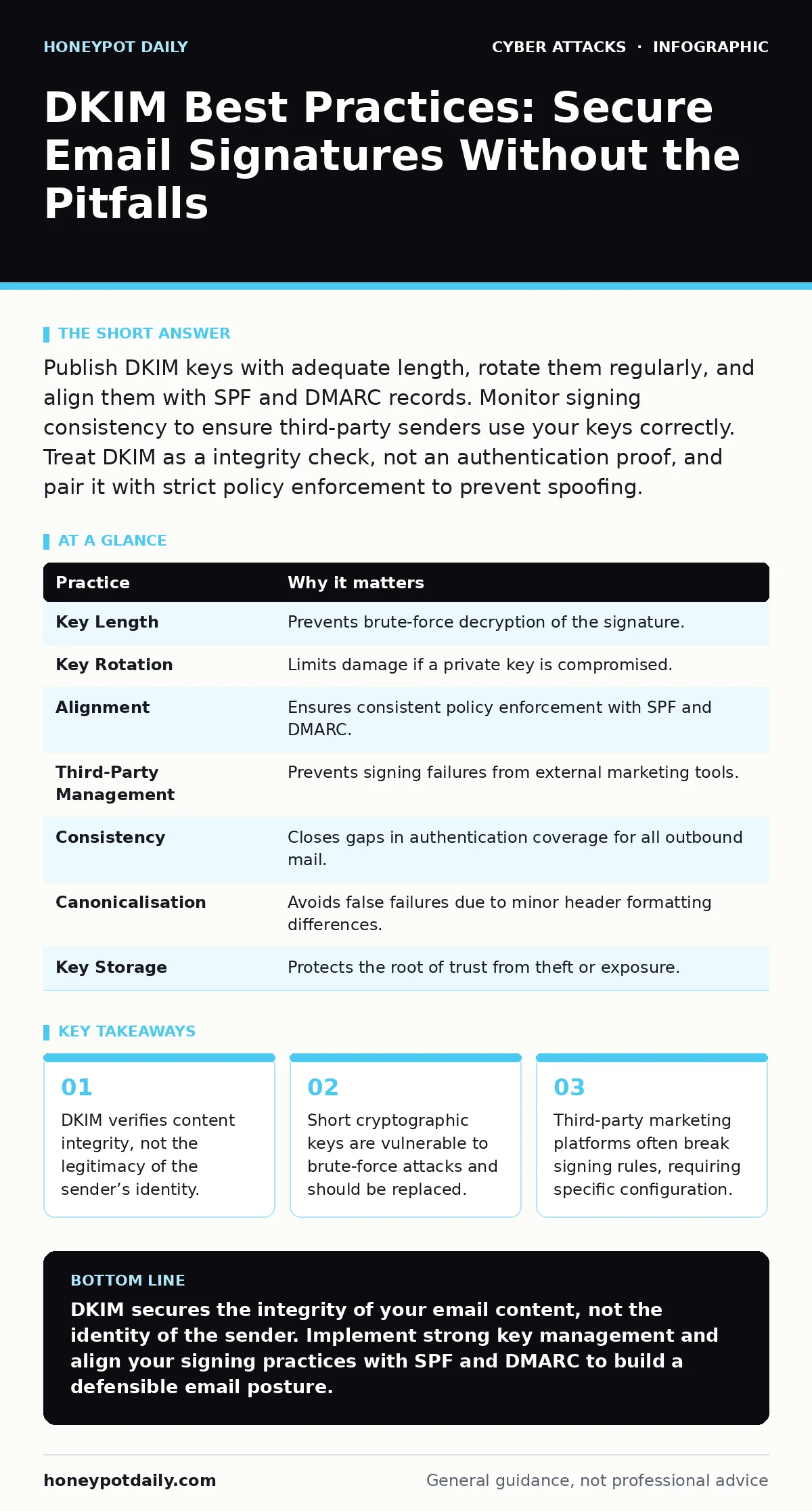
Publish DKIM keys with adequate length, rotate them regularly, and align them with SPF and DMARC records. Monitor signing consistency to ensure third-party senders use your keys correctly. Treat DKIM as a integrity check, not an authentication proof, and pair it with strict policy enforcement to prevent spoofing.
The Nature of Email Integrity Checks
DomainKeys Identified Mail, or DKIM, adds a cryptographic signature to email headers. This signature allows receiving servers to verify that the message has not been altered in transit. It does not prove who sent the message, only that the domain owner authorised the content. Many teams confuse this with sender verification, which is a distinct function. Understanding this distinction prevents misconfigured trust models.
Imagine a legitimate newsletter that gets modified by a malicious relay. DKIM detects this change because the signature no longer matches the altered content. This mechanism protects against tampering, not impersonation. You must combine DKIM with other standards to achieve full protection.
1. Use Sufficient Key Length
Short cryptographic keys are easier for attackers to break using brute-force methods. Older implementations often used 1024-bit keys, which are now considered weak. Modern security requires longer keys to ensure the signature remains unforgeable. A weak key undermines the entire trust chain.
- Generate and publish 2048-bit or 4096-bit RSA keys for all sending domains.
- Avoid using keys shorter than 2048 bits, as they may fail future security audits.
2. Rotate Keys Regularly
Static keys increase the risk if a private key is compromised. If an attacker obtains your private key, they can forge valid signatures for any email. Regular rotation limits the window of opportunity for such attacks. It also ensures that old keys do not linger in DNS records indefinitely.
- Establish a schedule to generate new key pairs and update DNS records every six months.
- Keep the old key active for a short overlap period to prevent delivery failures during the switch.
3. Align with SPF and DMARC
DKIM works best when it aligns with Sender Policy Framework and Domain-based Message Authentication. SPF checks the sending server’s IP address, while DMARC sets policy for handling failures. If DKIM passes but SPF fails, the alignment check may still reject the message. Consistency across these protocols reduces confusion for receiving servers.
- Ensure the domain in the DKIM signature matches the domain in the From header.
- Configure DMARC to require alignment between DKIM and SPF for strict enforcement.
4. Manage Third-Party Signing
Marketing platforms and CRM tools often send emails on your behalf. These services need access to your private key or a separate signing authority. Misconfiguration here is a common source of authentication failures. If a third party modifies the message after signing, the signature becomes invalid.
- Provide third-party vendors with dedicated subdomain keys rather than your primary domain key.
- Verify that the vendor signs the email before any final formatting or tracking pixel insertion.
5. Monitor Signing Consistency
Not all outbound mail may be signed. Internal notifications or automated alerts might bypass the signing process. Inconsistent signing creates gaps that attackers can exploit to mimic your domain. Receivers may interpret unsigned mail from your domain as suspicious.
- Audit your mail flow to identify which applications send email and ensure they all sign.
- Use logging to detect messages that leave your infrastructure without a DKIM header.
6. Handle Header Canonicalisation Correctly
Canonicalisation determines how headers are normalised before signing. Different algorithms handle whitespace and ordering differently. If the sender and receiver use different canonicalisation methods, the signature verification may fail even if the content is unchanged. This is a frequent cause of false positives.
- Use the "relaxed" canonicalisation method, which is more tolerant of minor formatting changes.
- Test your signing software with various header formats to ensure compatibility with major providers.
7. Protect Private Key Storage
The private key must never be exposed. If it is stored in plain text on a web server, it is vulnerable to theft. Compromise of the private key allows attackers to forge emails that pass DKIM checks. Secure storage is as critical as the key length itself.
- Store private keys in a hardware security module or a secure key management service.
- Restrict access to the key file using strict file permissions and access controls.
| Practice | Why it matters |
|---|---|
| Key Length | Prevents brute-force decryption of the signature. |
| Key Rotation | Limits damage if a private key is compromised. |
| Alignment | Ensures consistent policy enforcement with SPF and DMARC. |
| Third-Party Management | Prevents signing failures from external marketing tools. |
| Consistency | Closes gaps in authentication coverage for all outbound mail. |
| Canonicalisation | Avoids false failures due to minor header formatting differences. |
| Key Storage | Protects the root of trust from theft or exposure. |
Integration with Broader Security Measures
DKIM is one layer of defence. It does not replace the need for user training or technical filters. For instance, users must still be wary of malicious email attachments that may arrive in a properly signed message. Signing does not scan for malware.
Similarly, DKIM helps mitigate phishing simulations that rely on spoofed domains. If your DMARC policy is strict, spoofed emails will fail authentication. This reduces the success rate of social engineering attacks.
Consider how account lockout policies interact with compromised credentials. If an attacker steals a user’s password, they can send signed emails from that account. DKIM will pass, but the content is malicious. This is why privileged access management remains critical for high-value accounts.
In the event of a breach, your incident response plans should include revoking DKIM keys. This stops attackers from continuing to forge signatures. Pair this with browser-in-the-browser attacks detection to prevent credential theft at the source.
Common Pitfalls and Edge Cases
Some email clients strip headers, which can break the signature. This is rare but possible with aggressive filtering. Ensure your signing covers the essential headers that define the message.
Another issue is the use of multiple signing domains. If you sign with a subdomain but the From header uses the main domain, alignment fails. This is a common configuration error in complex environments.
Key takeaways
- DKIM verifies content integrity, not the legitimacy of the sender’s identity.
- Short cryptographic keys are vulnerable to brute-force attacks and should be replaced.
- Third-party marketing platforms often break signing rules, requiring specific configuration.
DKIM secures the integrity of your email content, not the identity of the sender. Implement strong key management and align your signing practices with SPF and DMARC to build a defensible email posture.
Frequently asked questions
Does DKIM protect against phishing?
DKIM alone does not prevent phishing, as attackers can sign emails from their own domains. It helps when combined with DMARC to reject spoofed messages that fail alignment checks.
How often should I rotate DKIM keys?
Rotate keys at least every six to twelve months, or immediately if you suspect a compromise. Regular rotation reduces the impact of a leaked private key.
Can I use DKIM without DMARC?
Yes, but it is less effective. Without DMARC, receiving servers have no policy to enforce on failed checks. DKIM provides data, but DMARC provides action.
What is the difference between DKIM and SPF?
SPF verifies the sending server’s IP address, while DKIM verifies the message content’s integrity. Both are needed for robust email authentication.
How this guide was produced: written by the Honeypot Daily editorial team with AI assistance, checked against the public references listed below, and reviewed when the facts change. See our editorial policy or report an error.