Network Scanning: How Defenders Spot and Stop Port Probes
Most network scans fail because defenders misconfigure their intrusion detection signatures, allowing automated tools to map entire subnets without triggering alarms.
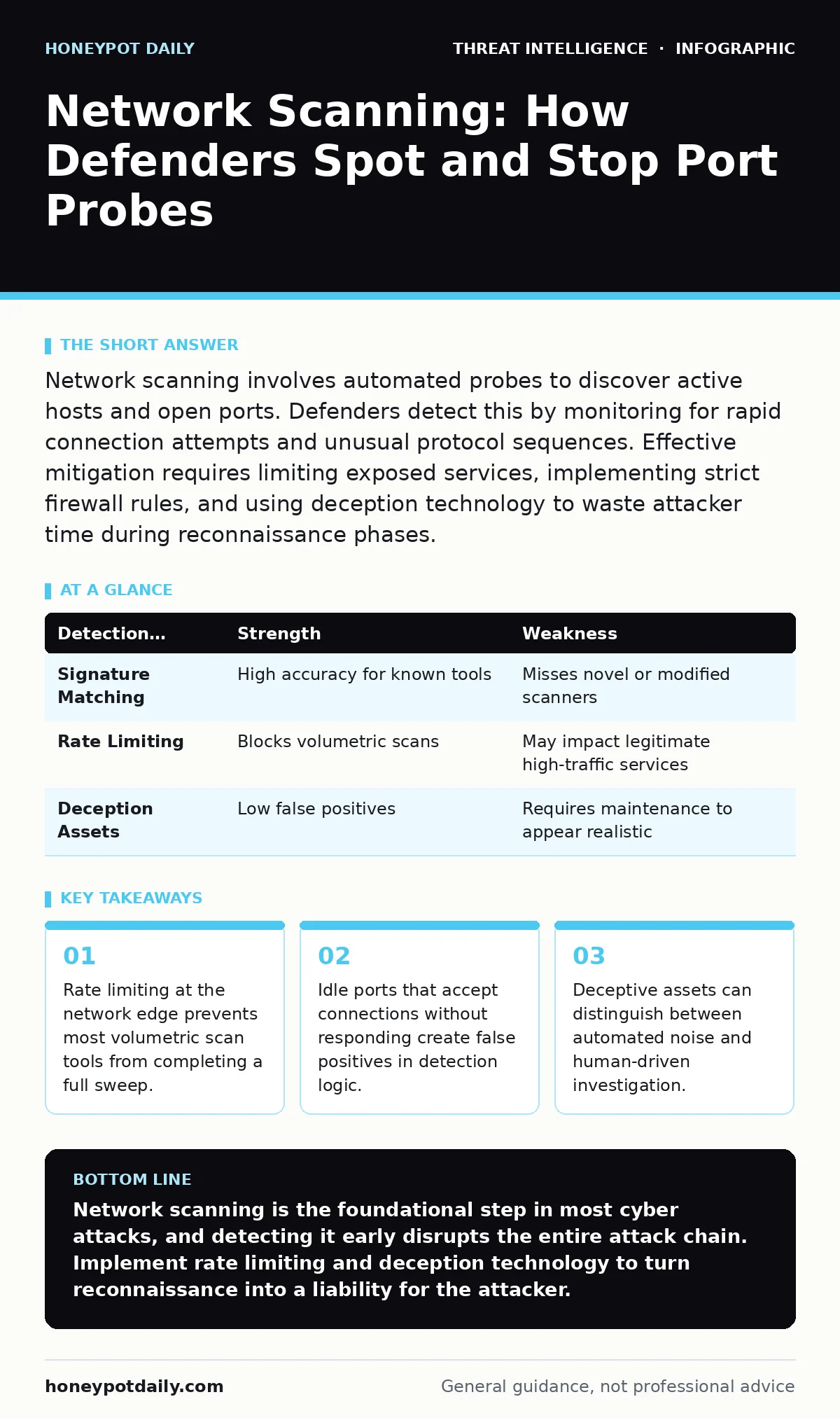
Network scanning involves automated probes to discover active hosts and open ports. Defenders detect this by monitoring for rapid connection attempts and unusual protocol sequences. Effective mitigation requires limiting exposed services, implementing strict firewall rules, and using deception technology to waste attacker time during reconnaissance phases.
What defines network scanning in a defensive context?
Network scanning is the automated process of probing a range of IP addresses to identify active hosts, open ports, and running services. Attackers use this data to build a map of your infrastructure before launching targeted exploits. Defenders monitor for these patterns to identify early-stage reconnaissance. The activity ranges from simple ping sweeps to complex service fingerprinting.
How do attackers choose which ports to probe?
Scanners target common service ports first, such as those used for web traffic, email, or remote administration. They rely on the fact that many organisations leave default services exposed. Less common ports are scanned only after initial targets are identified. This tiered approach reduces the time required to find vulnerable entry points.
Why do basic firewall rules fail to stop scanning?
Standard firewalls filter traffic based on destination port and source IP address. They do not always inspect the behaviour or volume of connection attempts. A scanner can send slow, spaced-out packets that mimic legitimate user traffic. This evasion technique bypasses simple stateful inspection. You must configure rate limiting to drop excessive connection attempts from single sources.
How can you distinguish scanning from legitimate traffic?
Legitimate users typically connect to a small number of ports on specific hosts. Scanners attempt connections to hundreds of ports across multiple hosts in rapid succession. The key indicator is the ratio of failed connections to successful ones. High failure rates suggest an automated tool rather than human activity. This distinction helps reduce noise in your security alerts.
What role does service fingerprinting play in attacks?
Service fingerprinting identifies the specific software version running on an open port. Attackers use this information to select exploits that match known vulnerabilities. The scanner sends crafted packets and analyses the response headers or timing. This data reveals whether a service is patched or outdated. Defending against this requires hiding version details where possible.
See also: Port Scanning Mistakes: 7 Errors That Leave Your Network Exposed · Network Detection and Response: How It Works and Why You Need It
How does network segmentation limit scan impact?
Segmentation divides your network into smaller, isolated zones. Even if a scanner identifies open ports, it cannot easily traverse between segments. This containment prevents lateral movement after an initial breach. Each segment should have strict access controls between it and others. This structure adds friction to the attacker’s workflow.
Why do intrusion detection systems miss some scans?
Intrusion detection systems rely on predefined signatures of known attack patterns. New or modified scanning tools may not match these signatures. Additionally, distributed scans from many sources can look like normal background noise. If your system is not tuned to detect low-and-slow activity, it will ignore the threat. Regular tuning of detection rules is necessary to catch evolving techniques.
How does deception technology improve detection?
Deception involves placing fake assets or services that appear valuable but are actually traps. When a scanner interacts with these assets, it generates high-fidelity alerts. This method reduces false positives because legitimate users rarely interact with decoy systems. It also wastes attacker time as they analyse non-existent vulnerabilities. This delay increases the risk of detection for the attacker.
| Detection Method | Strength | Weakness |
|---|---|---|
| Signature Matching | High accuracy for known tools | Misses novel or modified scanners |
| Rate Limiting | Blocks volumetric scans | May impact legitimate high-traffic services |
| Deception Assets | Low false positives | Requires maintenance to appear realistic |
What is the hidden cost of over-blocking scan traffic?
Aggressive blocking of connection attempts can disrupt legitimate services that rely on frequent health checks. Some applications perform their own internal scanning for availability. If your firewall drops these packets, you create operational instability. You must balance security with service availability. Whitelisting known internal scanners can prevent accidental outages.
How do you validate your detection capabilities?
Regular testing with controlled scanning tools reveals gaps in your monitoring. These tests simulate real-world reconnaissance without causing harm. They help you verify that alerts are generated and routed correctly. This validation ensures your defences are active, not just configured. You should perform these tests periodically to account for infrastructure changes.
What advanced techniques evade traditional detection?
Advanced scanners use protocol manipulation to hide their activity within legitimate traffic. They may embed scanning commands in DNS queries or HTTP headers. This technique, known as tunnelling, bypasses standard port-based filters. Defenders must inspect payload content, not just headers. This deeper inspection requires more processing power and sophisticated analysis tools.
How does external exposure affect scanning risk?
Public-facing services are the primary target for automated scanning. The internet is constantly swept by bots looking for vulnerable entry points. Internal networks are less exposed but can be targeted if external breaches occur. Reducing your external attack surface minimises the initial foothold. Regularly audit public IP addresses and remove unused services.
What is the relationship between scanning and threat intelligence?
Threat intelligence feeds provide data on known scanning sources and techniques. Integrating this data into your detection tools improves accuracy. You can block traffic from sources known to conduct malicious scanning. This proactive approach reduces the volume of alerts you must investigate. It complements your internal monitoring by adding external context.
How do you respond to a detected scan?
Initial response involves verifying the source and scope of the activity. If the source is external, block it at the perimeter. If internal, investigate the host for compromise. Document the activity for future trend analysis. This process helps refine your detection rules over time. Consistent response procedures ensure that no scanning activity goes unaddressed.
Key takeaways
- Rate limiting at the network edge prevents most volumetric scan tools from completing a full sweep.
- Idle ports that accept connections without responding create false positives in detection logic.
- Deceptive assets can distinguish between automated noise and human-driven investigation.
Network scanning is the foundational step in most cyber attacks, and detecting it early disrupts the entire attack chain. Implement rate limiting and deception technology to turn reconnaissance into a liability for the attacker.
Frequently asked questions
Is network scanning illegal?
Unauthorised scanning of systems you do not own or have permission to test is illegal in most jurisdictions. Always obtain written consent before scanning external or internal assets.
How often should I update my detection rules?
Update rules whenever new scanning techniques are identified or after significant infrastructure changes. Regular reviews ensure your defences remain effective against evolving methods.
Can I scan my own network for security purposes?
Yes, authorised internal scanning is a standard security practice. Ensure it is scheduled to avoid performance impacts and that all team members are aware of the activity.
Do cloud environments face different scanning risks?
Cloud environments often have dynamic IP addresses, making traditional blocking harder. Use security groups and network ACLs to restrict access, as perimeter firewalls behave differently in cloud architectures.
How this guide was produced: written by the Honeypot Daily editorial team with AI assistance, checked against the public references listed below, and reviewed when the facts change. See our editorial policy or report an error.