Account Lockout Policies: Why Locking Accounts May Help Less Than You Think
Account lockout policies reduce brute-force success but create a high risk of denial-of-service against your own user base during coordinated attacks.
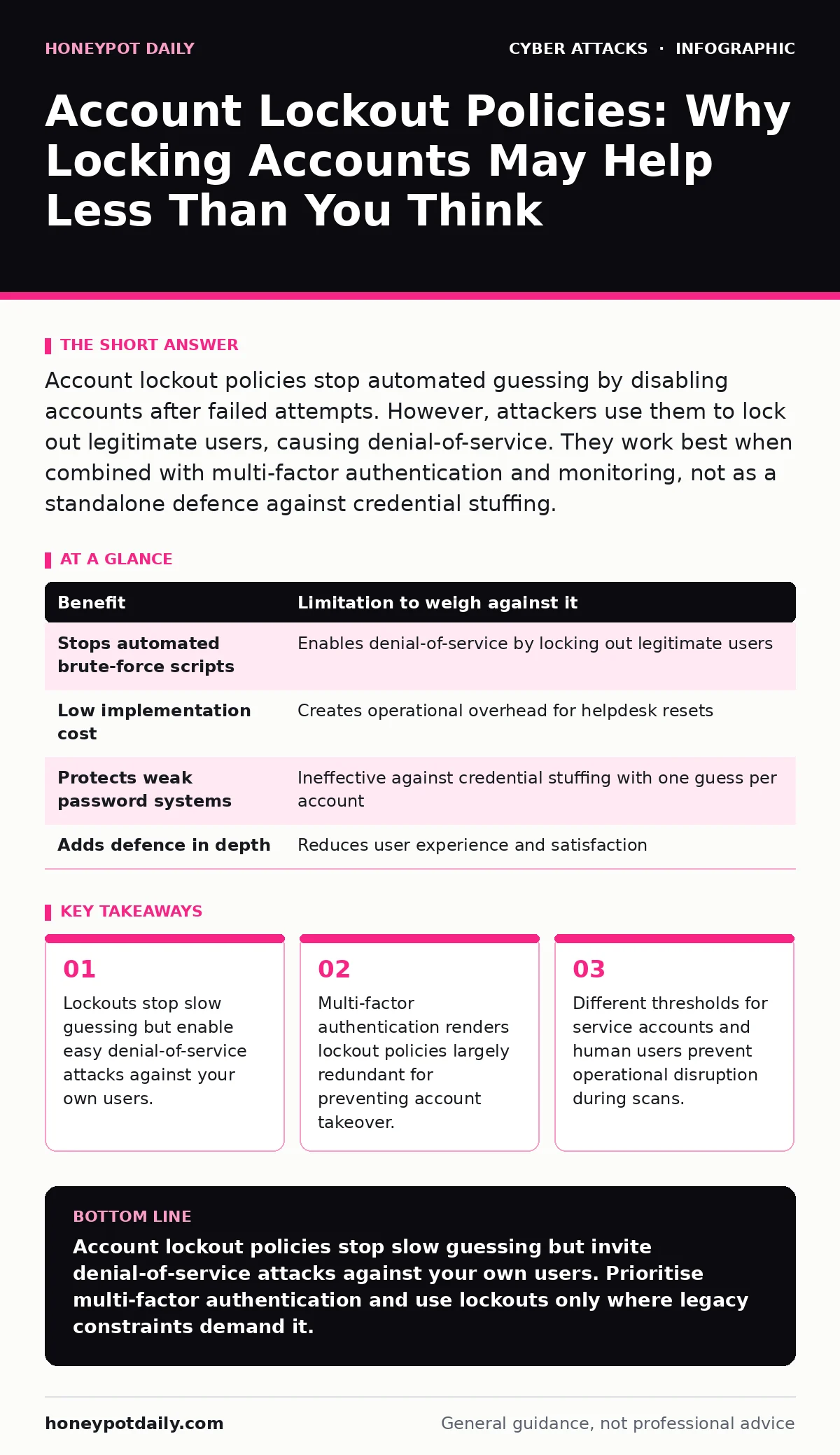
Account lockout policies stop automated guessing by disabling accounts after failed attempts. However, attackers use them to lock out legitimate users, causing denial-of-service. They work best when combined with multi-factor authentication and monitoring, not as a standalone defence against credential stuffing.
The Mechanics of Forced Logout
Account lockout policies are security controls that disable a user account after a set number of consecutive failed login attempts. The mechanism is simple: if you enter the wrong password five times, the system refuses further attempts for a period. This prevents attackers from running automated scripts that guess passwords rapidly.
The intention is to increase the cost of an attack. An attacker cannot simply try every word in a dictionary if the account disappears after five tries. They must stop, wait for the lockout period to expire, and then try again. This introduces friction into the attack chain.
However, this friction applies to everyone. It does not distinguish between a malicious actor and a confused employee. When an attacker targets a specific employee, the lockout policy becomes a weapon that disables the victim’s access. This is the fundamental trade-off: you gain security against brute force but lose availability for the targeted user.
Denial-of-Service Against Your Users
The most significant limitation of account lockout policies is that they are easily weaponised for denial-of-service. Imagine an attacker knows your username but not your password. They send five failed login requests from a remote server. Your system locks the account. The legitimate user now cannot log in, even with the correct password.
This requires minimal effort from the attacker. They do not need to breach the system. They only need to disrupt it. For security operations teams, this creates noise. You receive alerts that an account is locked, but the action required is often simply to wait or reset the account manually. The attacker has succeeded in consuming your operational resources without gaining access.
This tactic is particularly effective during business hours. Locking out a key manager or a customer support agent halts workflows. The attacker gains leverage by threatening continued disruption unless certain conditions are met. This turns a security control into a business risk. You must weigh the reduction in brute-force success against the increase in helpdesk tickets and operational friction.
The False Sense of Security
Many organisations believe that account lockout policies protect them against credential stuffing. Credential stuffing involves using lists of leaked usernames and passwords from other breaches to try to log in. Attackers know these credentials are valid elsewhere, so they try them on your systems.
Account lockout policies do not stop credential stuffing effectively. If an attacker tries one leaked password per account, they only need one failed attempt to trigger the lockout. They can then move to the next account. If they try multiple passwords per account, they lock the account out, but they have not gained access. The damage is done: the user is locked out, and the attacker has moved on.
This dynamic highlights a critical gap. Lockout policies protect the password, not the account session. If an attacker guesses the password correctly on the first try, the lockout policy does nothing. It only activates after failure. Therefore, it provides no defence against lucky guesses or high-quality leaked credentials.
Multi-Factor Authentication Changes the Calculus
The value of account lockout policies diminishes significantly when you implement multi-factor authentication. Multi-factor authentication requires a second form of verification, such as a code from a mobile device or a hardware key. Even if an attacker guesses the password correctly, they cannot log in without the second factor.
When multi-factor authentication is active, the password is no longer the sole gatekeeper. This reduces the incentive for attackers to brute-force passwords. They would need to bypass the second factor, which is often more difficult and less scalable. Consequently, the threat of brute-force attacks decreases.
If you have strong multi-factor authentication, account lockout policies become less critical. They add complexity and potential for denial-of-service without adding significant security. You can choose to disable them or set them very high to avoid accidental locks. The second factor provides the protection that the lockout policy once offered.
When It Is Worth It
Account lockout policies remain useful in specific contexts. They are valuable for systems where multi-factor authentication is not feasible or not yet deployed. Legacy systems often cannot support modern authentication protocols. In these cases, lockout policies provide a basic layer of defence against automated attacks.
They are also useful for shared service accounts. These accounts are used by multiple people or automated scripts. They often have weaker passwords because they are not tied to a single individual. Lockout policies can protect these accounts from casual scanning. However, you must ensure that the lockout does not disrupt critical automated processes.
For high-security environments with sensitive data, lockout policies add a layer of defence in depth. Even if other controls fail, the lockout policy slows down attackers. This delay can provide time for detection and response. It is not a silver bullet, but it is a component of a broader security strategy.
When It Is Not
Account lockout policies are not worth the cost when you have robust multi-factor authentication. The complexity and risk of denial-of-service outweigh the marginal security benefit. In these cases, focus on monitoring for anomalous login behaviour rather than locking accounts.
They are also problematic for customer-facing applications. Users expect to access their accounts at any time. Locking them out due to typos or forgotten passwords leads to frustration and support calls. The user experience suffers, and the security gain is minimal. Attackers can easily lock out your customers, causing reputational damage.
Finally, they are ineffective against insider threats. An insider already has access to the system. They do not need to guess passwords. Lockout policies do not prevent misuse of valid credentials. For insider threats, focus on least privilege and activity monitoring.
| Benefit | Limitation to weigh against it |
|---|---|
| Stops automated brute-force scripts | Enables denial-of-service by locking out legitimate users |
| Low implementation cost | Creates operational overhead for helpdesk resets |
| Protects weak password systems | Ineffective against credential stuffing with one guess per account |
| Adds defence in depth | Reduces user experience and satisfaction |
Balancing the Trade-Offs
The decision to use account lockout policies depends on your risk tolerance. You must balance security against availability. If you prioritise security, you may accept the risk of denial-of-service. If you prioritise availability, you may accept the risk of brute-force attacks.
There is no perfect solution. Each approach has costs. The goal is to choose the right mix for your environment. For most organisations, multi-factor authentication should be the priority. Account lockout policies should be secondary, used only where necessary.
Integration with broader security frameworks is key. Use lockout data to inform your incident response plans. If you see a spike in lockouts, investigate for denial-of-service or scanning activity. Use this data to improve your detection capabilities.
Account lockout policies are a tool, not a strategy. They work best when combined with other controls. Do not rely on them alone. Understand their limitations and use them wisely. This ensures you protect your systems without harming your users.
Key takeaways
- Lockouts stop slow guessing but enable easy denial-of-service attacks against your own users.
- Multi-factor authentication renders lockout policies largely redundant for preventing account takeover.
- Different thresholds for service accounts and human users prevent operational disruption during scans.
Account lockout policies stop slow guessing but invite denial-of-service attacks against your own users. Prioritise multi-factor authentication and use lockouts only where legacy constraints demand it.
Frequently asked questions
How many failed attempts should trigger a lockout?
There is no universal number. Start with five to ten attempts. Adjust based on your user base size and typo frequency. High thresholds reduce false positives but allow more guessing.
Can attackers bypass account lockout policies?
Yes. Attackers can use multiple IP addresses or distributed networks to spread failed attempts. They can also target different accounts to avoid triggering global thresholds. Lockouts are not foolproof.
Do lockout policies protect against password spraying?
No. Password spraying uses one password against many accounts. If the threshold is per-account, spraying may not trigger locks. This technique bypasses many standard lockout configurations.
Should I lock out accounts after successful logins from new devices?
This is a separate control. Lockouts typically only trigger on failures. Successful logins from new devices should trigger alerts or step-up authentication, not automatic lockouts.
How this guide was produced: written by the Honeypot Daily editorial team with AI assistance, checked against the public references listed below, and reviewed when the facts change. See our editorial policy or report an error.