
WordPress Plugin Vulnerabilities: Causes, Consequences and Closures
Plugin flaws rarely stem from complex code errors; they usually arise from missing input validation and the silent acceptance of unpatched legacy dependencies.
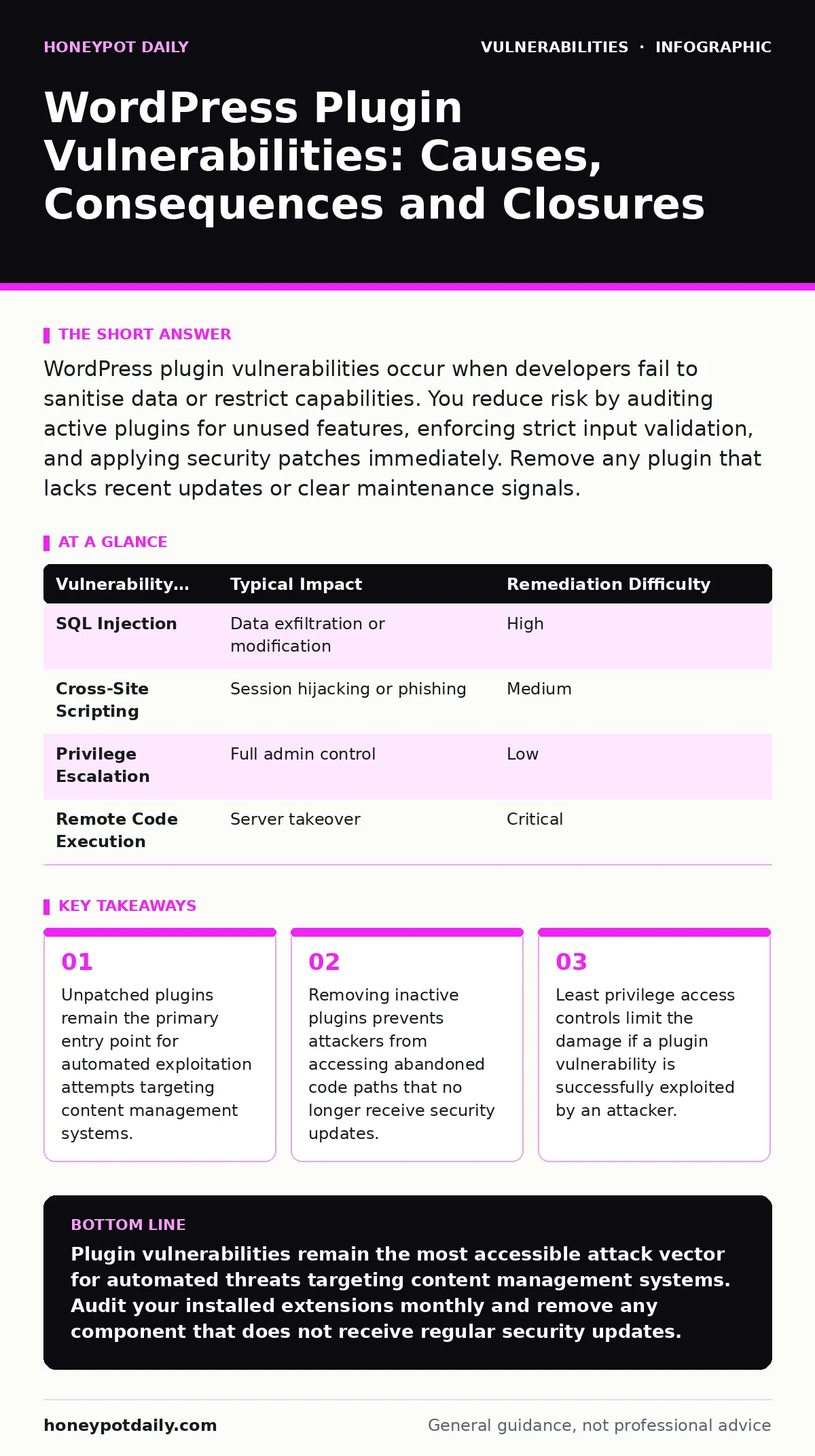
WordPress plugin vulnerabilities occur when developers fail to sanitise data or restrict capabilities. You reduce risk by auditing active plugins for unused features, enforcing strict input validation, and applying security patches immediately. Remove any plugin that lacks recent updates or clear maintenance signals.
What is a WordPress plugin vulnerability?
A WordPress plugin vulnerability is a flaw in third-party code that extends the core functionality of the website. These flaws allow attackers to execute unauthorised actions, read private data, or take control of the server. Most vulnerabilities stem from poor input handling, insufficient authentication checks, or outdated dependencies. The core software remains secure, but the added modules introduce new attack surfaces that require independent maintenance and scrutiny.
Why do plugin vulnerabilities happen more often than core issues?
Plugin vulnerabilities arise because the ecosystem relies on thousands of independent developers with varying security expertise. The core team follows strict coding standards and undergoes rigorous peer review before release. Plugin authors often prioritise feature delivery over security hardening. Many reuse code snippets from unvetted sources or fail to implement proper input validation. This fragmentation creates a inconsistent security baseline across the platform.
Do inactive plugins pose a security risk?
Inactive plugins still pose a security risk if they remain installed on the server. Attackers scan for known vulnerable files regardless of whether the plugin is active in the dashboard. The code resides on the file system and can be accessed via direct URL requests. Removing the plugin entirely deletes the executable files and eliminates the attack surface. Disabling only stops the hook execution but leaves the vulnerable code accessible to determined adversaries.
How do attackers exploit these flaws?
Attackers exploit these flaws by sending crafted requests that trigger the vulnerable code paths. They often use automated tools to scan for known vulnerability signatures in public databases. Once a match is found, the tool sends a payload designed to bypass validation. Common payloads include SQL injection strings to extract database contents or cross-site scripting vectors to hijack user sessions. The speed of automated scanning means exposure windows are extremely short.
What is the impact of a compromised plugin?
The impact of a compromised plugin ranges from defacement to complete server takeover. An attacker may inject malicious JavaScript into pages to redirect visitors or mine cryptocurrency. They can access the file system to plant backdoors for persistent access. In severe cases, the compromise allows lateral movement to other services on the host. The damage extends beyond the website to any connected databases or integrated applications.
| Vulnerability Type | Typical Impact | Remediation Difficulty |
|---|---|---|
| SQL Injection | Data exfiltration or modification | High |
| Cross-Site Scripting | Session hijacking or phishing | Medium |
| Privilege Escalation | Full admin control | Low |
| Remote Code Execution | Server takeover | Critical |
How do you identify vulnerable plugins before exploitation?
You identify vulnerable plugins by maintaining a strict inventory and checking against public vulnerability databases. Regular audits compare installed versions against the latest secure releases. You should also review the plugin’s changelog for recent security fixes. Tools that perform dynamic application security testing (DAST) can probe the running application for hidden flaws. Static analysis of the source code reveals insecure patterns before deployment. Consistent monitoring detects new threats as they emerge.
Why is input validation critical for plugin security?
Input validation is critical because it ensures that only expected data formats reach the application logic. Without it, an attacker can inject malicious code that the system executes as legitimate instructions. Validation must occur at every entry point, including form submissions, API calls, and file uploads. Sanitisation removes harmful characters after validation. This layered approach prevents injection attacks that rely on the application trusting user-supplied data. See our guide on input validation for deeper technical patterns.
How do dependency chains increase exposure?
Dependency chains increase exposure because a plugin may rely on libraries that are no longer maintained. If an upstream library has a known flaw, every plugin using it inherits that risk. Developers often bundle outdated third-party code without realising the implications. When a vulnerability is disclosed in the library, all dependent plugins become vulnerable simultaneously. Tracking these transitive dependencies requires manual effort or specialised software that maps the entire supply chain.
What is the role of least privilege in mitigation?
The role of least privilege in mitigation is to restrict what a compromised plugin can do. By granting the plugin only the permissions it strictly needs, you limit the blast radius of an exploit. For example, a contact form plugin does not need access to the database schema or other plugin directories. Implementing strict capability checks ensures that even if code execution occurs, the attacker cannot escalate their rights. This approach aligns with general mitigations and workarounds strategies.
How does exposure management reduce plugin risk?
Exposure management reduces plugin risk by continuously identifying and classifying all external-facing assets. You cannot secure what you cannot see. A comprehensive view of your plugin estate reveals shadow IT and forgotten installations. This visibility enables prioritised patching based on actual exposure rather than theoretical severity. It integrates with threat modeling to understand how specific plugins interact with the broader infrastructure. Regular exposure reviews keep the attack surface minimal and manageable.
What steps prevent future plugin compromises?
Preventing future plugin compromises requires a disciplined lifecycle management process. Start by sourcing plugins only from reputable repositories with active maintenance. Review user feedback and developer responsiveness before installation. Keep all components updated promptly after security releases. Remove any plugin that is unused or unsupported. Implement HTTP security headers to add an additional layer of defence against browser-based attacks. Regularly test the environment to ensure controls remain effective.
Key takeaways
- Unpatched plugins remain the primary entry point for automated exploitation attempts targeting content management systems.
- Removing inactive plugins prevents attackers from accessing abandoned code paths that no longer receive security updates.
- Least privilege access controls limit the damage if a plugin vulnerability is successfully exploited by an attacker.
Plugin vulnerabilities remain the most accessible attack vector for automated threats targeting content management systems. Audit your installed extensions monthly and remove any component that does not receive regular security updates.
Frequently asked questions
Should I delete or disable unused plugins?
Delete them entirely. Disabling only stops the code from running but leaves the files on the server, where they can still be accessed and exploited by attackers scanning for known vulnerabilities.
How quickly should I patch a known vulnerability?
Patch immediately upon release of a secure update. Automated scanners detect known vulnerabilities within hours. Delaying the update leaves your system exposed to unauthenticated attacks that require no user interaction.
Are free plugins less secure than premium ones?
Price does not guarantee security. Many free plugins are maintained by dedicated developers who follow strict security practices. Premium plugins can also contain severe flaws if the vendor neglects updates. Review the code quality and update frequency regardless of cost.
Can I use a plugin that hasn't been updated in two years?
Avoid using it. An outdated plugin likely contains unpatched vulnerabilities and may be incompatible with current security standards. The risk of exploitation outweighs the utility of legacy features that no longer receive maintenance.
How this guide was produced: written by the Honeypot Daily editorial team with AI assistance, checked against the public references listed below, and reviewed when the facts change. See our editorial policy or report an error.