
Dynamic Application Security Testing: Answers to Eight Common Questions
DAST reveals runtime flaws like injection attacks that static code scans miss, but it cannot see inside the source code logic itself.
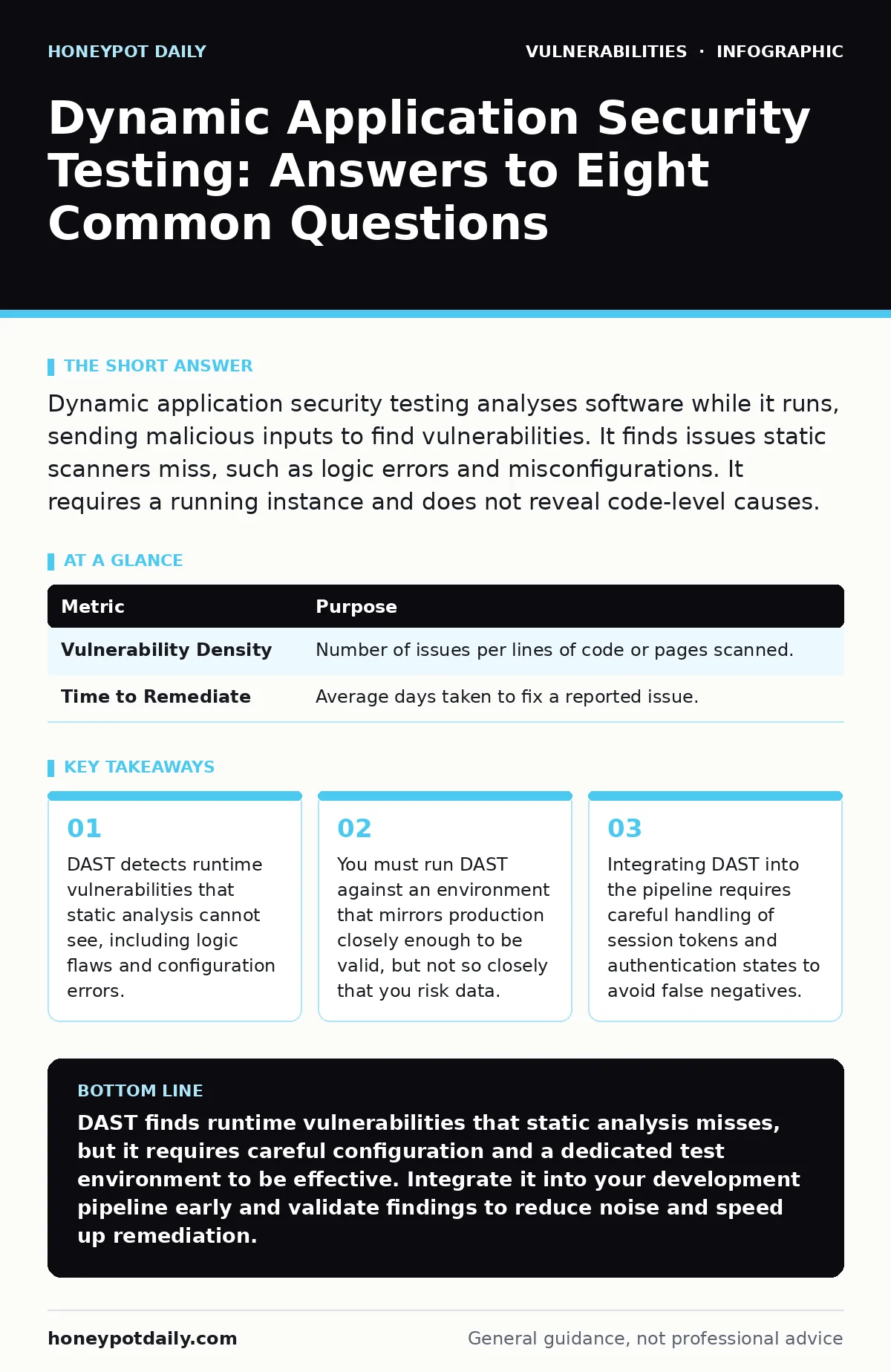
Dynamic application security testing analyses software while it runs, sending malicious inputs to find vulnerabilities. It finds issues static scanners miss, such as logic errors and misconfigurations. It requires a running instance and does not reveal code-level causes.
What exactly is dynamic application security testing?
Dynamic application security testing (DAST) is the process of analysing a running application by sending crafted requests and observing the responses. It acts as an external attacker, probing for weaknesses without needing access to the source code. This approach identifies how the application behaves under actual attack conditions.
Unlike static analysis, which reads code like a document, DAST interacts with the software like a user. This means it finds bugs that only appear when the code executes. It is particularly effective at finding configuration errors and runtime issues.
How does DAST differ from static application security testing?
Static application security testing (SAST) examines source code without executing it, looking for patterns that match known vulnerability signatures. DAST, by contrast, tests the compiled and deployed application through its user interface or API. SAST finds the line of code causing the bug; DAST finds the effect of that bug in the running system.
Imagine a locked door. SAST checks the lock’s design on the blueprint. DAST tries every key in the keyhole to see if it opens. You need both because a perfect lock design can be installed incorrectly. SAST catches the bad design; DAST catches the poor installation.
Can DAST find logic errors in business workflows?
Yes, DAST is uniquely suited to finding business logic flaws that static scanners often miss. Logic errors occur when the application’s rules are bypassed, such as accessing an admin page without logging in. Since DAST operates at the application layer, it can sequence requests to test these workflows.
However, standard DAST tools may struggle with complex multi-step logic without custom scripts. You often need to configure the tool to understand the specific flow of your application. Without this guidance, the scanner might treat each page in isolation and miss the cumulative error.
Why does DAST require a separate testing environment?
Running DAST against your production environment risks disrupting live services and exposing real customer data to malicious payloads. The tool sends harmful inputs, such as SQL injection attempts, which could corrupt or steal data if the application is vulnerable. A separate test environment isolates these risks while providing a realistic target.
This environment must mirror production closely. If the test server uses different libraries or configurations, the scanner may find issues that do not exist in production, or miss those that do. This discrepancy leads to wasted effort chasing ghosts or leaving real doors open.
How do you handle authentication during automated scans?
Most applications require a user to log in before accessing sensitive features. If the DAST tool cannot maintain a session, it will only scan public pages, missing critical vulnerabilities behind the login wall. You must configure the scanner to handle authentication cookies or tokens correctly.
Some tools support recording a login flow or injecting tokens automatically. Others require you to set up a dedicated test account. Without proper authentication handling, the coverage of your scan will be superficial. This gap is where many serious vulnerabilities hide, waiting for an attacker who has stolen a session token.
See also: Dependency scanning for small teams: low cost, high impact · Citrix NetScaler Vulnerabilities Prevention Checklist
What are the main limitations of dynamic testing?
DAST cannot see inside the application’s source code, so it cannot determine the exact cause of a vulnerability. It tells you that a specific input causes an error, but not which line of code is responsible. This makes remediation slower, as developers must trace the issue back manually.
It also struggles with applications that require complex user interactions or hardware dependencies. If the application relies on specific client-side behaviour, a headless scanner may not trigger the vulnerable code path. Furthermore, DAST is blind to issues in the code that never manifest in the runtime output, such as unhandled exceptions in unused functions.
How does DAST integrate with CI/CD pipelines?
Integrating DAST into continuous integration and deployment pipelines allows you to catch vulnerabilities early, before code reaches production. You trigger the scan automatically when a new build is deployed to a staging environment. If the scanner finds critical issues, the pipeline can halt deployment.
This process adds time to your release cycle. You must balance the need for thorough testing with the desire for rapid deployment. Slow scans can become a bottleneck for development teams. Optimising scan scope and using incremental testing helps mitigate this delay.
Can DAST replace penetration testing?
No, DAST cannot replace manual penetration testing because it lacks human intuition and creativity. Automated scanners follow predefined rules and patterns. They may miss novel attack vectors or subtle logic flaws that do not match known signatures. A skilled tester can think like an adversary and exploit chains of weaknesses.
DAST provides broad coverage of common vulnerabilities quickly. Penetration testing offers deep, targeted analysis of specific high-value targets. Using both creates a layered defence. DAST catches the low-hanging fruit; pen testers hunt the hidden threats.
How do you reduce false positives in DAST reports?
False positives occur when the scanner reports a vulnerability that does not actually exist or is not exploitable. This happens because the tool detects patterns that look like vulnerabilities but are harmless in context. For example, a reflected input might look like cross-site scripting but is properly encoded.
You can reduce false positives by tuning the scan profile to your specific technology stack. Excluding known safe endpoints and customising the rules for your framework helps. Reviewing and validating findings manually is also necessary. Over time, you build a knowledge base of safe patterns that the tool can ignore.
What metrics should you track for DAST effectiveness?
Tracking the number of vulnerabilities found is not enough. This shows whether your process is improving security or just generating noise. Also, track the coverage of the scan, ensuring it reaches all authenticated areas.
Comparing results over time helps identify trends. If certain types of vulnerabilities keep appearing, you may need to update your training or tools. Metrics should drive action, not just reporting. Use them to refine your testing strategy and focus on the most impactful risks.
| Metric | Purpose |
|---|---|
| Vulnerability Density | Number of issues per lines of code or pages scanned. |
| Time to Remediate | Average days taken to fix a reported issue. |
Key takeaways
- DAST detects runtime vulnerabilities that static analysis cannot see, including logic flaws and configuration errors.
- You must run DAST against an environment that mirrors production closely enough to be valid, but not so closely that you risk data.
- Integrating DAST into the pipeline requires careful handling of session tokens and authentication states to avoid false negatives.
DAST finds runtime vulnerabilities that static analysis misses, but it requires careful configuration and a dedicated test environment to be effective. Integrate it into your development pipeline early and validate findings to reduce noise and speed up remediation.
Frequently asked questions
Does DAST require access to source code?
No, DAST operates externally by interacting with the running application through its user interface or API, making it ideal for black-box testing.
Can DAST detect zero-day vulnerabilities?
DAST can detect unknown vulnerabilities if they manifest through observable errors or unexpected behaviour, but it cannot identify flaws that do not affect the application's output.
Is DAST safe to run on production systems?
It is generally unsafe due to the risk of disrupting services or exposing data; always use a mirrored test environment that isolates the impact of malicious payloads.
How often should you run DAST scans?
You should run DAST scans with every significant code change or deployment to catch new vulnerabilities early, and perform full scans regularly to catch configuration drift.
How this guide was produced: written by the Honeypot Daily editorial team with AI assistance, checked against the public references listed below, and reviewed when the facts change. See our editorial policy or report an error.