
How HTTP Security Headers Work: The Mechanics Behind Browser Enforcement
HTTP headers act as strict contracts between server and client, forcing browsers to reject scripts or frames that violate your declared security policies.
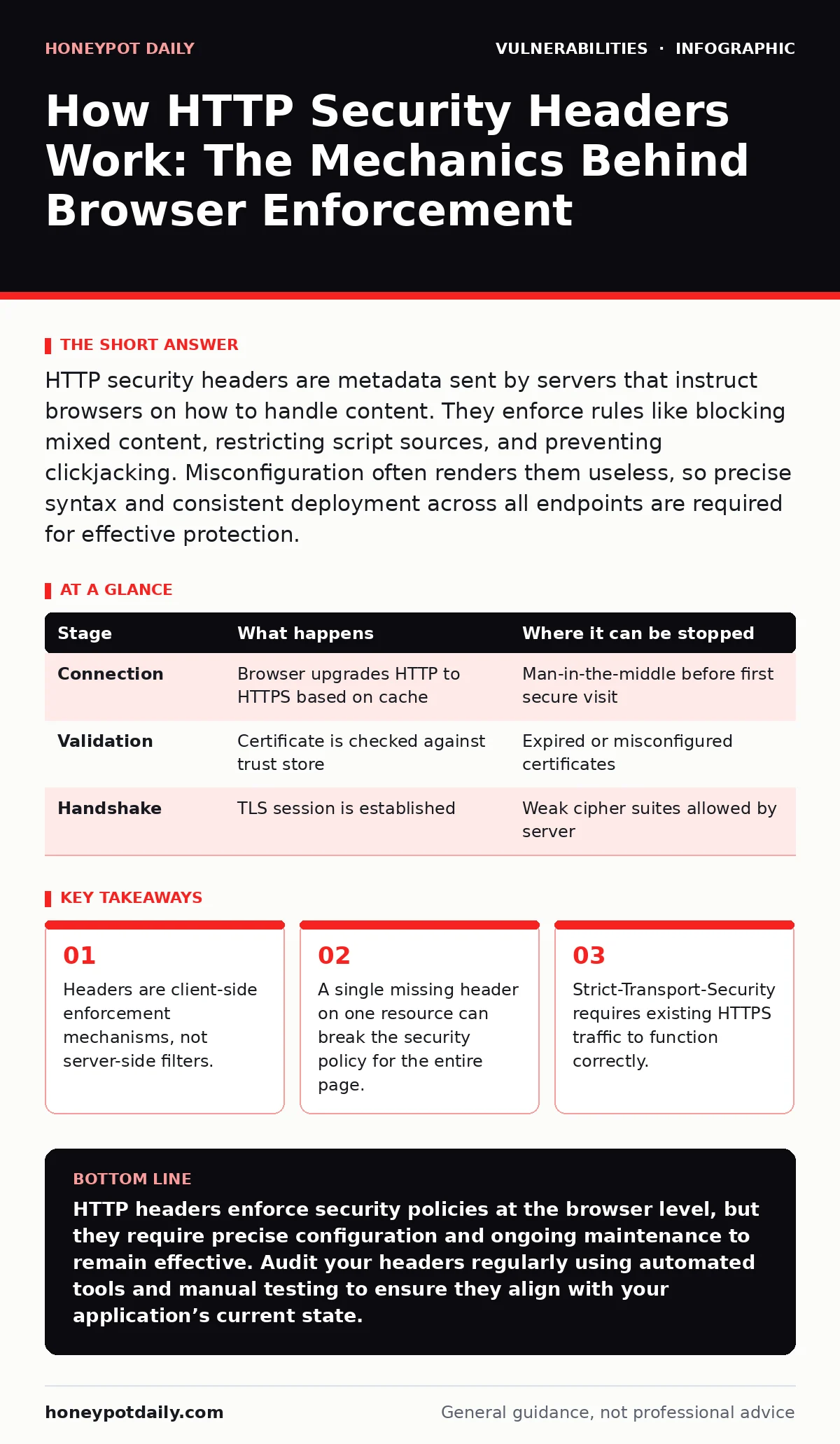
HTTP security headers are metadata sent by servers that instruct browsers on how to handle content. They enforce rules like blocking mixed content, restricting script sources, and preventing clickjacking. Misconfiguration often renders them useless, so precise syntax and consistent deployment across all endpoints are required for effective protection.
The Request-Response Contract
When a user visits a website, the browser does not simply render HTML. It evaluates a set of instructions sent alongside the content. These instructions are HTTP headers. They form a contract between the server and the client. The server declares what is allowed; the browser enforces those declarations.
This mechanism shifts the burden of security from the application logic to the user agent. The browser becomes the guardian. It checks every resource loaded against the rules defined in the headers. If a resource violates the rule, the browser blocks it. This happens before the page fully renders.
You must understand that headers are hints, not walls. They rely on the browser’s implementation of standards. Different browsers may interpret edge cases differently. A header that works in Chrome might behave subtly differently in Firefox. This variability is a hidden cost of relying on client-side enforcement.
Stage 1: Initial Connection and Transport Security
The process begins with the connection itself. Before any HTML is parsed, the browser establishes a channel with the server. This is where Strict-Transport-Security (HSTS) operates. It tells the browser to only use secure connections for future requests.
This header prevents protocol downgrade attacks. It stops the browser from falling back to HTTP. Once a browser receives HSTS, it remembers this domain. Future attempts to visit the site via HTTP are automatically upgraded to HTTPS. The browser performs this upgrade before sending the request.
This stage is critical for establishing trust. If the initial connection is not secure, HSTS cannot be delivered. This creates a chicken-and-egg problem for new deployments. You must ensure the first visit is secure, or the header is never received. This is why virtual patching at the network layer can provide immediate protection while you configure HSTS correctly.
| Stage | What happens | Where it can be stopped |
|---|---|---|
| Connection | Browser upgrades HTTP to HTTPS based on cache | Man-in-the-middle before first secure visit |
| Validation | Certificate is checked against trust store | Expired or misconfigured certificates |
| Handshake | TLS session is established | Weak cipher suites allowed by server |
Stage 2: Content Parsing and Policy Declaration
Once the connection is secure, the server sends the HTML document. Alongside this document come policy headers. Content-Security-Policy (CSP) is the most complex and powerful. It defines which sources of content are trusted.
The browser parses the CSP header immediately. It builds a whitelist of allowed domains for scripts, styles, images, and frames. This list is strict. If a script comes from a domain not in the list, the browser blocks it. This prevents cross-site scripting (XSS) attacks where an attacker injects malicious code.
The mechanism here is allow-listing, not block-listing. You define what is good, and everything else is bad. This is a fundamental shift in security thinking. It is easier to know what your site should load than what an attacker might do. However, building a correct CSP is difficult. It requires detailed knowledge of your application’s dependencies.
Stage 3: Resource Loading and Enforcement
As the browser renders the page, it encounters tags for scripts, images, and styles. It checks each URL against the CSP rules defined in Stage 2. This is the enforcement phase.
If a resource matches a rule, it loads normally. If it does not match, the browser blocks it. It also logs the violation. These logs are visible in the browser’s developer console. They are vital for debugging misconfigurations.
This stage reveals a non-obvious consequence. Inline scripts and event handlers are often blocked by default. Many legacy applications rely on these for functionality. Removing them requires refactoring the application. This is a significant development cost. You cannot simply add a header and expect everything to work. You must adapt your code to the policy.
Stage 4: Frame Protection and Clickjacking Prevention
Browsers also check for framing directives. X-Frame-Options and the frame-ancestors directive in CSP control whether your site can be embedded in an iframe. This prevents clickjacking attacks.
Clickjacking tricks users into clicking something different from what they see. An attacker places an invisible iframe over a legitimate button. When the user clicks, they interact with the hidden frame. The header stops this by refusing to load inside frames.
This mechanism is straightforward but often overlooked. Many internal tools allow framing for convenience. Disabling this can break legitimate use cases. You must identify which pages truly need to be framed. For most public-facing pages, framing should be disabled entirely. This is a simple mitigation that reduces attack surface significantly.
Stage 5: Feature Policy and Permissions
Modern browsers offer powerful features like camera access, geolocation, and payment requests. Permissions-Policy (formerly Feature-Policy) controls which origins can use these features.
This header restricts powerful APIs to trusted contexts. It prevents third-party scripts from accessing sensitive user data. For example, you can allow your own scripts to access the camera but block all third-party embeds.
This stage is about least privilege. You grant permissions only where needed. This limits the damage if a third-party script is compromised. It is a layer of defense that many teams ignore. Configuring these policies requires auditing your site’s use of browser APIs. It is an ongoing task as new features are added.
Limits and Edge Cases
HTTP headers are not a silver bullet. They have inherent limits. The most significant is that they require the browser to cooperate. If the user’s browser is outdated or misconfigured, the headers may be ignored.
Another limit is complexity. Maintaining correct headers is difficult. As your site grows, dependencies change. A new library might require a new CSP rule. If you miss it, the site breaks. This is why change management for security patches must include header updates. You cannot deploy code without considering the security policy.
Headers also do not protect against server-side vulnerabilities. If an attacker can inject code at the server level, headers will not stop it. They only control how the browser handles the response. You still need input validation to prevent injection in the first place. Headers are a defence-in-depth measure, not a standalone solution.
Integration with Testing Strategies
To ensure your headers are effective, you need continuous testing. Dynamic application security testing (DAST) tools can scan for missing or weak headers. They simulate attacks and check the responses.
However, DAST tools can miss context-specific issues. They may not understand your application’s logic. This is where penetration testing adds value. Human testers can explore edge cases and complex interactions. They can identify how headers interact with business logic.
You should also monitor exposure management data. This tells you what is visible to the internet. If a new endpoint appears without headers, it is a risk. Regular audits ensure that all public-facing resources are protected. This is an operational discipline, not a one-time fix.
Maintenance and Evolution
HTTP headers evolve. New directives are added, and old ones are deprecated. You must stay informed about changes to standards. Browsers update their implementations regularly.
This requires a maintenance strategy. You should review your headers periodically. Check for deprecated directives. Update your policies to reflect new best practices. This is part of your regular mitigations and workarounds process.
Do not assume that a working configuration will remain working. Browser vendors tighten security over time. What works today might be blocked tomorrow. Proactive maintenance prevents sudden breakages. It ensures your security posture improves over time.
Key takeaways
- Headers are client-side enforcement mechanisms, not server-side filters.
- A single missing header on one resource can break the security policy for the entire page.
- Strict-Transport-Security requires existing HTTPS traffic to function correctly.
HTTP headers enforce security policies at the browser level, but they require precise configuration and ongoing maintenance to remain effective. Audit your headers regularly using automated tools and manual testing to ensure they align with your application’s current state.
Frequently asked questions
Do HTTP headers protect against all types of attacks?
No, they primarily mitigate client-side attacks like XSS and clickjacking. They do not protect against server-side vulnerabilities or data breaches.
What happens if I misconfigure a Content-Security-Policy header?
The browser may block legitimate resources, breaking your site’s functionality. It will also log violations, which you can use to debug the issue.
Can I use HTTP headers on static websites?
Yes, static site hosts and CDNs allow you to set custom headers. This is often the easiest place to implement strong security policies.
How do I know if my headers are working?
Use browser developer tools to view network responses and console logs. You can also use online scanners to check for common misconfigurations.
How this guide was produced: written by the Honeypot Daily editorial team with AI assistance, checked against the public references listed below, and reviewed when the facts change. See our editorial policy or report an error.