Dependency scanning for small teams: low cost, high impact
Automated dependency scanning finds hidden risks in third-party code before attackers exploit them, saving small teams from costly breaches.
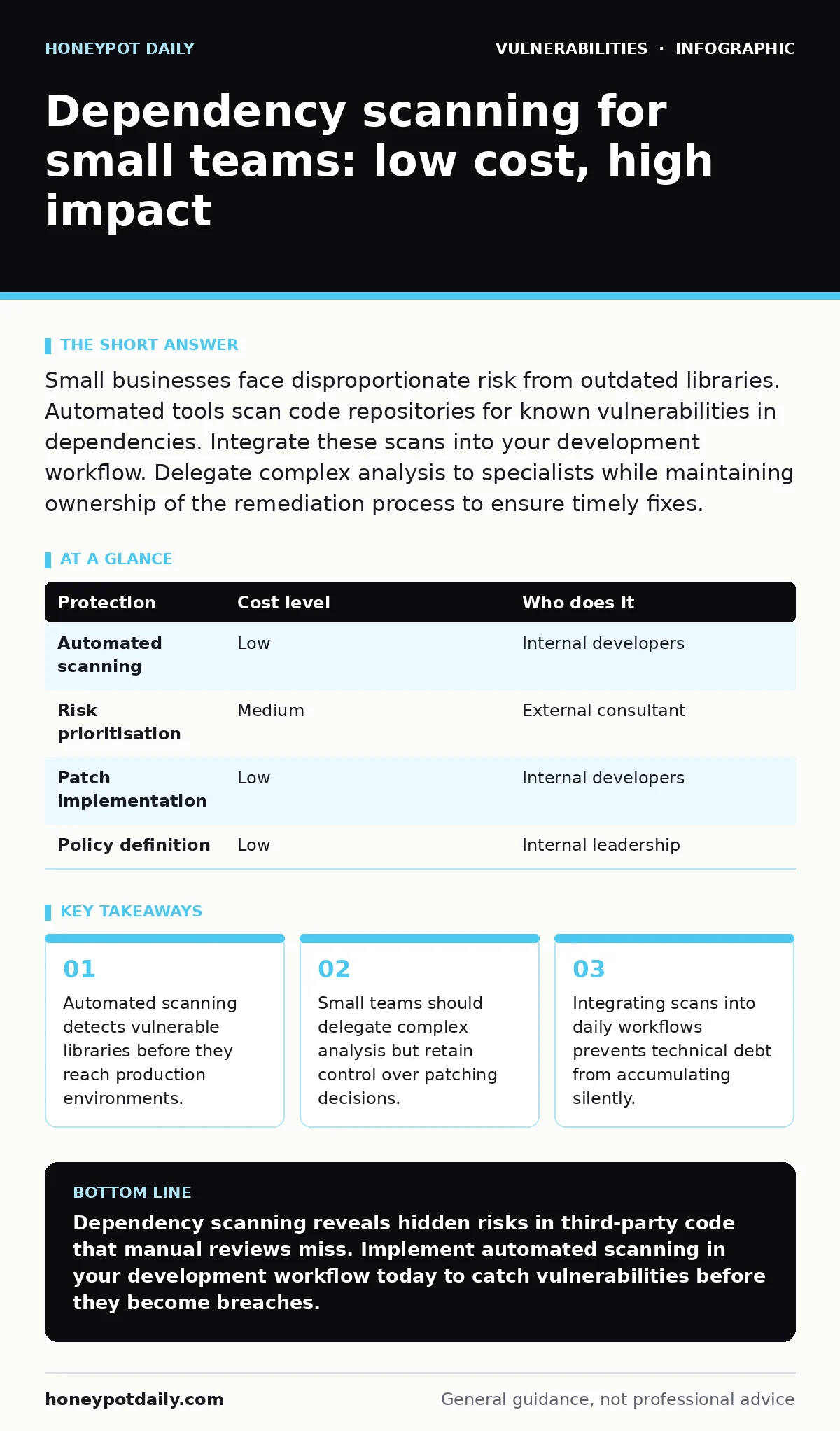
Small businesses face disproportionate risk from outdated libraries. Automated tools scan code repositories for known vulnerabilities in dependencies. Integrate these scans into your development workflow. Delegate complex analysis to specialists while maintaining ownership of the remediation process to ensure timely fixes.
Why dependency scanning matters at small scale
Small organisations often assume they are too insignificant to attract targeted attacks. This assumption is dangerous. Attackers use automated tools to scan the entire internet for known vulnerabilities, regardless of the victim’s size. Your software likely relies on dozens of third-party libraries. Each library introduces its own security surface. A single vulnerable dependency can compromise your entire application.
Dependency scanning identifies these risks automatically. It checks your codebase against databases of known vulnerabilities. This process reveals hidden weaknesses that manual reviews miss. Small teams lack the bandwidth for constant manual auditing. Automation fills this gap efficiently. You gain visibility into your software supply chain without hiring additional security analysts. The cost of ignoring these risks far exceeds the cost of implementation.
Affordable ways to implement scanning
You do not need expensive enterprise suites to start scanning. Many modern development tools include built-in dependency checking. These features often come at no extra cost. Integrated development environments can flag vulnerable packages while you write code. Continuous integration pipelines can run scans automatically after every code commit. This approach ensures that new vulnerabilities are caught early.
Open-source scanners provide another affordable route. These tools connect to public vulnerability databases. They generate reports on outdated or risky dependencies. You can configure them to run on a schedule or trigger them manually. The key is consistency. Running a scan once a month is less effective than running it every time you update code. Automation removes the friction of manual checks. Your team focuses on development, while the tool handles the security hygiene.
What to delegate and what to keep
Small teams often struggle with triage. A scan might return hundreds of findings. Not all findings require immediate action. Some vulnerabilities are theoretical and cannot be exploited in your specific context. Others are critical and demand urgent patches. Deciding which issues to fix first requires expertise. You can delegate this analysis to external security consultants. They interpret the risk context and prioritise the list.
You must retain control over the remediation process. External consultants cannot commit code changes to your repository. They cannot coordinate with your developers. You must own the implementation of fixes. This separation of duties ensures accountability. The consultant advises on risk; your team executes the repair. Delegating the analysis saves time. Keeping the execution ensures speed and alignment with your development cycle.
| Protection | Cost level | Who does it |
|---|---|---|
| Automated scanning | Low | Internal developers |
| Risk prioritisation | Medium | External consultant |
| Patch implementation | Low | Internal developers |
| Policy definition | Low | Internal leadership |
Integrating scans into daily workflows
Scanning must become invisible to the developer. If security checks interrupt the flow of work, developers will bypass them. Integrate the scanner into your version control system. Configure it to run on every pull request. If a vulnerable dependency is introduced, the build fails. This immediate feedback loop educates developers. They learn which libraries are risky. Over time, the team self-regulates.
This integration shifts security left. You catch problems before they reach production. Fixing a vulnerable library in development is cheap. Fixing it after a breach is expensive. The workflow change requires initial setup. You must configure the tool to ignore false positives. You must define acceptable risk thresholds. These settings require review. Regular updates to the configuration ensure the tool remains effective as your codebase evolves.
Understanding the hidden costs of open source
Open-source libraries are free to use but not free to maintain. Many popular libraries have small maintainer teams. When a vulnerability is discovered, the fix may take weeks. You are exposed during this window. Dependency scanning highlights this exposure. It shows you which libraries have active maintenance and which are abandoned.
Abandoned libraries pose a silent threat. They will never receive security patches. You must replace them proactively. Scanning helps you identify these dead ends early. The cost of replacement is higher than the cost of monitoring. However, the cost of a breach is higher still. You must budget for library replacement as part of your development lifecycle. This is a hidden operational cost of using third-party code.
See also: Industrial Control System Vulnerabilities: Hidden Risks and Fixes · How to Read CSAF Advisories Without Misinterpreting Scope
Questions for your IT provider
If you outsource development, you must verify their security practices. Do not assume they scan dependencies. Ask specific questions to assess their maturity. The answers will reveal whether they treat security as an afterthought or a core requirement.
- How often do you run dependency scans on our codebase?
- Which vulnerability databases do your tools reference?
- What is your process for remediating critical findings?
- Do you provide reports on abandoned or unmaintained libraries?
- How do you handle false positives in your scanning results?
These questions force clarity. Vague answers indicate weak processes. You need concrete evidence of their workflow. If they cannot answer, you must implement your own scanning. Do not rely on trust alone. Verify the mechanisms they use to protect your intellectual property and customer data.
Balancing speed and security
Small teams prioritise speed. Security checks can feel like bottlenecks. The goal is to remove friction, not add it. Automated scanning adds milliseconds to the build process. This delay is negligible compared to the cost of a breach. You can further reduce friction by caching scan results. This avoids redundant checks for unchanged dependencies.
Education also reduces friction. When developers understand why certain libraries are blocked, they choose safer alternatives. Provide clear documentation on acceptable libraries. Create a whitelist of approved components. This simplifies decision-making. The team moves faster because they do not need to research every dependency. Security becomes a guardrail, not a barrier.
Key takeaways
- Automated scanning detects vulnerable libraries before they reach production environments.
- Small teams should delegate complex analysis but retain control over patching decisions.
- Integrating scans into daily workflows prevents technical debt from accumulating silently.
Dependency scanning reveals hidden risks in third-party code that manual reviews miss. Implement automated scanning in your development workflow today to catch vulnerabilities before they become breaches.
Frequently asked questions
Is dependency scanning the same as vulnerability scanning?
No. Dependency scanning checks the libraries your code uses. Vulnerability scanning checks your running applications and servers for misconfigurations or known flaws. Both are necessary for complete coverage.
How often should we run dependency scans?
Run scans on every code change. Integrate them into your continuous integration pipeline. This ensures that new vulnerabilities are detected immediately. Scheduled weekly scans are insufficient for active development.
What do we do if a critical library has no patch?
Isolate the affected component if possible. Implement workarounds to mitigate the risk. Consider replacing the library with a maintained alternative. Document the risk and accept it only if the business impact is low.
Can open-source scanners replace paid tools?
Open-source scanners are effective for most small teams. They access the same public vulnerability databases. Paid tools may offer better integration or support. Start with free tools and upgrade only if your complexity grows.
How this guide was produced: written by the Honeypot Daily editorial team with AI assistance, checked against the public references listed below, and reviewed when the facts change. See our editorial policy or report an error.