
Weak Password Policies: 7 Mistakes That Undermine Security
Complex rules often force users to write passwords down, while rate limiting alone fails against credential stuffing attacks that use valid stolen combinations.
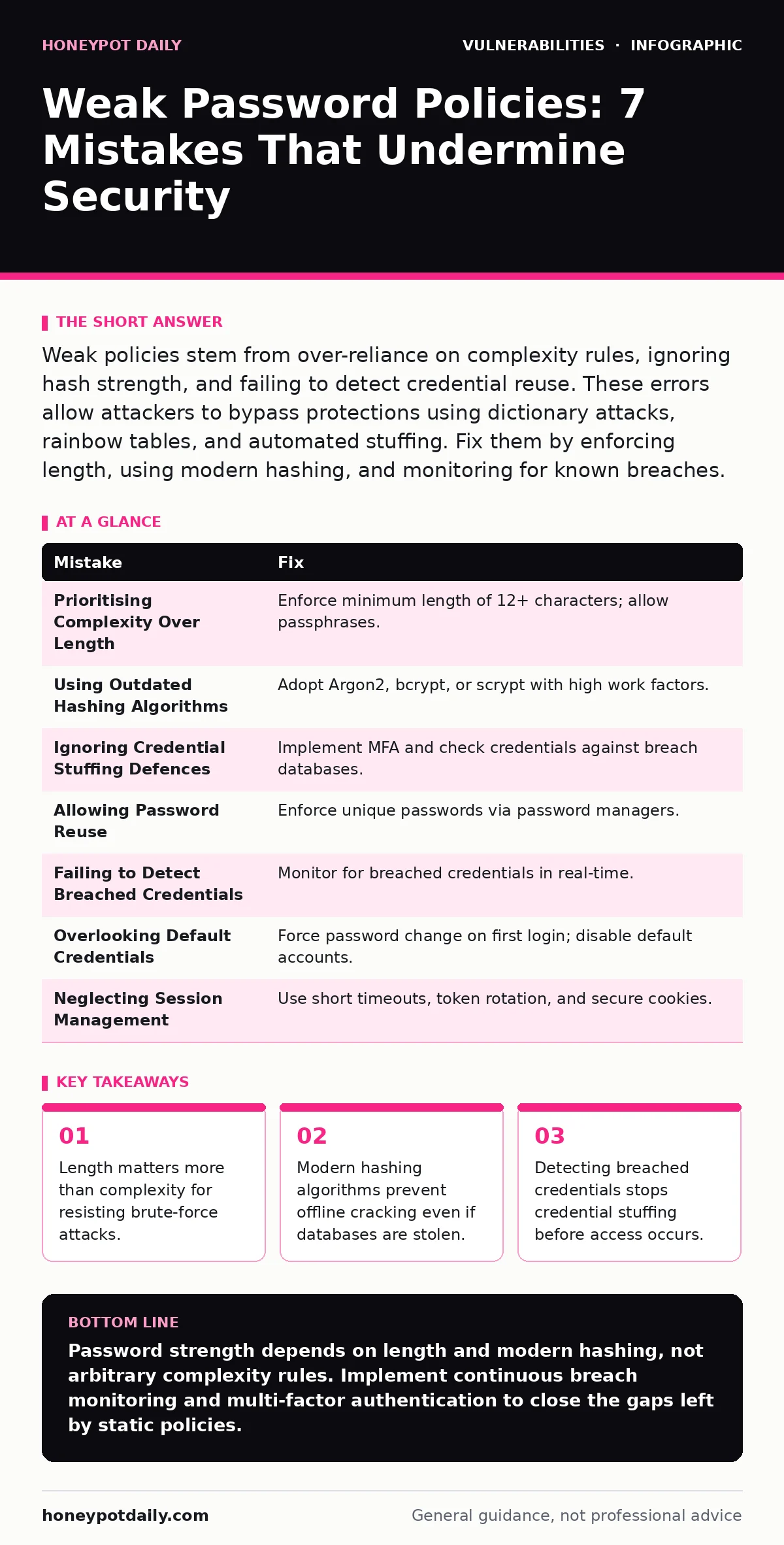
Weak policies stem from over-reliance on complexity rules, ignoring hash strength, and failing to detect credential reuse. These errors allow attackers to bypass protections using dictionary attacks, rainbow tables, and automated stuffing. Fix them by enforcing length, using modern hashing, and monitoring for known breaches.
Mistake 1: Prioritising Complexity Over Length
Why it hurts:
Mandating special characters and numbers often forces users to create predictable patterns, such as appending an exclamation mark to a common word. Attackers use dictionary attacks that append common symbols and numbers to base words. A twelve-character password with only letters provides more entropy than an eight-character password with mixed types. Entropy measures the unpredictability of a password, directly correlating to the time required to crack it. Short passwords with high complexity are easier to guess than long passwords with low complexity.
The fix:
Enforce a minimum password length of twelve characters or more. Allow all printable characters to enable passphrases, which are easier for humans to remember and type. Passphrases combine multiple random words to create high entropy without requiring memorisation of complex character sequences. This approach reduces the likelihood of users writing passwords on physical notes, which introduces physical security risks.
Mistake 2: Using Outdated Hashing Algorithms
Why it hurts:
Storing passwords with weak hashing algorithms like MD5 or SHA-1 exposes them to rapid offline cracking. If an attacker gains access to your database, they can use rainbow tables or brute-force tools to reverse these hashes in seconds. Rainbow tables are precomputed tables for reversing cryptographic hash functions, drastically reducing the time needed to crack passwords. Modern hardware accelerates this process, making legacy hashing methods obsolete for password storage. The consequence is immediate account compromise without needing to bypass network defences.
The fix:
Adopt adaptive hashing functions such as Argon2, bcrypt, or scrypt. These algorithms are designed to be computationally expensive, slowing down brute-force attempts. They incorporate memory hardness, which prevents attackers from using parallel processing hardware like GPUs to crack hashes efficiently. Ensure your configuration sets the work factor high enough to make hashing each password take a noticeable fraction of a second on your servers.
Mistake 3: Ignoring Credential Stuffing Defences
Why it hurts:
Relying solely on account lockouts after failed attempts fails against credential stuffing attacks. Attackers use large lists of valid username and password pairs obtained from other breaches. They rotate IP addresses and use slow, distributed attempts to stay below lockout thresholds. This method bypasses simple rate limiting because each attempt uses a different credential pair. The result is successful authentication without triggering anomaly alerts based on failed login volume.
The fix:
Implement multi-factor authentication (MFA) for all user accounts. MFA requires a second form of verification, rendering stolen passwords useless. Additionally, integrate with breach databases to check incoming credentials against known compromised data. Block logins that match breached credentials before they are accepted. This proactive measure stops attackers from using valid but stolen combinations.
Mistake 4: Allowing Password Reuse Across Services
Why it hurts:
Permitting users to reuse passwords across different systems amplifies the impact of a single breach. If an attacker compromises a low-security external service, they gain access to your internal systems if the same credentials are used. This lateral movement bypasses perimeter defences entirely. The risk is particularly high when internal applications have weaker security controls than public-facing websites. One weak link compromises the entire identity ecosystem.
The fix:
Enforce unique passwords for each service using a password manager. Password managers generate and store complex, unique credentials for every account. This eliminates the need for users to remember multiple passwords, reducing the temptation to reuse them. Enterprise identity solutions can integrate with password managers to streamline authentication while maintaining security standards.
Mistake 5: Failing to Detect Breached Credentials
Why it hurts:
Static password policies do not account for external data leaks. Users often change passwords only when forced by policy cycles, leaving compromised credentials active for months. Attackers monitor breach databases for new entries and immediately attempt to access affected accounts. Without detection mechanisms, these accounts remain vulnerable until the next mandatory reset, which may not occur for years. The window of exposure is large and unmonitored.
The fix:
Implement continuous monitoring for breached credentials. Use APIs that check user passwords against known breach databases in real-time. If a match is found, force an immediate password reset. This dynamic approach ensures that compromised credentials are invalidated quickly, regardless of the policy cycle. It shifts security from a periodic task to a continuous process.
See also: Shared Responsibility Model: 6 Misreadings That Leave Cloud Security Gaps · Hybrid Cloud Security: Definition, Purpose and Hidden Gaps
Mistake 6: Overlooking Default Credentials
Why it hurts:
Leaving default credentials on devices and applications provides an easy entry point for attackers. Many IoT devices and software installations ship with well-known default usernames and passwords. Attackers scan for these defaults using automated tools. If not changed, these accounts grant immediate access without any cracking effort. The risk extends to administrative interfaces that may be exposed to the internet.
The fix:
Enforce a mandatory password change upon first login. Remove or disable default accounts that are not required for operation. Integrate this check into your exposure management processes to identify devices still running default configurations. Regular audits should verify that no systems retain factory-set credentials.
Mistake 7: Neglecting Session Management
Why it hurts:
Strong passwords do not protect against session hijacking. If an attacker steals a session token, they can access the account without knowing the password. Long-lived sessions increase the window of opportunity for token theft. Insecure cookies or lack of token rotation make this attack vector more prevalent. The password policy is irrelevant if the session itself is compromised.
The fix:
Implement short session timeouts and rotate session tokens after privilege changes. Use secure, http-only cookies to prevent client-side script access to tokens. Monitor for unusual session activity, such as access from multiple geographies in a short period. This adds a layer of defence independent of password strength.
Summary of Fixes
| Mistake | Fix |
|---|---|
| Prioritising Complexity Over Length | Enforce minimum length of 12+ characters; allow passphrases. |
| Using Outdated Hashing Algorithms | Adopt Argon2, bcrypt, or scrypt with high work factors. |
| Ignoring Credential Stuffing Defences | Implement MFA and check credentials against breach databases. |
| Allowing Password Reuse | Enforce unique passwords via password managers. |
| Failing to Detect Breached Credentials | Monitor for breached credentials in real-time. |
| Overlooking Default Credentials | Force password change on first login; disable default accounts. |
| Neglecting Session Management | Use short timeouts, token rotation, and secure cookies. |
Key takeaways
- Length matters more than complexity for resisting brute-force attacks.
- Modern hashing algorithms prevent offline cracking even if databases are stolen.
- Detecting breached credentials stops credential stuffing before access occurs.
Password strength depends on length and modern hashing, not arbitrary complexity rules. Implement continuous breach monitoring and multi-factor authentication to close the gaps left by static policies.
Frequently asked questions
How often should passwords be changed?
Mandatory periodic resets are no longer recommended unless a compromise is suspected. They encourage users to choose weaker passwords and often lead to predictable patterns.
Are passphrases secure enough?
Yes, if they consist of multiple random words. A passphrase of four random words provides significantly more entropy than a short complex password.
Can MFA be bypassed?
MFA can be bypassed through phishing or session hijacking, but it raises the bar significantly. It prevents attacks that rely solely on stolen passwords.
How do I check for breached credentials?
Use reputable breach monitoring services that offer APIs. Integrate these checks into your identity management system to detect compromises early.
How this guide was produced: written by the Honeypot Daily editorial team with AI assistance, checked against the public references listed below, and reviewed when the facts change. See our editorial policy or report an error.