
Weak Password Policies Prevention Checklist for Secure Systems
Enforcing complexity rules without account locking mechanisms often creates a faster path for attackers to guess valid credentials through automated tools.
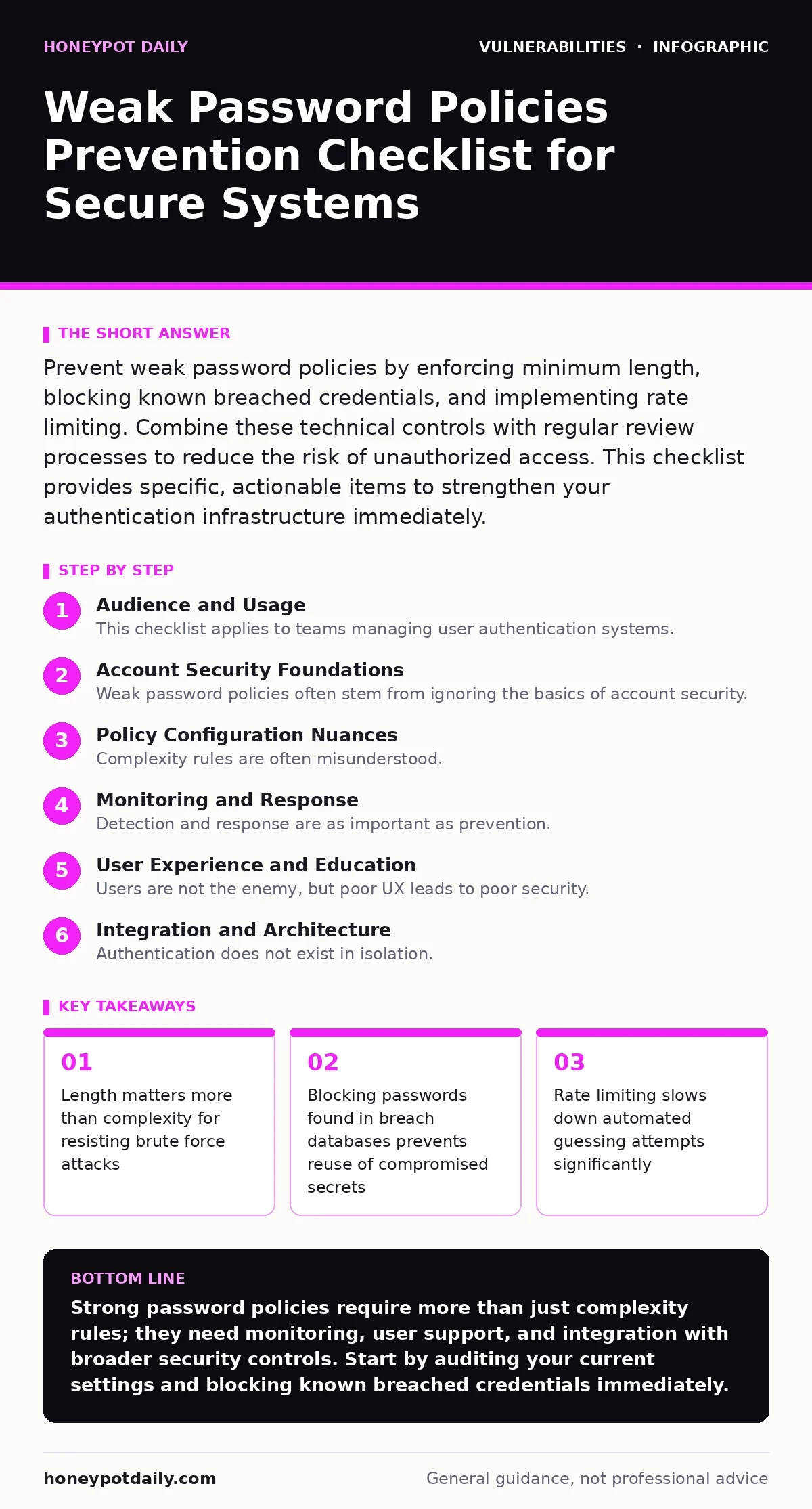
Prevent weak password policies by enforcing minimum length, blocking known breached credentials, and implementing rate limiting. Combine these technical controls with regular review processes to reduce the risk of unauthorized access. This checklist provides specific, actionable items to strengthen your authentication infrastructure immediately.
Audience and Usage
This checklist applies to teams managing user authentication systems. Use it to audit existing configurations and identify gaps in your defence strategy. Each item represents a specific control you can implement. The goal is to reduce the attack surface for credential-based attacks. You do not need to implement every item immediately, but prioritising them reduces risk.
Account Security Foundations
Weak password policies often stem from ignoring the basics of account security. These controls form the foundation of your defence. They are simple to implement but frequently overlooked.
- Enforce minimum password length of 12 characters: Longer passwords increase the time required for brute force attacks exponentially.
- Block passwords found in known breach databases: Reusing compromised credentials allows attackers to access multiple accounts with one guess.
- Disable default credentials on all systems: Default passwords are publicly known and often the first target for automated scanners.
- Require unique passwords per service: Credential stuffing attacks fail when users do not reuse secrets across platforms.
- Implement multi-factor authentication: A second factor protects accounts even if the password is compromised or guessed.
Default credentials are a persistent issue in many environments. Attackers scan for systems that have not been configured out of the box. Changing these secrets is a critical first step. See our guide on default credentials for a deeper look at how to identify and remediate these issues across various platforms.
Policy Configuration Nuances
Complexity rules are often misunderstood. Requiring special characters can lead to predictable patterns. You need to balance security with usability. These items address common pitfalls in policy design.
- Avoid frequent forced password rotation: Forcing changes every 90 days leads to predictable incremental changes like Pass1, Pass2.
- Ban common patterns and dictionary words: Attackers use dictionaries and common sequences; blocking them raises the bar.
- Implement rate limiting on login attempts: Slowing down failed attempts prevents automated tools from guessing thousands of passwords quickly.
- Provide clear feedback on password strength: Users need immediate guidance to create strong passwords without frustration.
- Block passwords similar to the username: Using the username in the password makes it trivially guessable.
Rate limiting is a technical control that protects against offline and online attacks. It does not stop a determined attacker but raises the cost. This is similar to how input validation protects against injection attacks by limiting what the system accepts.
Monitoring and Response
Detection and response are as important as prevention. You must know when an attack is happening. These items help you monitor and react to suspicious activity.
- Log all authentication attempts: Detailed logs allow you to detect brute force patterns and investigate incidents.
- Alert on multiple failed login attempts: Real-time alerts enable rapid response to ongoing attacks.
- Review successful logins from unusual locations: Anomalous access patterns may indicate a compromised account.
- Implement account lockout after excessive failures: Locking accounts temporarily stops automated guessing but can be abused for denial of service.
- Monitor for credential stuffing attacks: These attacks use lists of breached credentials to gain access; monitoring for volume spikes helps detect them.
Penetration testing can reveal weaknesses in your authentication logic that automated scans miss. See our guide on penetration testing for methods to evaluate your system's resilience against these types of attacks.
User Experience and Education
Users are not the enemy, but poor UX leads to poor security. If creating a strong password is difficult, users will find workarounds. These items improve compliance by reducing friction.
- Allow password managers to generate strong passwords: Password managers remove the burden of memorisation and encourage complexity.
- Provide copy-paste functionality for passwords: Reducing typing errors prevents unnecessary failed login attempts.
- Educate users on phishing risks: Phishing bypasses strong passwords by tricking users into revealing them; education is a key defence.
- Avoid hint questions that are easily guessable: Security questions often rely on publicly available information and are weak.
- Offer single sign-on options: Reducing the number of passwords users need to manage decreases the attack surface.
Dynamic application security testing (DAST) can help identify vulnerabilities in the authentication flow that might undermine even strong policies. See our guide on dynamic application security testing (DAST) for how to integrate this into your development lifecycle.
Integration and Architecture
Authentication does not exist in isolation. It interacts with other security controls. These items ensure your password policy works with the broader security architecture.
- Ensure passwords are hashed with a strong algorithm: Weak hashing algorithms allow attackers to reverse engineer passwords quickly.
- Implement secure session management: Even with strong passwords, insecure sessions can be hijacked.
- Review third-party integrations for credential handling: Third-party apps may store or transmit credentials insecurely.
- Align password policy with industry standards: Standards like NIST provide evidence-based recommendations for password security.
- Regularly review and update the policy: Threats evolve, and your policy should adapt to new techniques.
HTTP security headers can help prevent certain types of attacks that target the authentication process. See our guide on HTTP security headers for details on how to configure them to protect your users.
Review and Maintenance
Security is not a one-time task. You must continuously review and improve your controls. These items ensure your password policy remains effective over time.
- Conduct regular audits of password policies: Ensure policies are enforced consistently across all systems.
- Test password reset functionality: Vulnerabilities in password reset flows can bypass strong password requirements.
- Monitor for new password cracking techniques: Attackers constantly develop new methods; stay informed to adapt your defences.
- Update breach databases regularly: New breaches are discovered frequently; ensure your blocklists are current.
- Review incident response plans: Ensure your team knows how to respond to credential-based incidents.
Authorization bypass vulnerabilities can render strong passwords useless if the application does not properly enforce access controls. See our guide on authorization bypass vulnerabilities for how to prevent these critical flaws.
Key takeaways
- Length matters more than complexity for resisting brute force attacks
- Blocking passwords found in breach databases prevents reuse of compromised secrets
- Rate limiting slows down automated guessing attempts significantly
Strong password policies require more than just complexity rules; they need monitoring, user support, and integration with broader security controls. Start by auditing your current settings and blocking known breached credentials immediately.
Frequently asked questions
How long should passwords be?
Passwords should be at least 12 characters long. Longer passwords are significantly harder to crack through brute force methods than short, complex ones.
Should I force users to change passwords regularly?
No, frequent forced rotation often leads to weaker passwords. Users tend to choose predictable variations. Only require changes if there is evidence of compromise.
What is the best way to handle failed login attempts?
Implement rate limiting and account lockouts. Rate limiting slows down automated attacks, while lockouts stop persistent guessing. Ensure lockouts do not enable denial of service attacks.
Are password managers secure?
Password managers are generally secure when used correctly. They generate and store strong, unique passwords, reducing the risk of reuse and phishing. Choose a reputable provider and enable multi-factor authentication for the manager itself.
How this guide was produced: written by the Honeypot Daily editorial team with AI assistance, checked against the public references listed below, and reviewed when the facts change. See our editorial policy or report an error.