
Session Hijacking Prevention Checklist: Secure Tokens and Boundaries
Session tokens are often stolen through network interception or local theft rather than brute force, making token security far more complex than password strength alone.
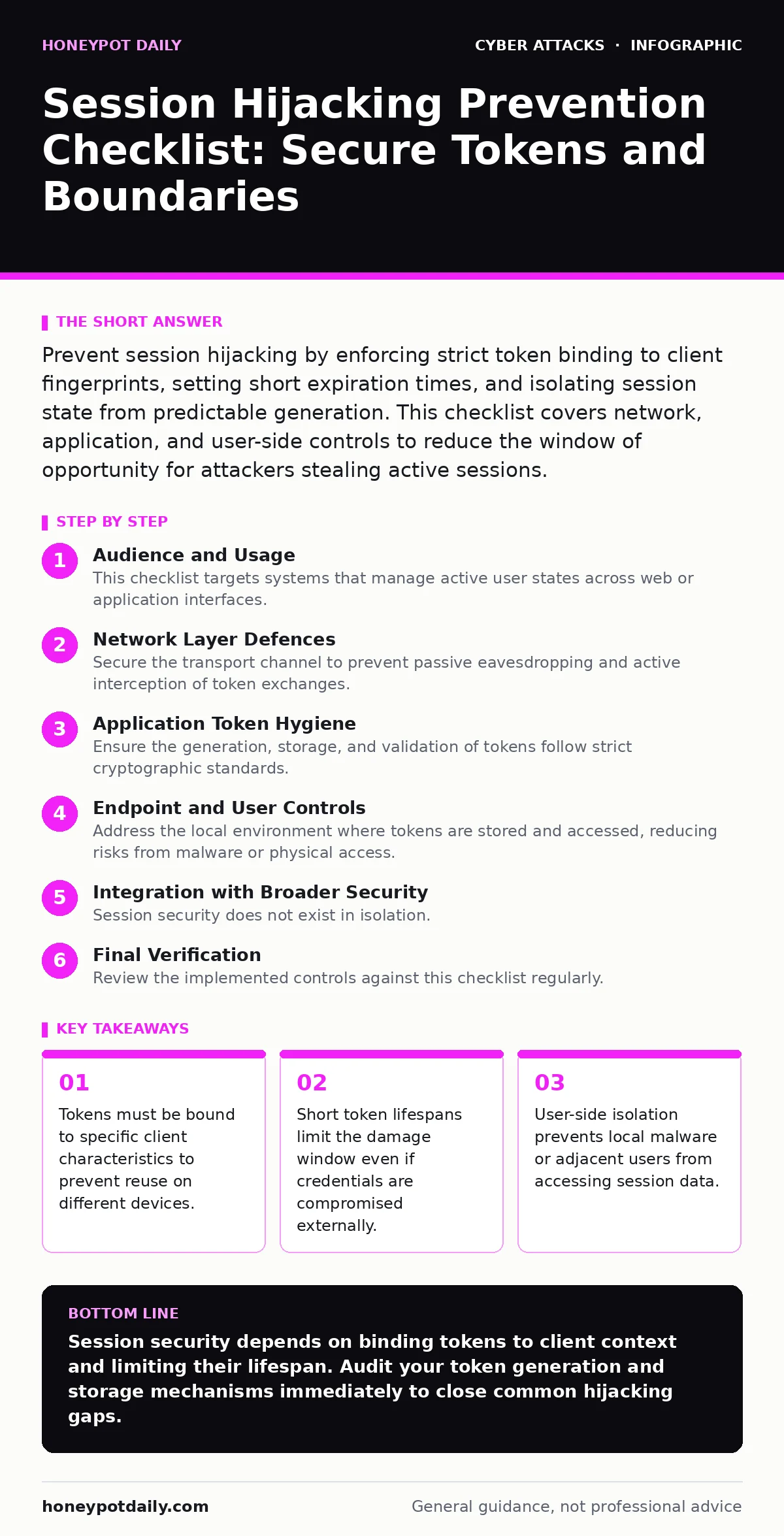
Prevent session hijacking by enforcing strict token binding to client fingerprints, setting short expiration times, and isolating session state from predictable generation. This checklist covers network, application, and user-side controls to reduce the window of opportunity for attackers stealing active sessions.
Audience and Usage
This checklist targets systems that manage active user states across web or application interfaces. Use it to audit current session management practices against known hijacking vectors. Session hijacking occurs when an attacker steals or predicts a valid session token, allowing them to impersonate a user without knowing their password. The following items group protective measures into network, application, and endpoint categories. Implementing these controls reduces the attack surface by addressing the most common failure points in token handling.
Network Layer Defences
Secure the transport channel to prevent passive eavesdropping and active interception of token exchanges.
- Enforce HTTPS everywhere: Prevents man-in-the-middle attacks from capturing tokens in plaintext during transmission.
- Set Secure flag on cookies: Ensures browsers only send session cookies over encrypted HTTPS connections, blocking HTTP leaks.
- Enable HTTP Strict Transport Security: Forces browsers to use HTTPS, preventing downgrade attacks that strip encryption.
- Validate TLS certificates: Stops connections to servers with invalid or self-signed certificates that may indicate interception.
- Restrict cookie domains: Limits cookie scope to specific subdomains, reducing exposure if one domain is compromised.
- Use SameSite attribute: Prevents cross-site request forgery from sending cookies to third-party sites automatically.
- Disable cookie caching: Ensures session tokens are never stored in browser or proxy caches for later retrieval.
- Monitor for certificate pinning failures: Detects when clients fail to verify expected server identities, indicating potential tampering.
- Implement Certificate Transparency logs: Provides public visibility into issued certificates, helping detect fraudulent issuance.
- Audit proxy configurations: Ensures intermediate proxies do not log or store sensitive session headers unnecessarily.
- Enable TLS 1.3 only: Removes older, vulnerable protocol versions that may allow protocol downgrade attacks.
- Check for mixed content: Prevents secure pages from loading insecure resources that could inject tracking scripts.
- Validate server clock synchronization: Ensures timestamp-based security checks remain accurate across distributed systems.
- Restrict IP-based session binding: Be aware this breaks for mobile users switching between Wi-Fi and cellular networks.
- Monitor for unusual TLS handshake patterns: Detects automated tools attempting to probe for weak cipher suites.
- Enforce HSTS preload lists: Pre-loads HSTS policies in browsers, protecting users on their very first visit.
- Disable weak cipher suites: Removes outdated encryption methods that may be susceptible to decryption attacks.
- Audit DNS resolution security: Prevents DNS spoofing from redirecting users to malicious servers for token theft.
- Use Content Security Policy headers: Mitigates cross-site scripting that could steal tokens via injected scripts.
Application Token Hygiene
Ensure the generation, storage, and validation of tokens follow strict cryptographic standards.
- Use cryptographically secure random generators: Prevents prediction of session IDs based on previous values or seeds.
- Regenerate tokens after login: Prevents fixation attacks where an attacker sets a known token before authentication.
- Set short absolute expiration times: Limits the window of opportunity for attackers who have stolen a valid token.
- Invalidate tokens on logout: Ensures abandoned sessions cannot be reused by attackers who gain access later.
- Store tokens server-side only: Prevents local storage theft by keeping sensitive state out of client-side cookies or storage.
- Bind tokens to user-agent strings: Adds a layer of validation that makes stolen tokens harder to reuse on different devices.
- Implement sliding expiration carefully: Balance convenience with security by refreshing tokens only on valid activity.
- Avoid predictable session ID formats: Prevents attackers from guessing valid token ranges or patterns.
- Log token generation events: Provides audit trails for forensic analysis if a hijacking incident occurs.
- Validate token integrity: Ensures tokens have not been tampered with during transmission or storage.
- Use opaque token values: Prevents attackers from inferring user ID or session metadata from the token structure.
- Restrict token reuse detection: Immediately flags and invalidates tokens used from multiple locations simultaneously.
- Implement token rotation: Regularly issues new tokens to limit the lifespan of any single compromised credential.
- Avoid storing tokens in URL parameters: Prevents tokens from appearing in browser history, server logs, or referral headers.
- Validate token purpose: Ensures tokens are only used for their intended scope, preventing privilege escalation.
- Use separate tokens for different functions: Isolates session risks so one compromised token does not grant full access.
- Monitor for token entropy issues: Detects weak random number generators that produce predictable session IDs.
- Implement token revocation lists: Allows immediate invalidation of specific tokens if compromise is suspected.
- Audit token handling code: Regularly reviews code for logic errors that may expose tokens to unauthorized access.
- Use standardised token formats: Adheres to public frameworks like JWT to ensure consistent security properties.
Endpoint and User Controls
Address the local environment where tokens are stored and accessed, reducing risks from malware or physical access.
- Isolate browser profiles: Prevents session data leakage between different user accounts on the same machine.
- Educate users on public Wi-Fi risks: Reduces exposure to network-based eavesdropping when connecting to untrusted networks.
- Disable browser extensions from unknown sources: Prevents malicious extensions from reading and exfiltrating stored cookies.
- Implement device attestation: Ensures sessions are only established on verified, trusted hardware environments.
- Use secure enclaves for storage: Protects token storage from other applications on the same device.
- Monitor for keylogger activity: Detects software attempting to capture user input that may include token-related actions.
- Restrict clipboard access: Prevents applications from reading clipboard data that may contain pasted tokens or credentials.
- Implement screen capture detection: Alerts users or restricts functionality when unauthorized recording software is active.
- Use biometric authentication for sensitive actions: Adds a layer of verification that is harder to steal than static tokens.
- Educate users on phishing simulations: Helps users recognise attempts to trick them into revealing session state.
- Implement automatic session timeouts: Forces re-authentication after periods of inactivity, reducing idle session risks.
- Restrict concurrent session limits: Prevents abuse of multiple active sessions from different locations.
- Use hardware security keys: Provides physical proof of presence that cannot be replicated by stolen tokens.
- Monitor for unusual login locations: Detects access from geographic regions inconsistent with normal user behaviour.
- Implement step-up authentication: Requires additional verification for high-risk actions, even with valid session tokens.
- Restrict token access permissions: Ensures only necessary components can access session data within the application.
- Use sandboxed execution environments: Isolates browser processes to contain potential malware infections.
- Implement secure deletion of tokens: Ensures session data is wiped from memory and storage upon logout.
- Monitor for browser fingerprint changes: Detects significant changes in client characteristics that may indicate hijacking.
- Use private browsing modes for sensitive tasks: Reduces the persistence of session data on shared or public devices.
Integration with Broader Security
Session security does not exist in isolation. It interacts with broader security operations and threat models. For instance, security operations centers must correlate session anomalies with other threat indicators. Similarly, understanding browser-in-the-browser attacks helps recognise when a legitimate-looking login prompt is actually a fake overlay stealing tokens. Privileged access management policies should also consider session duration for high-privilege accounts, ensuring extra scrutiny for administrative sessions.
Final Verification
Review the implemented controls against this checklist regularly. Security is a continuous process, not a one-time fix. Ensure that logging and monitoring are in place to detect attempts at session theft. Test your session management with regular penetration testing to identify gaps. Update your policies as new threats emerge, keeping your defences aligned with current best practices.
Key takeaways
- Tokens must be bound to specific client characteristics to prevent reuse on different devices.
- Short token lifespans limit the damage window even if credentials are compromised externally.
- User-side isolation prevents local malware or adjacent users from accessing session data.
Session security depends on binding tokens to client context and limiting their lifespan. Audit your token generation and storage mechanisms immediately to close common hijacking gaps.
Frequently asked questions
How long should a session token remain valid?
Session tokens should have short absolute expiration times, typically minutes to hours, depending on the sensitivity of the data. Sliding expiration can extend life based on activity, but absolute limits ensure eventual logout.
Can session hijacking occur over HTTPS?
Yes, HTTPS protects transport but not endpoint security. Malware, cross-site scripting, or stolen cookies can still compromise sessions even when encryption is active.
What is the difference between session hijacking and fixation?
Hijacking involves stealing an existing valid token, while fixation involves forcing a user to use a known token before authentication, which the attacker then reuses after the user logs in.
Does Two-Factor Authentication prevent session hijacking?
Two-Factor Authentication secures login but not the session itself. Once logged in, an attacker with a stolen token can bypass 2FA unless step-up authentication is required for sensitive actions.
How this guide was produced: written by the Honeypot Daily editorial team with AI assistance, checked against the public references listed below, and reviewed when the facts change. See our editorial policy or report an error.