Memory Forensics for Small Teams: Detect What Disk Tools Miss
Volatile memory holds encryption keys and process trees that disappear when the power cuts, offering a view of active threats that disk scans cannot see.
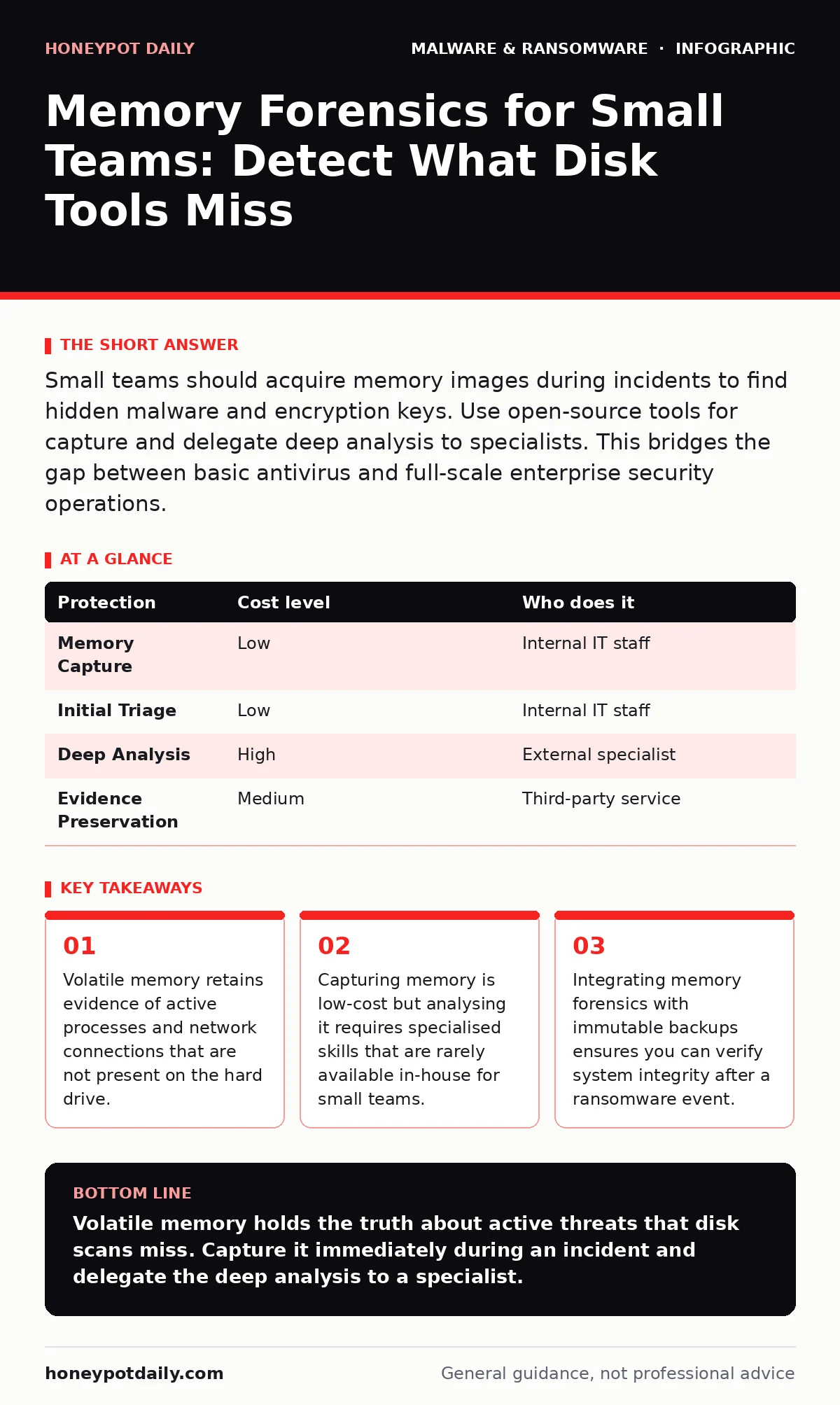
Small teams should acquire memory images during incidents to find hidden malware and encryption keys. Use open-source tools for capture and delegate deep analysis to specialists. This bridges the gap between basic antivirus and full-scale enterprise security operations.
Small organisations often overlook volatile memory because it feels ephemeral. You might assume that if a file is not on the hard drive, it does not exist. This assumption is dangerous. Modern malware frequently operates in memory to evade file-based scanners. When you power down an infected machine, that evidence vanishes. Capturing the state of the random access memory preserves this fleeting data. It allows you to see what the computer was actually doing at the moment of compromise.
Why Volatile Data Matters at Small Scale
Disk forensics tells you what happened in the past. Memory forensics tells you what is happening now. A small team lacks the resources for full-scale intrusion detection systems. You rely on endpoint protection. However, standard antivirus tools often miss fileless malware. These programs execute code directly in memory. They leave no executable file for traditional scanners to hash and block.
By analysing memory, you can identify injected code. You can see which processes are communicating with command and control servers. This visibility is critical when dealing with polymorphic malware. This type of code changes its signature with each infection, defeating signature-based detection. Memory analysis reveals the behavioural patterns that remain constant despite the changing code.
The Mechanics of Capture
Capturing memory is technically straightforward but requires care. You must use a trusted tool to read the physical RAM and write it to a storage device. This process creates a memory dump. The dump is a forensic snapshot of the system’s state. You should never analyse the live system if you suspect compromise. The malware might detect the analysis tools and alter its behaviour or destroy evidence.
Use a bootable USB drive with a known-good operating system. This ensures the host system is not influencing the data you collect. You must verify the integrity of the memory image immediately. Compute a hash of the dump file. This proves the data has not been altered since capture. Store this hash securely. It becomes part of your chain of custody, even if you are not involved in legal proceedings.
Affordable Tooling Strategies
You do not need expensive commercial suites to start. Open-source frameworks provide powerful capabilities for memory analysis. Tools like Volatility allow you to parse memory dumps on a standard laptop. These tools are widely accepted in the security community. They support multiple operating systems and kernel versions.
The trade-off is complexity. These tools require command-line proficiency. You must understand the structure of operating system memory. If you lack this expertise, the tool becomes a liability. You might miss subtle indicators of compromise. Alternatively, you might misinterpret normal system behaviour as malicious. This is where delegation becomes necessary.
| Protection | Cost level | Who does it |
|---|---|---|
| Memory Capture | Low | Internal IT staff |
| Initial Triage | Low | Internal IT staff |
| Deep Analysis | High | External specialist |
| Evidence Preservation | Medium | Third-party service |
What to Delegate and When
Small teams should delegate the deep analysis phase. Capturing the memory is within reach. Interpreting it is not. A specialist can identify subtle rootkits that hide from standard tools. They can reconstruct network connections and extract encryption keys. This service is often available on a per-incident basis. You pay only when you need it.
Do not delegate the capture process. If you wait for an external team to arrive, the memory will be lost. You must have the capability to pull the plug and save the RAM immediately. Train your IT staff to perform this single task reliably. The rest of the investigation can happen offline. This approach balances speed with depth.
Integrating with Existing Defences
Memory forensics works best when combined with other controls. It complements next-generation antivirus by catching what the scanner misses. It helps you understand the scope of an infection before you begin reimaging infected computers. If you find that the malware has spread to the network, you know which machines need attention.
It also informs your backup strategy. If you rely on immutable backups, you need to know if the backup system itself was compromised. Memory analysis of the backup server can reveal this. This prevents you from restoring data that has already been tampered with. It ensures your recovery plan is based on clean data.
See also: Cybercrime Forums: What Small Businesses Need to Know About Threat Exposure · Data Inventory and Mapping for Small Businesses
Questions for Your IT Provider
When discussing incident response with a provider, ask specific questions. Do not accept vague assurances. You need to know exactly what they will do with your data.
- What tool do you use to capture memory, and how do you verify its integrity?
- Do you perform the analysis in-house or subcontract it?
- How long do you retain the memory images and associated hashes?
- What is the turnaround time for initial triage versus full analysis?
Common Pitfalls to Avoid
One common mistake is assuming that a clean disk scan means a clean system. As noted, fileless threats leave no trace on disk. Another pitfall is failing to document the capture process. Without detailed notes, the evidence is difficult to interpret later. Always record the time, the tool version, and the hash values.
Building a Sustainable Practice
Start small. Practice capturing memory on clean systems. Understand the baseline behaviour of your operating systems. This makes it easier to spot anomalies during an incident. Keep your capture tools updated. Operating system updates change memory structures. An old tool may fail to parse a new kernel.
Consider the legal implications. Even for small businesses, data privacy laws apply. Ensure your retention policy complies with local regulations. Delete memory images once the investigation is complete and the data is no longer needed. This reduces your liability. It also keeps your storage costs manageable.
Beyond the Immediate Incident
Memory forensics is not just for crises. It can inform your long-term security posture. By analysing past incidents, you can identify gaps in your defences. You might find that certain types of malware consistently bypass your controls. This insight can guide your purchasing decisions. It can also help you tailor your staff training.
If you encounter sophisticated threats, look into firmware malware. This resides in the hardware’s code, below the operating system. Memory analysis can sometimes reveal traces of this deeper infection. It adds another layer of defence to your strategy. It ensures you are not missing threats that live in the shadows of your hardware.
Key takeaways
- Volatile memory retains evidence of active processes and network connections that are not present on the hard drive.
- Capturing memory is low-cost but analysing it requires specialised skills that are rarely available in-house for small teams.
- Integrating memory forensics with immutable backups ensures you can verify system integrity after a ransomware event.
Volatile memory holds the truth about active threats that disk scans miss. Capture it immediately during an incident and delegate the deep analysis to a specialist.
Frequently asked questions
Can I use memory forensics to recover deleted files?
No, memory forensics focuses on active processes and data in RAM. It does not recover files deleted from the hard drive, though it may show fragments of recently accessed data.
Is it legal to capture memory from employee computers?
Generally, yes, if you have a clear IT policy and incident response plan. However, you must comply with local privacy laws and data protection regulations.
How long does a memory dump take to capture?
It depends on the amount of RAM. A modern system with 16GB of RAM can be captured in minutes using a fast USB connection.
Do I need to shut down the computer to capture memory?
No, and you should not. Shutting down clears the RAM. You must capture the memory while the system is running, using a separate tool.
How this guide was produced: written by the Honeypot Daily editorial team with AI assistance, checked against the public references listed below, and reviewed when the facts change. See our editorial policy or report an error.