
Do I Need to Scan for Rootkits? Detection Limits and Response Strategies
Standard antivirus tools often miss kernel-level threats, requiring dedicated hypervisor-based scanning or trusted boot mechanisms to verify system integrity effectively.
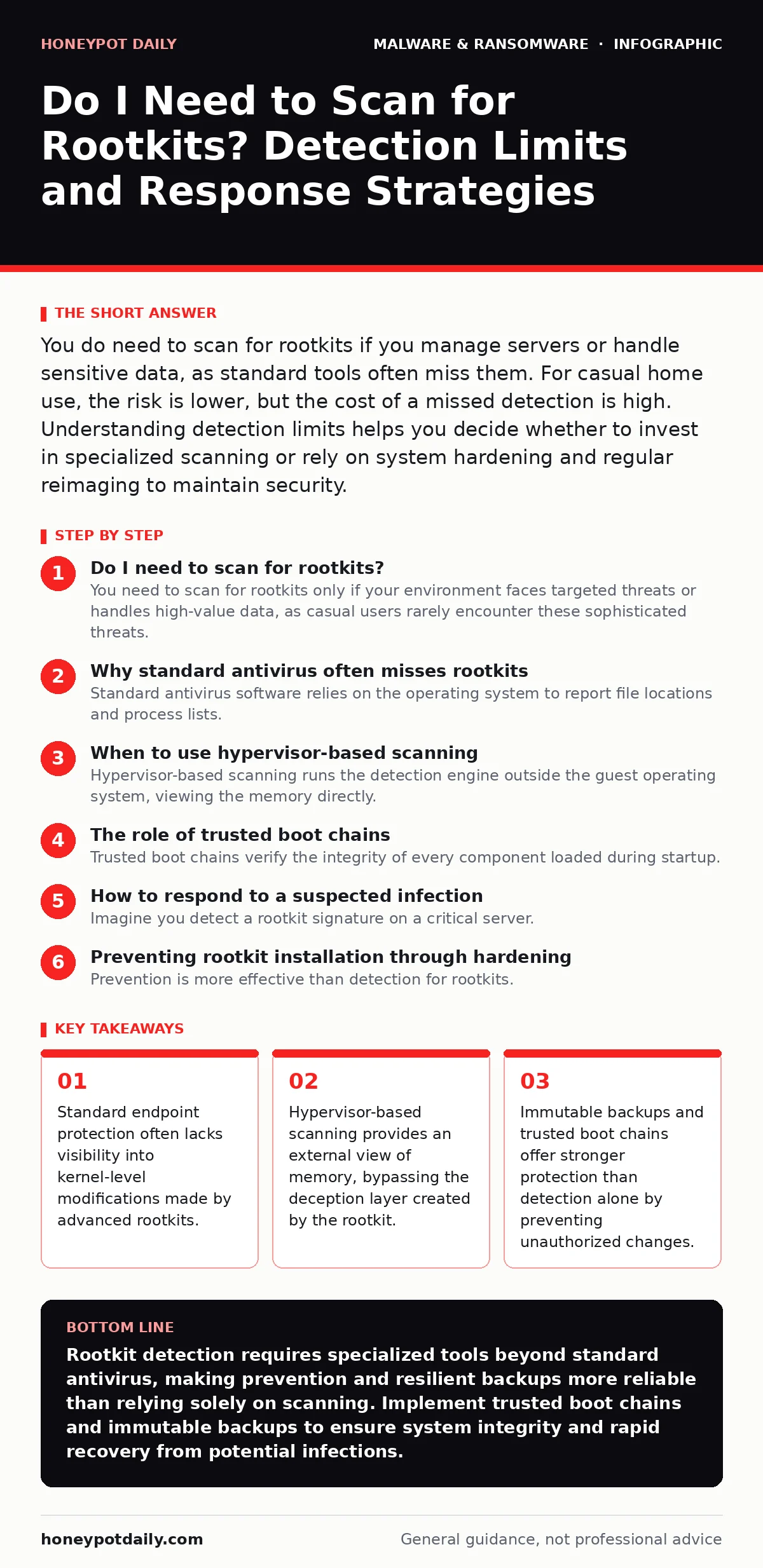
You do need to scan for rootkits if you manage servers or handle sensitive data, as standard tools often miss them. For casual home use, the risk is lower, but the cost of a missed detection is high. Understanding detection limits helps you decide whether to invest in specialized scanning or rely on system hardening and regular reimaging to maintain security.
Do I need to scan for rootkits?
You need to scan for rootkits only if your environment faces targeted threats or handles high-value data, as casual users rarely encounter these sophisticated threats. Rootkits operate at the kernel level, hiding their presence from standard operating system calls. This means typical file scanners often see a clean system while the threat remains active. The decision to scan depends on your threat model. If you run a personal laptop for browsing, the effort may outweigh the risk. If you manage servers or development environments, regular integrity checks are necessary to catch these hidden modifications before they enable data exfiltration or persistent access.
Why standard antivirus often misses rootkits
Standard antivirus software relies on the operating system to report file locations and process lists. Rootkits intercept these system calls, lying to the antivirus about what exists. This technique, known as hooking, allows the rootkit to present a clean view of the system. The antivirus sees only what the rootkit permits it to see. This creates a blind spot that traditional signature-based detection cannot bridge. You cannot trust software running within the compromised environment to audit itself accurately. This is why kernel-level visibility is required for effective detection, which most consumer-grade tools do not provide.
When to use hypervisor-based scanning
Hypervisor-based scanning runs the detection engine outside the guest operating system, viewing the memory directly. This approach bypasses the deception layer because the hypervisor does not rely on the guest OS for system calls. It reads the raw memory pages, identifying code that does not belong to the official operating system.
This method is more accurate for detecting active rootkits but requires virtualisation support and higher computational overhead. It is ideal for critical servers where false negatives are unacceptable. For desktops, the performance impact may be noticeable during full scans. Use this method for periodic deep checks rather than continuous real-time monitoring, which can degrade system responsiveness.
| Scanning Method | Visibility Level | Performance Impact | Best Use Case |
|---|---|---|---|
| File-based | Low | Minimal | Casual home use |
| Memory-resident | Medium | Moderate | Standard business endpoints |
| Hypervisor-based | High | High | Critical servers and workstations |
The role of trusted boot chains
Trusted boot chains verify the integrity of every component loaded during startup. This mechanism ensures that the firmware, bootloader, and kernel have not been modified. If a rootkit infects the bootloader, the system refuses to start or alerts the administrator. This prevents the rootkit from ever gaining control. This approach shifts security from detection to prevention. It requires hardware support, such as TPM chips, and careful configuration. Once set up, it provides strong assurance that the base system is clean. However, it does not protect against rootkits that install after the system has booted. You must combine this with runtime monitoring for full coverage.
How to respond to a suspected infection
Imagine you detect a rootkit signature on a critical server. Do not attempt to remove it manually. Rootkits often have multiple components and self-healing mechanisms. Deleting one file may trigger others to reactivate or destroy evidence. The safest response is to isolate the system from the network immediately. Prevent further data exfiltration or lateral movement.
Then, plan to reimage the system from known-good media. This approach is faster and more reliable than trying to clean an infected system. Refer to our guide on reimaging infected computers for detailed steps on restoring systems without retaining hidden threats. Preservation of logs for forensic analysis should happen before wiping the drive.
Preventing rootkit installation through hardening
Prevention is more effective than detection for rootkits. Disable unsigned driver loading to block common rootkit installation methods. Many rootkits require kernel-mode drivers to function. By enforcing code signing policies, you ensure that only trusted vendors can load kernel modules. This blocks the majority of rootkits at the entry point. Additionally, limit administrative privileges.
Rootkits require high-level permissions to install. Standard users cannot modify kernel components. Enforce least privilege across your environment. This reduces the attack surface significantly. Regular updates also patch vulnerabilities that rootkits exploit for initial access. See our discussion on next-generation antivirus for insights into behavioural blocking that complements these hardening measures.
Detecting rootkits on macOS systems
MacOS has its own set of rootkit threats, though they are less common than on Windows. The mechanisms differ, focusing on kernel extensions and system integrity protection. Standard antivirus tools on Macs often struggle with these threats. You need tools that can inspect kernel extensions and verify system file integrity. Our guide on removing malware from a Mac covers specific steps for identifying and eliminating these threats.
Note that Mac malware often targets user-level applications first, escalating to rootkits only if necessary. Keep your system updated to ensure system integrity protection remains effective. Disable third-party kernel extensions unless absolutely required. This reduces the risk of persistent, hidden threats.
The limits of detection and the value of backups
No detection method is perfect. Advanced rootkits can evolve to evade even hypervisor-based scans. Polymorphic malware changes its code signature with each infection, making static detection difficult. Rootkits can adopt similar techniques, altering their appearance in memory. This means you must assume detection will sometimes fail.
Your primary defence should be resilience. Immutable backups ensure that even if a rootkit encrypts or deletes your data, you can restore from a clean state. These backups cannot be modified or deleted by attackers. This strategy accepts that detection is imperfect and focuses on recovery. It provides a safety net that detection alone cannot offer.
Balancing security overhead with operational needs
Continuous rootkit scanning adds overhead to your systems. This can impact performance and user experience. You must balance the need for security with operational efficiency. For low-risk devices, periodic scans may suffice. For high-risk servers, continuous monitoring is justified. Evaluate your specific risk profile. Do not apply the same level of scrutiny to all devices.
Tailor your approach based on the value of the data and the likelihood of attack. This ensures you allocate resources where they matter most. Over-scanning can lead to alert fatigue, causing teams to ignore genuine threats. Focus on high-fidelity indicators and reduce noise. This improves the effectiveness of your security operations.
Key takeaways
- Standard endpoint protection often lacks visibility into kernel-level modifications made by advanced rootkits.
- Hypervisor-based scanning provides an external view of memory, bypassing the deception layer created by the rootkit.
- Immutable backups and trusted boot chains offer stronger protection than detection alone by preventing unauthorized changes.
Rootkit detection requires specialized tools beyond standard antivirus, making prevention and resilient backups more reliable than relying solely on scanning. Implement trusted boot chains and immutable backups to ensure system integrity and rapid recovery from potential infections.
Frequently asked questions
Can a rootkit hide from a reboot?
Yes, some rootkits infect the bootloader or firmware, allowing them to persist across reboots and remain active before the operating system loads.
Is free rootkit scanner software effective?
Free tools often lack the advanced memory inspection capabilities needed to detect sophisticated rootkits, making them less reliable for critical systems.
How often should I scan for rootkits?
For high-risk systems, scan daily or use continuous monitoring. For low-risk devices, weekly or monthly scans combined with regular updates are usually sufficient.
Do rootkits affect cloud environments?
Yes, rootkits can infect cloud instances, though the impact depends on the virtualisation layer. Hypervisor-based security is crucial for cloud infrastructure protection.
How this guide was produced: written by the Honeypot Daily editorial team with AI assistance, checked against the public references listed below, and reviewed when the facts change. See our editorial policy or report an error.