
Data Inventory and Mapping for Small Businesses
Most small firms lose data not through external hacks, but because they never mapped where sensitive information actually resides on their network.
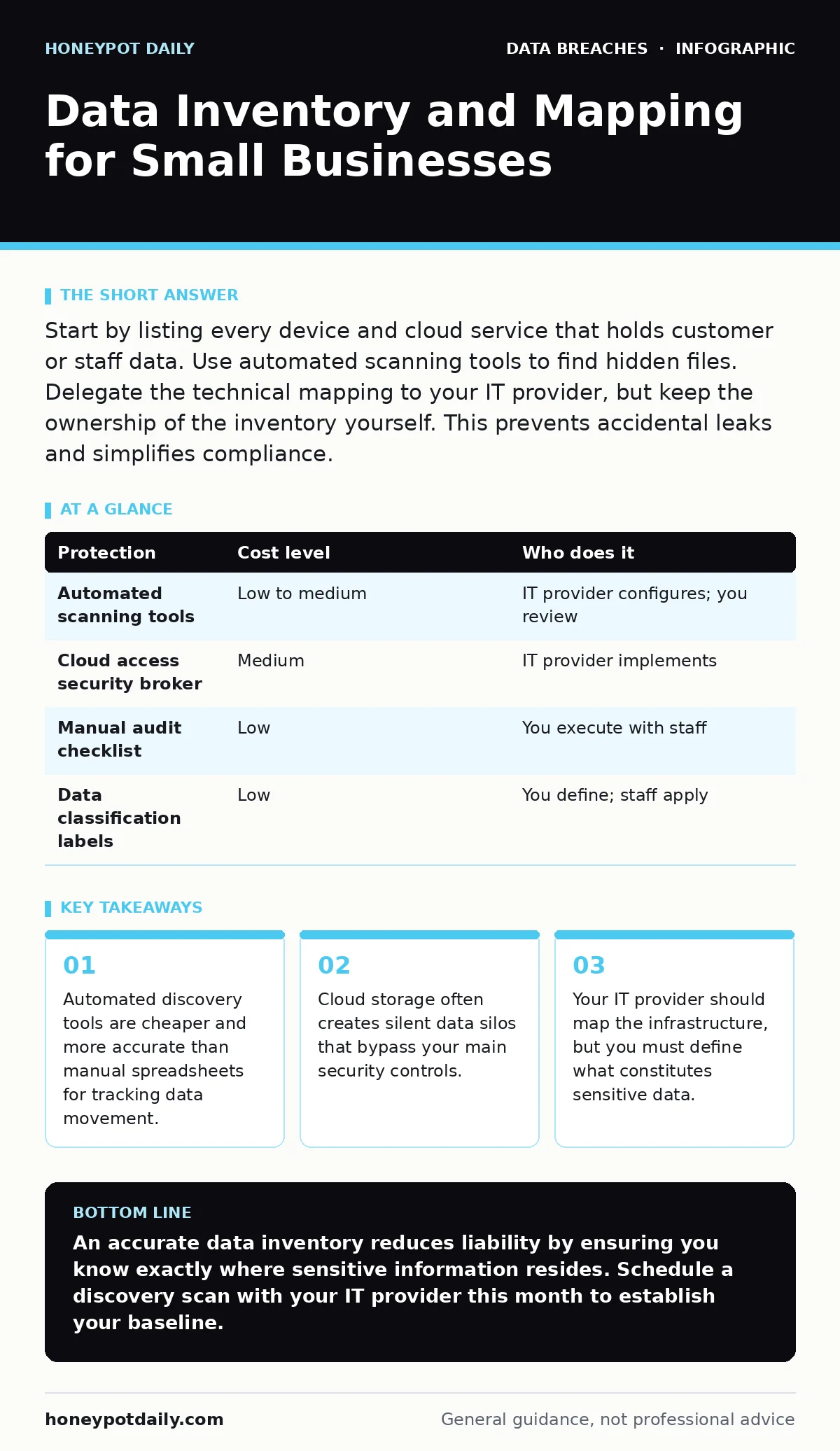
Start by listing every device and cloud service that holds customer or staff data. Use automated scanning tools to find hidden files. Delegate the technical mapping to your IT provider, but keep the ownership of the inventory yourself. This prevents accidental leaks and simplifies compliance.
The Hidden Cost of Unmapped Data
You cannot protect what you cannot see. In small organisations, the assumption is often that data stays within the main server or the primary cloud account. This assumption fails immediately when staff use personal devices or shadow IT tools. Shadow IT refers to software or hardware used by employees without the explicit approval of the IT department.
When a breach occurs, the first question investigators ask is where the data was stored. If you have no record, you cannot prove what was taken. This uncertainty prolongs incident response and increases legal exposure. The cost of mapping is low compared to the cost of guessing during a crisis.
Why Small Scale Demands High Precision
Large enterprises have dedicated teams to hunt for data. Small businesses rely on a single administrator or an external provider. This creates a single point of failure. If that person leaves or is sick, the inventory becomes stale. Stale data leads to false confidence. You believe you have secured all sensitive files, but new repositories have appeared in the background.
Precision matters more than volume. You do not need to catalogue every temporary file. You need to map every file that contains personally identifiable information. Personally identifiable information is any data that can identify a specific individual, such as names, addresses, or financial details. Focus on the data that carries legal or reputational risk.
Affordable Ways to Discover Your Data
Manual spreadsheets are expensive in terms of time and prone to human error. Instead, use automated discovery tools. These tools scan your network and cloud accounts to identify file types and content patterns. They can flag documents containing credit card numbers or national insurance numbers without a human reading every file.
Many modern endpoint detection and response platforms include basic data discovery. Endpoint detection and response is software installed on devices to monitor for suspicious activity. You may already be paying for this capability without using it. Check your existing security stack before buying new software.
| Protection | Cost level | Who does it |
|---|---|---|
| Automated scanning tools | Low to medium | IT provider configures; you review |
| Cloud access security broker | Medium | IT provider implements |
| Manual audit checklist | Low | You execute with staff |
| Data classification labels | Low | You define; staff apply |
What to Delegate to Your Provider
Your IT provider should handle the technical mapping. This includes configuring the scanning tools, interpreting the network traffic logs, and identifying hidden shares. They should also ensure that the mapping process does not disrupt daily operations. Scanning large databases can slow down systems if not timed correctly.
Do not delegate the definition of sensitive data. You know your business better than your provider. You must tell them what constitutes a risk. Is a customer’s phone number sensitive? Is an employee’s birth date? These are business decisions, not technical ones. If you outsource the definition, you will likely get a generic answer that misses your specific risks.
Questions for Your IT Provider
Before you sign a contract or approve a project, ask these specific questions. They reveal whether the provider understands data mapping or just thinks they do.
- How do you distinguish between active data and archived data?
- Can you map data stored in personal cloud accounts used for work?
- What is the process for updating the inventory when new software is installed?
- How do you handle data that is encrypted and therefore unreadable by scanners?
If the provider cannot answer these clearly, they are likely offering a superficial service. You need a partner who understands the lifecycle of data, not just the storage of files.
See also: Immutable Backups: Stop Ransomware Deleting Your Data Copies · Polymorphic Malware Risks and Protection for Small Businesses
The Cloud Complication
Cloud services introduce a layer of complexity that traditional on-premise servers did not have. Data moves between regions, accounts, and services automatically. A file uploaded to a collaboration tool may be synced to a backup server in a different country. This movement happens without your knowledge.
You must map not just where data sits, but how it moves. This is known as data flow mapping. Data flow mapping tracks the path data takes from creation to deletion. Without this, you cannot enforce retention policies. You may be holding data longer than necessary, increasing your liability.
Integrating with Existing Security
A data inventory is not a standalone project. It must feed into your broader security strategy. For instance, knowing where sensitive data lives helps you prioritise full disk encryption. You can encrypt the devices that hold the highest risk data first.
It also informs your approach to email encryption. If you map where sensitive communications end up, you can enforce encryption on those specific channels. This targeted approach is more effective than trying to encrypt everything, which often leads to user frustration and workarounds.
Maintaining the Inventory
An inventory is a living document. It must be updated regularly. Automation helps, but it does not replace human oversight. You should review the inventory quarterly. Look for new applications, new storage locations, and new data types.
If you find data that should not exist, delete it. This is known as data minimisation. Data minimisation is the practice of keeping only the data you strictly need. The less data you hold, the less you have to protect. This reduces the attack surface and simplifies your mapping efforts.
Final Steps for Implementation
Start small. Pick one department or one type of data. Map it thoroughly. Then expand. This iterative approach prevents overwhelm and provides quick wins. You will see the value of mapping as you identify risks you previously missed.
Remember that the goal is not perfection. It is awareness. You do not need to know every bit of data on your network. You need to know where the critical data is and whether it is protected. This knowledge allows you to make informed decisions about security investments.
Key takeaways
- Automated discovery tools are cheaper and more accurate than manual spreadsheets for tracking data movement.
- Cloud storage often creates silent data silos that bypass your main security controls.
- Your IT provider should map the infrastructure, but you must define what constitutes sensitive data.
An accurate data inventory reduces liability by ensuring you know exactly where sensitive information resides. Schedule a discovery scan with your IT provider this month to establish your baseline.
Frequently asked questions
How often should I update my data inventory?
Update it quarterly or whenever significant changes occur, such as new software deployments or staff changes. Automated tools can provide continuous monitoring, but human review is necessary.
Can I use free tools for data mapping?
Some open-source tools offer basic discovery capabilities, but they require significant technical expertise to configure and maintain. Commercial tools often provide better cloud integration and reporting.
What if I find data I didn't know existed?
Classify the data immediately. Determine if it is necessary for your business. If not, delete it securely. If it is necessary, apply appropriate security controls and add it to your inventory.
Does data mapping help with compliance?
Yes. Most data protection regulations require organisations to know what personal data they hold and where it is stored. A clear inventory is the first step towards compliance.
How this guide was produced: written by the Honeypot Daily editorial team with AI assistance, checked against the public references listed below, and reviewed when the facts change. See our editorial policy or report an error.