
What full disk encryption protects against and how it fails
Full disk encryption secures data at rest but leaves it exposed while running in memory, creating a distinct gap in your defence strategy.
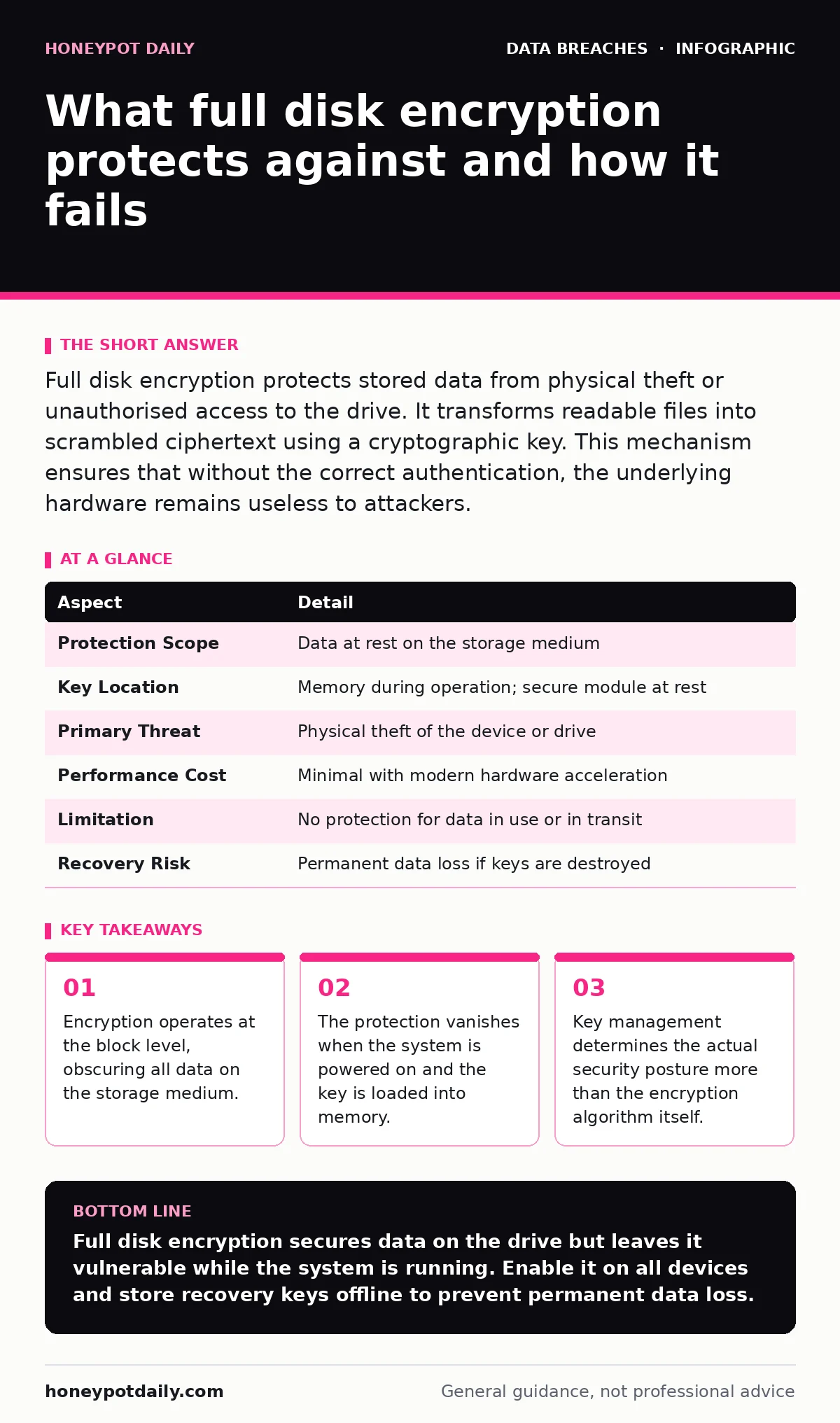
Full disk encryption protects stored data from physical theft or unauthorised access to the drive. It transforms readable files into scrambled ciphertext using a cryptographic key. This mechanism ensures that without the correct authentication, the underlying hardware remains useless to attackers.
The Library Analogy
Imagine a library where every book is written in a complex cipher. A thief who steals a book cannot read it without the decryption key. The books remain secure while sitting on the shelves. This is how full disk encryption functions for your hardware. The storage device holds the cipher text. The operating system holds the key only when authorised.
At a glance
| Aspect | Detail |
|---|---|
| Protection Scope | Data at rest on the storage medium |
| Key Location | Memory during operation; secure module at rest |
| Primary Threat | Physical theft of the device or drive |
| Performance Cost | Minimal with modern hardware acceleration |
| Limitation | No protection for data in use or in transit |
| Recovery Risk | Permanent data loss if keys are destroyed |
How full disk encryption protects
The system encrypts every block of data written to the drive. This process happens transparently to the user and applications. When you write a file, the operating system sends the plaintext to the storage controller. The controller applies the encryption algorithm and writes the ciphertext to the platter or flash memory. Reading follows the reverse path. The controller reads the ciphertext, applies the decryption key from memory, and returns the plaintext to the application.
This mechanism relies on a key hierarchy. A main encryption key protects the data. A separate key protector, often tied to your user password or a hardware module, protects the main key. You never handle the main key directly. This separation allows you to change your password without re-encrypting the entire drive. The system simply re-encrypts the key protector.
The Memory Gap
Full disk encryption protects the drive, not the running system. Once the device boots, the encryption key resides in the random access memory. An attacker with physical access to a running machine can extract this key. This technique is known as a cold boot attack. The attacker freezes the memory modules and reads them before the power drains completely.
This gap means encryption does not stop malware from accessing your files. Malware runs inside the operating system with the same privileges as your applications. It sees the decrypted data exactly as you do. Encryption provides no defence against software-based threats. You must combine it with other controls. Refer to our guide on password hashing and salting to understand how credentials are secured independently of disk storage.
What people usually get wrong
Many assume that enabling encryption solves all data loss risks. This is incorrect. Encryption protects against unauthorised access to the raw storage. It does not protect against accidental deletion. It does not protect against ransomware that encrypts files while the system is running. It does not protect against insider threats who have legitimate access.
Another common error involves key recovery. If you lose the recovery key, your data is gone. No vendor can recover it. The encryption is mathematically secure by design. This permanence is a feature, not a bug. It prevents attackers from forcing a backdoor. You must store the recovery key securely. A password manager or a printed copy in a safe works. Do not store it on the encrypted device itself.
See also: Data Retention Policy Mistakes and How to Avoid Them · How Digital Forensics Works: The Chain of Evidence Explained
Who it affects
Every organisation with portable devices needs this control. Laptops, tablets and external drives are vulnerable to loss and theft. Desktop computers are less risky but still require protection if they contain sensitive data. The impact extends to compliance requirements. Many regulatory frameworks mandate encryption for data at rest.
Individuals also benefit. A stolen smartphone without encryption exposes contacts, messages and photos. With encryption, the thief sees only scrambled data. The convenience of automatic encryption on modern devices makes adoption trivial. The trade-off is minimal performance impact. Modern processors include hardware instructions for encryption. The speed penalty is negligible for most users.
What to do about it
Enable full disk encryption on every device that stores sensitive information. Check your operating system settings to verify the status. Most modern systems offer this feature by default. Ensure that the encryption is active before you store any confidential data.
Manage your recovery keys carefully. Create a backup of the key and store it offline. Test the recovery process periodically. Verify that you can restore access if you forget your password. This test confirms that your backup works and that the key is valid.
Integrate encryption into your broader security strategy. Review your data retention policies to ensure old data is securely wiped. Encryption alone does not erase data. When you delete a file, the space is marked as free but the ciphertext remains. You must use secure deletion tools to overwrite the data. This prevents recovery of the ciphertext, which could be analysed if the key is ever compromised.
Beyond the Drive
Encryption is one layer of defence. It works best when combined with other measures. Consider data inventory and mapping to know what you are protecting. You cannot secure what you cannot find. Identify where sensitive data resides and ensure those drives are encrypted.
Monitor for signs of compromise. If an attacker gains access to your running system, encryption does not help. Use dark web monitoring to check if your credentials have been leaked. Stolen passwords allow remote access, bypassing the physical security that encryption provides.
Remember that encryption does not prevent data extortion. If an attacker steals your data while the system is running, they can demand payment. Encryption only stops them from reading the data if they steal the physical drive. To mitigate this risk, focus on access controls and endpoint detection. See our guide on data extortion for strategies to handle such incidents.
The Hidden Cost of Complexity
Managing encryption keys at scale adds administrative overhead. You need a system to distribute and rotate keys. This requires integration with your identity management system. If an employee leaves, you must revoke their access. This does not mean re-encrypting the drive. It means updating the key protector so they can no longer unlock it.
This process requires careful planning. If the identity management system is unavailable, you may be unable to grant access to new users. Ensure you have a manual fallback procedure. This procedure should be tested regularly. The cost of complexity is higher than the cost of the encryption software itself. Budget for the administration time required to manage keys securely.
Key takeaways
- Encryption operates at the block level, obscuring all data on the storage medium.
- The protection vanishes when the system is powered on and the key is loaded into memory.
- Key management determines the actual security posture more than the encryption algorithm itself.
Full disk encryption secures data on the drive but leaves it vulnerable while the system is running. Enable it on all devices and store recovery keys offline to prevent permanent data loss.
Frequently asked questions
Does full disk encryption protect against ransomware?
No. Ransomware encrypts files while the system is running. The encryption key is already in memory, so the malware can read and rewrite the data freely.
Can I encrypt an external hard drive?
Yes. Most operating systems allow you to encrypt external drives. The process is similar to internal drives but requires you to enter the password every time you connect the device.
What happens if I forget my password?
You must use your recovery key. If you do not have the recovery key, the data is unrecoverable. The encryption cannot be bypassed.
Does encryption slow down my computer?
Modern hardware includes dedicated encryption engines. The performance impact is negligible for most tasks. You will not notice a difference in speed.
How this guide was produced: written by the Honeypot Daily editorial team with AI assistance, checked against the public references listed below, and reviewed when the facts change. See our editorial policy or report an error.