Browser-in-the-Browser Attacks: Risks and Protection for Small Businesses
Fake login windows mimic real browser frames to steal credentials from users who trust their own eyes and ignore address bar warnings.
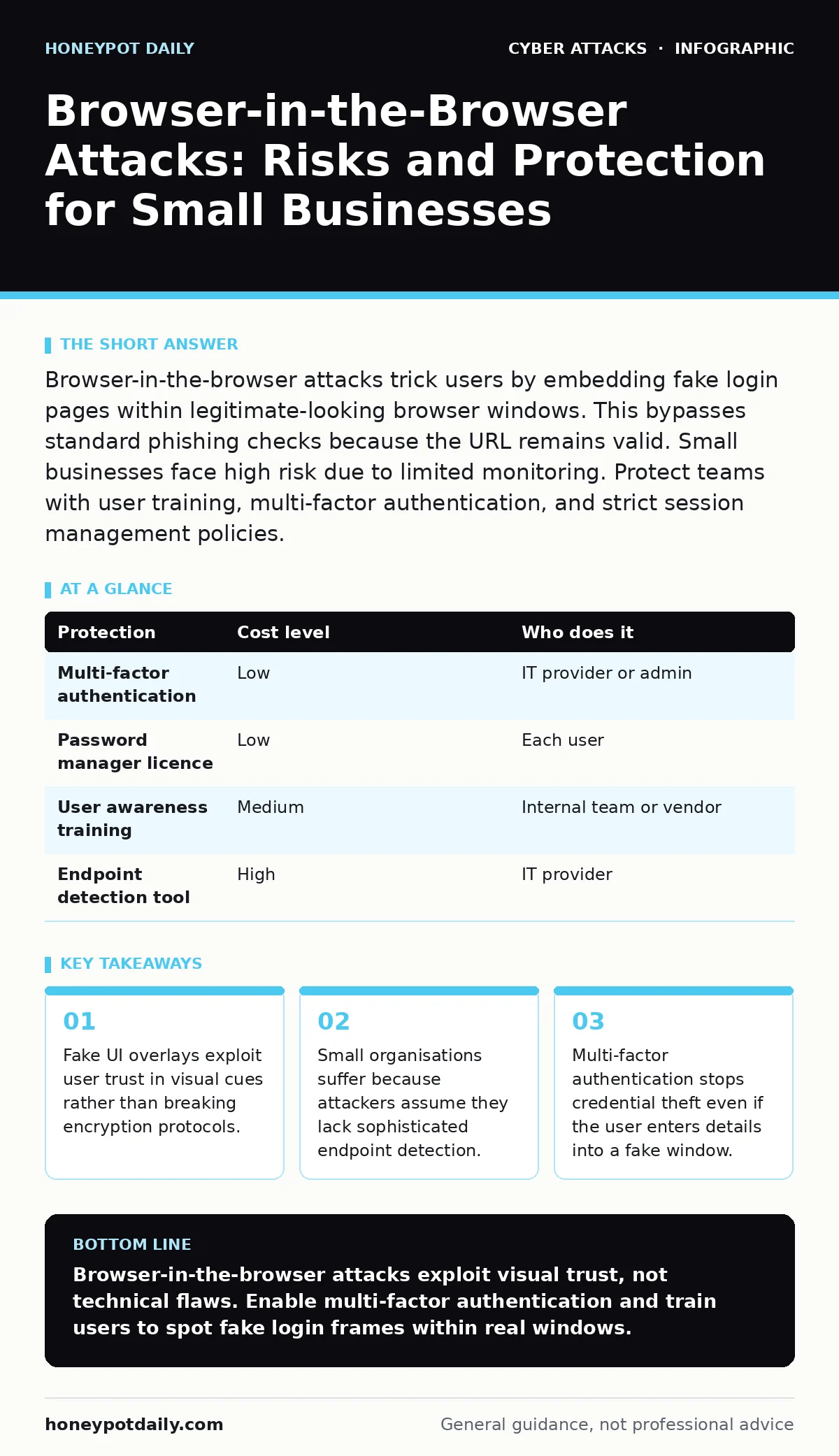
Browser-in-the-browser attacks trick users by embedding fake login pages within legitimate-looking browser windows. This bypasses standard phishing checks because the URL remains valid. Small businesses face high risk due to limited monitoring. Protect teams with user training, multi-factor authentication, and strict session management policies.
The Mechanics of Visual Deception
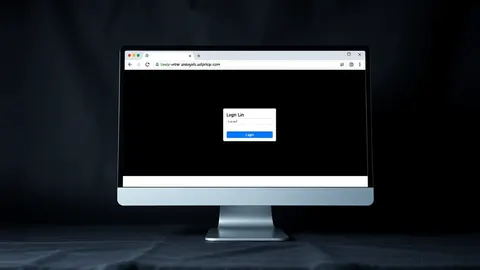
Browser-in-the-browser attacks rely on social engineering rather than code execution. The attacker sends a link that opens a legitimate browser window. Inside that window, malicious JavaScript draws a second, fake browser frame. This fake frame mimics the appearance of a login page for a service you use daily.
You see the address bar. It shows the correct website. You see the padlock icon. It indicates a secure connection. The deception works because the outer window is real. The inner window is a canvas drawing. Your brain matches the visual pattern to your memory of the login screen. You type your credentials into the drawing, not the site.
The attacker captures the input from the fake frame. They then redirect you to the real login page or close the window. You assume the login failed due to a network error or that you mistyped. You try again, perhaps entering the same details into the real page, confirming your account is active.
Why Small Organisations Are Exposed
Attackers target smaller teams because the return on investment is high. Large enterprises have security operations centres that monitor for anomalous login patterns. Small businesses often rely on manual checks or basic antivirus software. These tools cannot see what happens inside a browser tab.
The assumption is that you will not inspect the code behind the window. You trust the visual interface. This trust is a feature of good design, but it becomes a vulnerability when abused. Small teams also lack the budget for advanced endpoint detection and response systems. These systems can sometimes flag the injection of malicious scripts, but they are not universal.
Furthermore, small organisations often reuse credentials across multiple services. If an attacker steals your password from one fake login, they can try it on your email, banking, or project management tools. This lateral movement increases the damage from a single successful trick.
The Hidden Cost of Trust
The primary cost of this attack is not just the stolen password. It is the erosion of user confidence. When users realise a website they trusted was a lie, they become hesitant to use digital tools. This slows down operations and increases support requests.
There is also the cost of remediation. You must reset passwords for every service where that credential was used. If you used a password manager, the breach is contained to one entry. If you reused the password, you must update it everywhere. This takes time and disrupts workflow.
Another hidden cost is the delay in detection. Unlike ransomware that locks screens immediately, credential theft is silent. You may not know your account is compromised until an attacker deletes files or contacts your clients. By then, the damage is significant.
Low-Cost Protections That Work
You can reduce risk without expensive software. The most effective defence is multi-factor authentication. Even if the attacker gets your password from the fake window, they cannot log in without the second factor. This could be a code from an authenticator app or a hardware key.
Next, implement strict password policies. Ensure every account has a unique, complex password. This prevents one breach from spreading to other services. Use a password manager to generate and store these credentials. This removes the burden of remembering them and ensures they are strong.
Train users to look for inconsistencies. Real login pages rarely appear inside other windows unless you expect them to. If a login box appears after clicking a link, check if it is a new tab or a pop-up. Legitimate services usually open a new tab for security reasons.
| Protection | Cost level | Who does it |
|---|---|---|
| Multi-factor authentication | Low | IT provider or admin |
| Password manager licence | Low | Each user |
| User awareness training | Medium | Internal team or vendor |
| Endpoint detection tool | High | IT provider |
What to Ask Your IT Provider
Your IT provider should be proactive about these threats. They need to move beyond basic antivirus installation. Ask them specific questions about how they monitor for unusual browser behaviour and how they enforce security policies.
- How do you detect and block malicious scripts in web browsers?
- What is your process for enforcing multi-factor authentication on all accounts?
- Do you monitor for impossible travel logins or unusual access times?
- How do you handle credential resets after a suspected breach?
- Can you demonstrate how to identify a fake login overlay?
See also: Password Spraying vs Dictionary Attack: Mechanics, Risks and Detection
Integrating Broader Security Measures
This attack is often the first step in a larger campaign. Attackers may combine it with other techniques to maximise damage. For instance, they might use malicious email attachments to install malware that logs keystrokes. This provides them with credentials even if you use multi-factor authentication.
They might also employ phishing simulations to identify users who are likely to fall for these tricks. By clicking on test links, you reveal your susceptibility to social engineering. Use these simulations to improve training, not to punish mistakes.
Ensure your incident response plans include steps for credential theft. Know how to revoke sessions and reset access tokens quickly. If an attacker gains access, you need to cut it off before they move laterally.
Consider privileged access management for administrative accounts. These accounts are the most valuable targets. Limit who can use them and require additional verification for any login. This reduces the blast radius if a standard user account is compromised.
Building a Culture of Skepticism
Security is not just a technology issue. It is a behavioural one. Encourage a culture where questioning unexpected requests is normal. If a colleague asks for a password, verify their identity through another channel. If a login page looks slightly off, report it.
Regularly review your account lockout policies. These policies prevent attackers from guessing passwords after they have stolen some credentials. Ensure the lockout threshold is balanced. Too strict, and users get locked out frequently. Too loose, and attackers can try many guesses.
Remember that baiting attacks often precede these technical tricks. An attacker might offer a free resource or a job opportunity to lure you to the malicious link. The goal is to make you want to click. Awareness of these incentives helps you pause before acting.
Final Steps for Resilience
You cannot eliminate every risk. However, you can make yourself a harder target. By combining technical controls with user awareness, you create multiple layers of defence. Each layer adds friction for the attacker.
Review your current setup. Ensure multi-factor authentication is enabled everywhere. Check that your passwords are unique. Train your team to recognise the visual signs of a fake browser frame. These steps are simple but effective.
The goal is not perfection. It is resilience. When an attack happens, you want to limit the damage and recover quickly. With the right preparations, a browser-in-the-browser attack becomes a nuisance, not a catastrophe.
Key takeaways
- Fake UI overlays exploit user trust in visual cues rather than breaking encryption protocols.
- Small organisations suffer because attackers assume they lack sophisticated endpoint detection.
- Multi-factor authentication stops credential theft even if the user enters details into a fake window.
Browser-in-the-browser attacks exploit visual trust, not technical flaws. Enable multi-factor authentication and train users to spot fake login frames within real windows.
Frequently asked questions
Can antivirus software stop browser-in-the-browser attacks?
Standard antivirus often misses these attacks because they run within the browser using legitimate rendering engines. Specialised endpoint detection may help, but user awareness is more reliable.
Is multi-factor authentication enough to prevent all credential theft?
It prevents immediate account takeover even if credentials are stolen. However, attackers may still use the data for other purposes or try to bypass MFA through session hijacking.
How do I know if I have been targeted?
Look for unexpected password reset emails or failed login notifications. If you clicked a suspicious link, assume your credentials are compromised and change them immediately.
Should I block all pop-up windows in my browser?
Blocking pop-ups reduces risk, but attackers can use new tabs or embedded iframes. A balanced approach allows necessary pop-ups while warning users to inspect them.
How this guide was produced: written by the Honeypot Daily editorial team with AI assistance, checked against the public references listed below, and reviewed when the facts change. See our editorial policy or report an error.