Malicious Browser Extensions: Hidden Dangers and Detection Methods
Browser extensions operate with elevated permissions that allow them to intercept, modify and inject data into every web page you visit without your explicit knowledge.
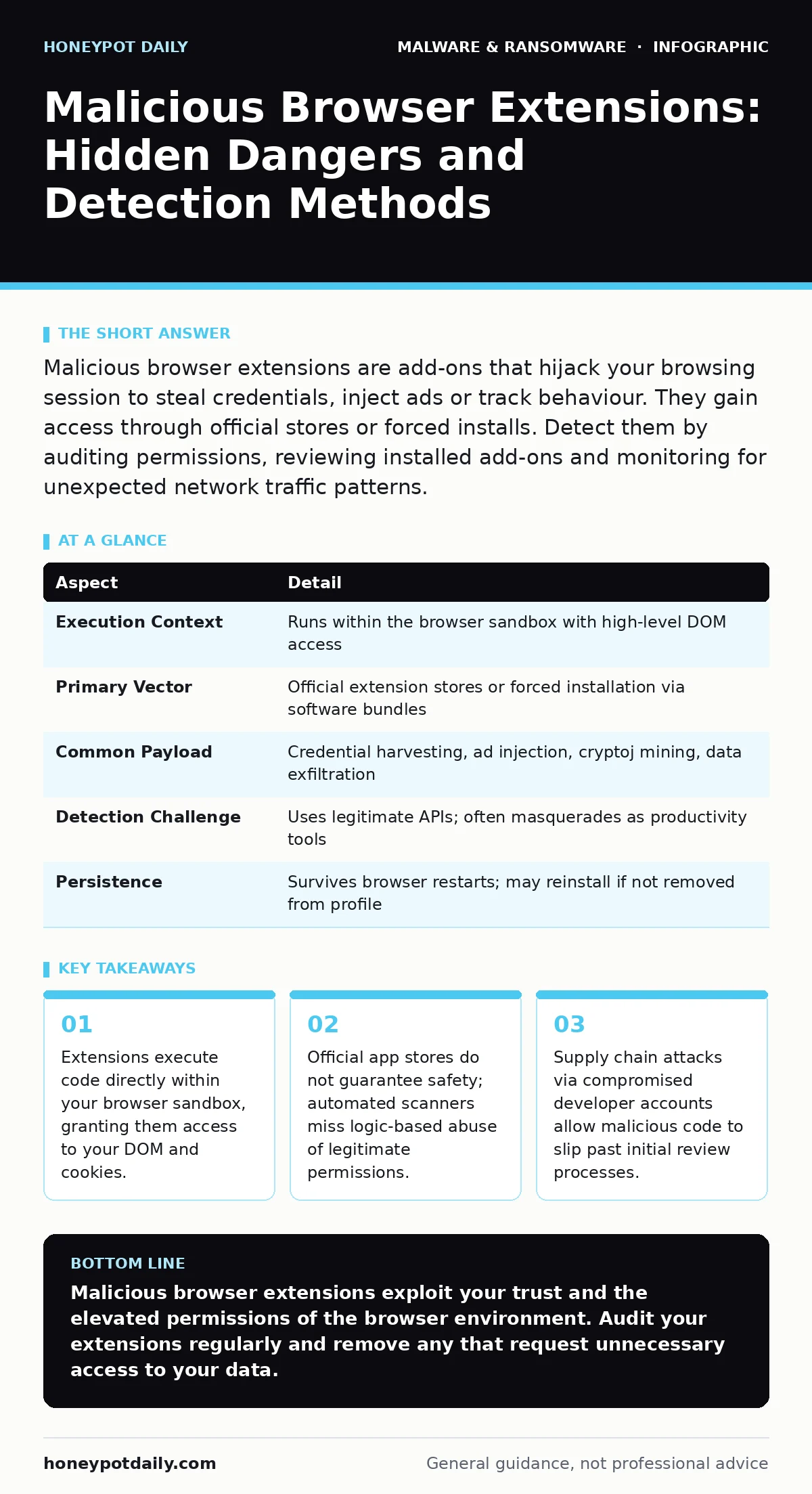
Malicious browser extensions are add-ons that hijack your browsing session to steal credentials, inject ads or track behaviour. They gain access through official stores or forced installs. Detect them by auditing permissions, reviewing installed add-ons and monitoring for unexpected network traffic patterns.
The Trojan Horse in Your Toolbar
Imagine you install a weather widget to see temperatures at the top of your screen. You grant it permission to read your location so it can provide accurate forecasts. Now suppose the developer also requests permission to "read and change all your data on all websites." This second permission allows the widget to see every form you fill out, every password you type and every payment detail you enter.
This is the fundamental mechanic behind malicious browser extensions. They are not standalone programmes you run from a desktop. They are scripts that live inside your browser environment. They run with the same privileges as the web pages you visit. This means they can see what you see and interact with what you interact with.
The danger is subtle because the extension usually provides a visible, useful function. This utility masks the background processes that exfiltrate data or alter page content. You trust the interface, so you overlook the engine running beneath it.
| Aspect | Detail |
|---|---|
| Execution Context | Runs within the browser sandbox with high-level DOM access |
| Primary Vector | Official extension stores or forced installation via software bundles |
| Common Payload | Credential harvesting, ad injection, cryptoj mining, data exfiltration |
| Detection Challenge | Uses legitimate APIs; often masquerades as productivity tools |
| Persistence | Survives browser restarts; may reinstall if not removed from profile |
How Infection Occurs
You typically acquire a malicious extension in one of two ways. The first is voluntary installation. You search for a specific tool, such as a grammar checker or a coupon finder. You find a popular-looking add-on and click install. The developer may have started with benign code but updated it to include malicious functions later. The browser pushes this update silently.
The second method is involuntary installation. You download a piece of software, perhaps a video converter or a PDF editor. During the installation process, a checkbox is pre-ticked to install a "browser helper" or "search enhancer." You click next without reading. The software installs the extension along with the main programme. This is known as bundling.
Some attackers compromise legitimate developer accounts. They take over the login credentials of a developer who maintains a popular, clean extension. They then push a malicious update through the official channel. The extension retains its good reputation and high rating. You install it, trusting the history. The code behind it has changed entirely.
Common Forms of Abuse
Not all malicious extensions look the same. They adapt to their goal. Understanding these forms helps you spot anomalies in your own browsing experience.
Credential Harvesting
This is the most direct attack. The extension monitors input fields. When you type into a login box, the script captures the text. It does not need to break encryption. It simply reads the data before your browser sends it to the website. It then forwards this data to a remote server controlled by the attacker.
Ad Injection and Redirects
These extensions modify the Document Object Model (DOM) of pages you visit. They insert new elements, such as pop-up ads or banners, that the original site did not create. They may also redirect your search queries to sponsored results. You see more ads than usual. The site owner receives no revenue from these injections. The attacker does.
Cryptojacking
Your computer’s processing power is a resource. Some extensions use your CPU cycles to mine cryptocurrency. They do this in the background. You might notice your fan spinning louder or your battery draining faster. The extension uses the WebAssembly standard to run complex calculations without freezing your browser interface.
Data Exfiltration
This is broader than password theft. The extension tracks your browsing history, your clicks and your search terms. It builds a profile of your interests and habits. This data is sold to advertisers or used for targeted phishing campaigns. The extension acts as a spy inside your window to the internet.
What People Usually Get Wrong
Many users believe that installing extensions only from official stores guarantees safety. This is false. Official stores have automated scans, but these scans look for known signatures of malware. They do not understand context. An extension that claims to "enhance shopping" by reading page content has a valid reason to request broad permissions. It also has a valid reason to steal credit card numbers. The store cannot easily distinguish between the two.
Another common misconception is that antivirus software will catch malicious extensions. Traditional next-generation antivirus solutions focus on file-based threats on the disk. Browser extensions run in memory. They often do not leave a traceable file footprint on your hard drive until you uninstall them. This makes them difficult for traditional scanners to detect.
Some users think that if an extension is free, it cannot be malicious. Attackers often distribute these tools for free to maximise infection rates. The product is not the extension. The product is your data. You are the one being sold.
Identifying the Threat
Detection requires active auditing. You must look at what the extension is allowed to do, not just what it claims to do.
- Review your installed extensions. Go to your browser’s settings. Look for add-ons you do not recognise or do not use.
- Check the permissions. If a weather app asks for access to your bookmarks and history, it is asking for too much.
- Look for generic names. Names like "Helper", "Manager" or "Service" are often used to hide malicious intent.
- Check the publisher. Is the developer name vague? Is the privacy policy missing or poorly written?
If you suspect an extension is malicious, do not just disable it. Remove it completely. Then clear your cache and cookies. Some extensions store data locally that can persist even after removal.
Reducing the Risk
Prevention is about minimising the attack surface. The fewer extensions you have, the less code is running in your browser.
Audit Regularly
Set a recurring task to review your extensions. Remove any that you have not used in the last month. If you do not use it, it is just a potential vulnerability.
Use Strict Permissions
Install extensions that request the minimum necessary permissions. If a tool only needs to work on one website, ensure it is configured to do so. Many browsers allow you to limit extension access to specific sites.
Keep Software Updated
Browser updates often patch vulnerabilities that extensions could exploit. Keep your browser and its extensions up to date. Disable automatic updates for extensions if you want manual control, but ensure you check for updates frequently.
Consider Alternative Environments
For sensitive activities, such as banking or accessing corporate systems, use a separate browser profile. This profile should have no extensions installed. It creates a clean environment. If you suspect your main browser is compromised, this clean profile remains safe. This approach mirrors the isolation used in memory forensics where analysts examine volatile state without altering evidence.
Handling Compromise
If you find a malicious extension, act quickly. Remove the extension. Change your passwords, especially for accounts you accessed while the extension was active. Enable multi-factor authentication. Review your financial statements for unauthorised transactions.
Consider whether the infection spread. Check other devices that use the same accounts. If the extension had access to your email, check for forwarding rules that might have been added. Malicious actors often set up forwarding to catch emails you might not see.
For enterprise environments, monitor network traffic for unusual outbound connections. Extensions often phone home to command and control servers. Blocking known malicious domains can help, but attackers change these domains frequently. A more robust strategy involves monitoring for unexpected user-agent strings or encrypted traffic from browser processes.
This type of threat overlaps with malware families that operate through browser hijackers. Understanding the behaviour of these families helps in creating detection rules. It also relates to the ransomware payment debate, as stolen credentials can be used to bypass security controls, leading to data encryption and extortion demands.
Key takeaways
- Extensions execute code directly within your browser sandbox, granting them access to your DOM and cookies.
- Official app stores do not guarantee safety; automated scanners miss logic-based abuse of legitimate permissions.
- Supply chain attacks via compromised developer accounts allow malicious code to slip past initial review processes.
Malicious browser extensions exploit your trust and the elevated permissions of the browser environment. Audit your extensions regularly and remove any that request unnecessary access to your data.
Frequently asked questions
Can a browser extension steal my password manager data?
Yes, if the extension requests access to all websites, it can intercept data as you type it into the password manager’s prompt. Some extensions can also interact with the password manager’s stored data if the manager is also an extension.
Do official app stores scan for malicious extensions?
They perform automated scans for known malware signatures, but these scans often miss logic-based abuse or newly developed malicious code that mimics legitimate functions.
How do I know if an extension is using my CPU for cryptojacking?
Check your browser’s task manager. Look for extensions that consume high amounts of CPU or memory consistently, even when you are not actively using the browser.
Can antivirus software detect malicious browser extensions?
Traditional antivirus often misses them because they run in memory. Specialised endpoint detection and response tools or browser security modules are more effective at identifying behavioural anomalies.
How this guide was produced: written by the Honeypot Daily editorial team with AI assistance, checked against the public references listed below, and reviewed when the facts change. See our editorial policy or report an error.