
How to Detect Malicious Email Attachments in Logs and Systems
Malicious attachments often hide in plain sight by exploiting legacy file formats and abusing legitimate system processes to bypass standard signature-based detection.
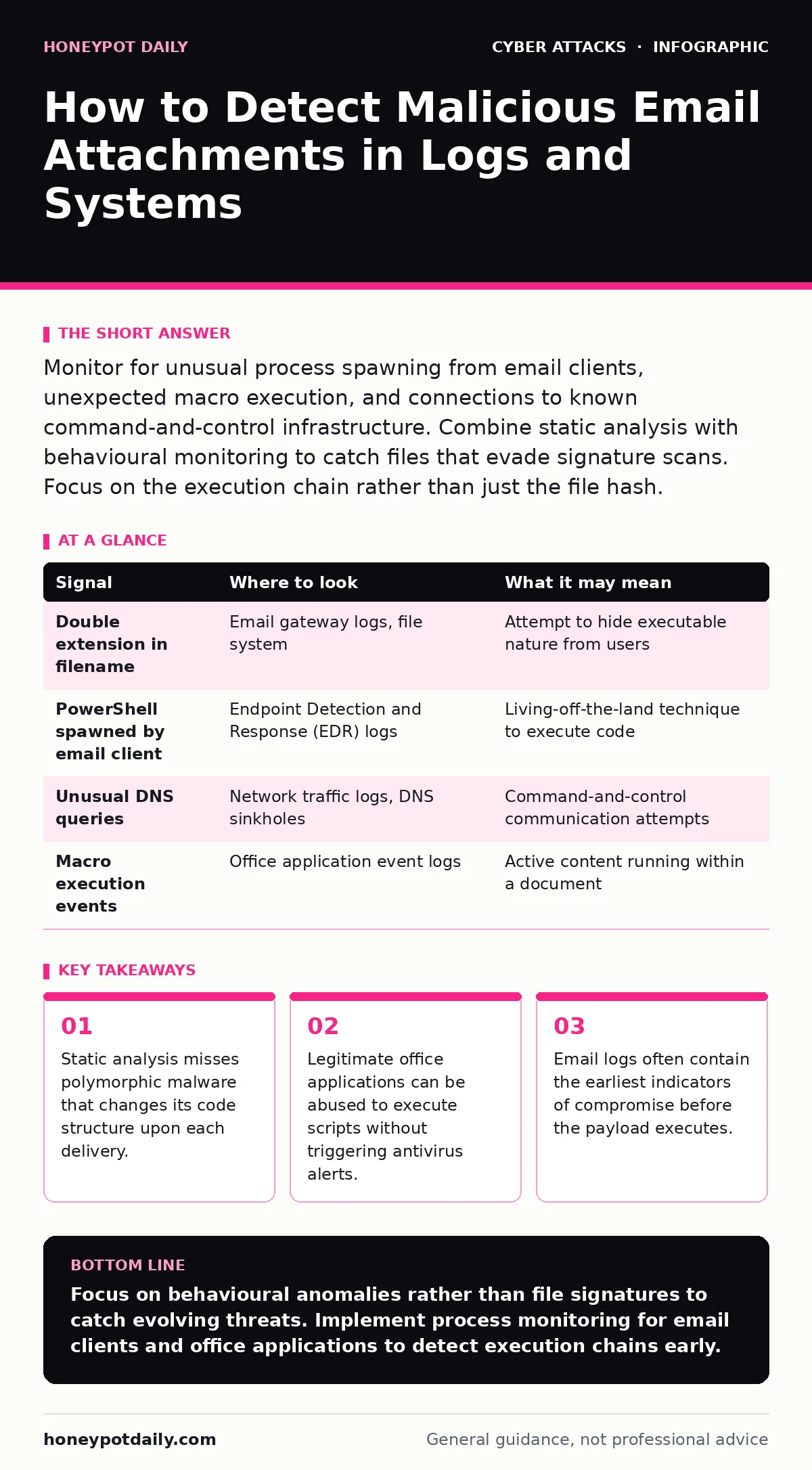
Monitor for unusual process spawning from email clients, unexpected macro execution, and connections to known command-and-control infrastructure. Combine static analysis with behavioural monitoring to catch files that evade signature scans. Focus on the execution chain rather than just the file hash.
The Email Gateway as the First Sensor
The journey of a malicious attachment begins at the perimeter. Your email gateway logs are the primary source for identifying delivery attempts, even if the payload is later blocked. You must correlate incoming message headers with attachment metadata. Look for discrepancies between the sender’s claimed domain and the actual envelope sender.
Many attacks rely on social engineering rather than technical exploitation. The attachment might appear harmless, such as a receipt or an invoice. However, the file name often contains subtle anomalies. Double extensions are a common tactic, where a file named invoice.pdf.exe displays only as invoice.pdf in the user’s file explorer. This relies on the operating system hiding known extensions by default.
Check for unusual character sets in file names. Attackers use homoglyphs, which are characters from different scripts that look identical to Latin letters. A file named report.рdf uses a Cyrillic 'р' instead of a Latin 'p'. Standard string matching often fails to catch this because the characters have different Unicode values.
Execution Chains and Process Monitoring
Once the file lands on an endpoint, the real detection challenge begins. Antivirus software scans the file signature, but it often misses the behaviour that follows execution. You need to monitor process creation events. Look for child processes spawned by email clients, such as Outlook or Thunderbird. These applications should not typically spawn command shells or script interpreters.
A common technique involves using PowerShell to download and execute further payloads. This is often referred to as living-off-the-land, where attackers use built-in system tools to avoid detection. If you see powershell.exe being launched by outlook.exe, this is a high-fidelity indicator of compromise. The command line arguments often contain encoded strings that obfuscate the true intent.
Another vector involves the Windows Script Host. Attackers use wscript.exe or cscript.exe to run Visual Basic or JavaScript files. These scripts can modify registry keys, disable security software, or establish persistence. Monitoring for the execution of these hosts, especially when initiated by user-level processes, provides early warning.
| Signal | Where to look | What it may mean |
|---|---|---|
| Double extension in filename | Email gateway logs, file system | Attempt to hide executable nature from users |
| PowerShell spawned by email client | Endpoint Detection and Response (EDR) logs | Living-off-the-land technique to execute code |
| Unusual DNS queries | Network traffic logs, DNS sinkholes | Command-and-control communication attempts |
| Macro execution events | Office application event logs | Active content running within a document |
Office Application Behaviour
Microsoft Office and similar suites are frequent targets because they are trusted by users and contain powerful scripting engines. Macros are the most obvious threat, but they are not the only one. Attackers exploit features like Data Connections or ActiveX controls to trigger remote code execution. These mechanisms allow documents to fetch data from external servers, which can include malicious scripts.
You must enable logging for macro execution events. Modern versions of Office allow you to log when a macro runs, even if it is signed. A signed macro does not guarantee safety; attackers can steal valid certificates or create self-signed certificates that users blindly trust. Look for macros that interact with the file system or network, rather than just formatting text.
Another hidden vector is the use of embedded objects. A document might contain an embedded Excel sheet or a Visio diagram. These objects can contain their own macros or exploit vulnerabilities in the rendering engine. When the user opens the main document, the embedded object is rendered, potentially triggering an exploit. Static analysis often misses these nested threats because it does not fully render the document.
Network Indicators of Compromise
If the attachment executes successfully, it will likely attempt to communicate with a command-and-control server. This traffic provides a reliable signal for detection, provided you monitor outbound connections. Look for connections to newly registered domains, a technique known as domain generation algorithms. These domains are created automatically by the malware to ensure availability even if some are blocked.
DNS traffic is a rich source of indicators. Attackers use domain generation algorithms to create thousands of random domain names. Your DNS logs will show queries for domains that have no history or low reputation. Additionally, look for long TXT records or unusual query types. These are often used to exfiltrate data or receive commands from the attacker.
HTTP and HTTPS traffic can also reveal malicious activity. Many malware families use standard web protocols to blend in with normal traffic. However, they often connect to IP addresses that are not associated with legitimate web services. Use threat intelligence feeds to correlate outbound connections with known malicious infrastructure. Remember that attackers frequently change their infrastructure, so static blocklists are insufficient.
Common Blind Spots in Detection
Despite sophisticated tools, several blind spots remain. One major gap is the reliance on file hashing. Attackers use polymorphic code, which changes its binary structure while maintaining the same functionality. Each infection has a unique hash, rendering signature-based detection ineffective. You must shift focus from what the file is to what the file does.
Another blind spot is the assumption that encrypted attachments are safe. While encryption protects privacy, it also hides the content from security scanners. Attackers send encrypted archives with passwords provided in the same email or in a follow-up message. Your gateway cannot scan the contents without the password, creating a gap in visibility.
Finally, many teams overlook the impact of legacy systems. Older operating systems and applications lack modern security features like memory protection and code signing enforcement. Attacks targeting these systems often use simple exploits that are well-documented but still effective against unpatched endpoints. Ensure your detection logic accounts for the specific risks associated with legacy software.
See also: Threat Hunting vs Incident Response: Which Security Function Do You Need
Integrating Detection with Response
Detection is only half the battle. You must integrate these signals into your incident response workflow. When an indicator is detected, the automated response should include isolating the affected endpoint and disabling the compromised user account. This limits the lateral movement of the attacker.
Review your incident response plans to ensure they cover email-borne threats specifically. The timeline for containment is often shorter for email attacks because the initial access is direct and rapid. Automated playbooks can help reduce the time to respond, but they must be tuned to avoid false positives.
Consider how privileged access management might be impacted. If an attacker gains access to a standard user account, they may attempt to escalate privileges. Monitoring for unusual login attempts or privilege escalation actions is critical. The initial email attachment is just the entry point; the subsequent actions determine the severity of the breach.
Key takeaways
- Static analysis misses polymorphic malware that changes its code structure upon each delivery.
- Legitimate office applications can be abused to execute scripts without triggering antivirus alerts.
- Email logs often contain the earliest indicators of compromise before the payload executes.
Focus on behavioural anomalies rather than file signatures to catch evolving threats. Implement process monitoring for email clients and office applications to detect execution chains early.
Frequently asked questions
How do I detect encrypted malicious attachments?
You cannot scan the contents without the password. Monitor for the delivery of passwords in separate emails or chats, and treat encrypted archives from unknown senders as high-risk.
What is the difference between static and dynamic analysis?
Static analysis examines the file without running it, while dynamic analysis observes the file’s behaviour in a controlled environment. Dynamic analysis catches behavioural threats that static analysis misses.
Can DKIM prevent malicious attachments?
DKIM verifies the sender’s identity but does not scan the content. It ensures the email was not tampered with in transit, but it does not stop malware from being included in the attachment.
How do I reduce false positives in process monitoring?
Baseline normal process behaviour for your environment. Exclude known legitimate applications from alerts and refine your rules to focus on unusual parent-child process relationships.
How this guide was produced: written by the Honeypot Daily editorial team with AI assistance, checked against the public references listed below, and reviewed when the facts change. See our editorial policy or report an error.