
Kubernetes Network Policies: 6 Common Mistakes and Fixes
Default Kubernetes clusters allow all internal traffic, meaning a compromised container can scan and attack every other service without restriction.
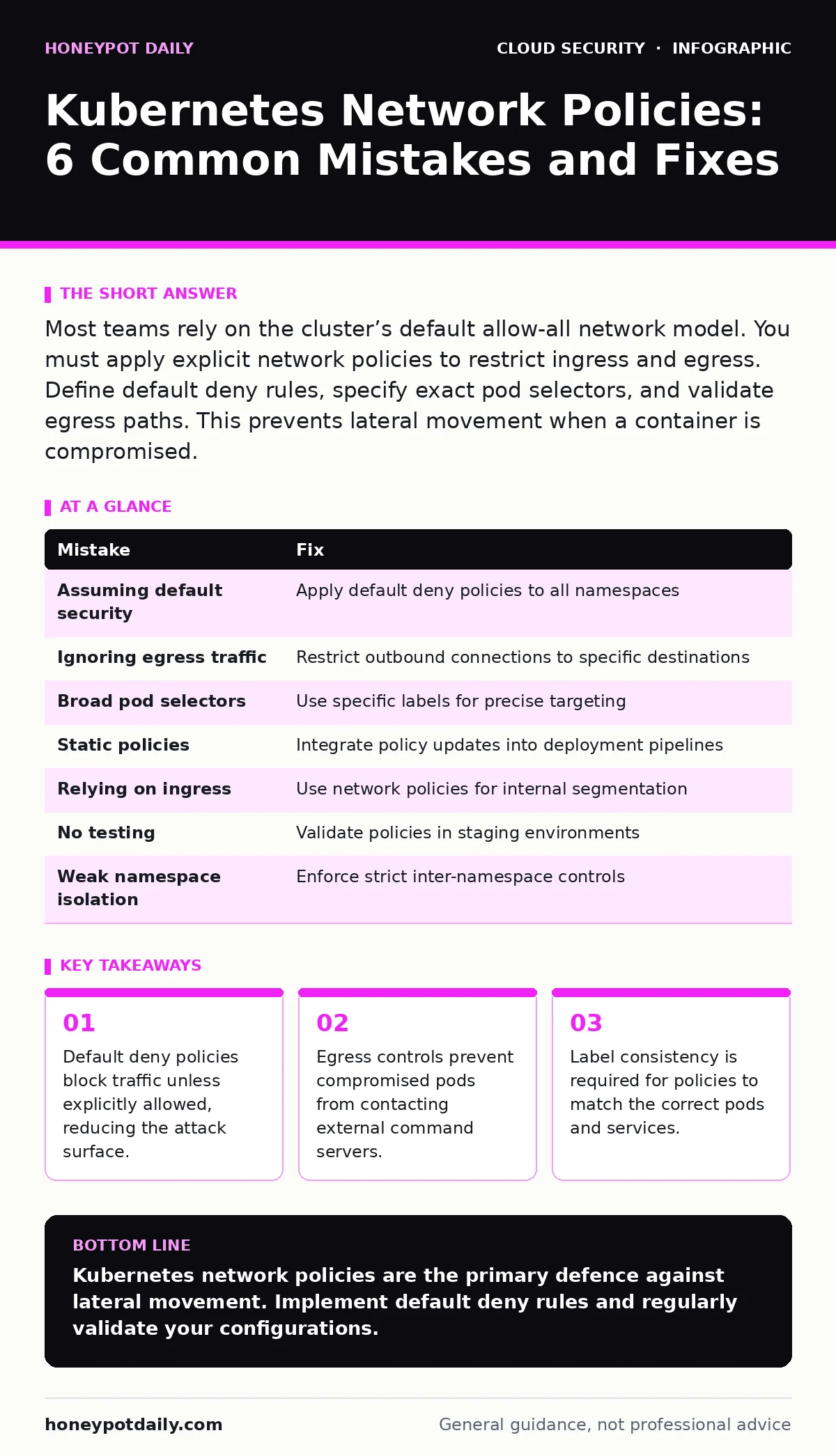
Most teams rely on the cluster’s default allow-all network model. You must apply explicit network policies to restrict ingress and egress. Define default deny rules, specify exact pod selectors, and validate egress paths. This prevents lateral movement when a container is compromised.
Mistake 1: Assuming the Cluster is Secure by Default
Kubernetes does not isolate pods from one another by default. Every pod can communicate with every other pod on the cluster unless you explicitly restrict it. This open model simplifies initial development but creates a flat network where threats move freely.
Why it hurts: An attacker who compromises a single low-privilege container can scan the entire cluster. They can reach databases, internal APIs, and management services without network barriers. This lateral movement often precedes data exfiltration or further privilege escalation.
The fix: Apply a default deny policy to all namespaces. This policy blocks all ingress and egress traffic unless a more specific policy permits it. You must then create allow rules for each legitimate communication path. This approach aligns with broader cloud guardrails that enforce least privilege across infrastructure.
Mistake 2: Ignoring Egress Traffic
Many teams focus solely on restricting incoming connections to their services. They assume that if outside attackers cannot reach the pod, the service is safe. This view ignores the risk of a pod becoming a launchpad for outbound attacks.
Why it hurts: A compromised pod can send data to external servers or connect to command-and-control infrastructure. It can also perform port scanning against other internal services to map the environment. Without egress controls, the cluster provides no barrier to data theft or further reconnaissance.
The fix: Define network policies that restrict outbound traffic to specific destinations. Allow connections only to required services such as external APIs or DNS resolvers. Block all other outbound traffic. This containment limits the damage if a container is breached.
Mistake 3: Using Overly Broad Pod Selectors
Network policies use labels to identify which pods they apply to. Using generic labels like app: production can group unrelated services together. This reduces the precision of your security controls.
Why it hurts: Broad selectors create implicit trust zones. A policy intended for a web server might also apply to a debug tool or a legacy service. Attackers can exploit this overlap to access services they should not reach. It also makes auditing difficult because you cannot easily trace who talks to whom.
The fix: Use specific labels that identify individual services or components. Apply policies to pods with unique identifiers rather than broad categories. This granularity ensures that only intended traffic is permitted. It also simplifies troubleshooting when connectivity issues arise.
Mistake 4: Forgetting to Update Policies for New Services
When you deploy new microservices, you often forget to update existing network policies. The new service may rely on communication paths that are not yet defined. This leads to connectivity failures or security gaps.
Why it hurts: If the policy is too strict, the new service fails to start or cannot communicate with dependencies. If you loosen the policy to fix the issue, you may inadvertently expose other services. This reactive approach erodes security over time as the cluster grows.
The fix: Integrate network policy definitions into your deployment pipeline. Treat policies as code that must be reviewed and tested alongside application changes. Automate the validation of new policies to ensure they do not break existing services. This practice supports secure cloud migration security by embedding controls early.
Mistake 5: Relying on Ingress Controllers for Security
Ingress controllers manage external HTTP and HTTPS traffic. They are not designed to enforce internal network segmentation. Teams often mistake the ingress controller for a firewall.
Why it hurts: Ingress controllers do not protect against lateral movement between pods. They also do not restrict traffic from within the cluster to external networks. An attacker inside the cluster can bypass the ingress controller entirely. This false sense of security leaves internal services exposed.
The fix: Use network policies for internal segmentation and ingress controllers for external access. Keep these concerns separate. Network policies operate at the pod level, providing granular control. Ingress controllers operate at the route level, handling external requests.
See also: Shift Left Security Meaning: Move Checks to Code Before Build · Difference Between Virtual Private Cloud and Private Cloud
Mistake 6: Neglecting Policy Testing and Validation
Writing network policies is only half the battle. You must verify that they work as intended. Many teams deploy policies without testing their impact on live traffic.
Why it hurts: Incorrect policies can block legitimate traffic, causing outages. Conversely, overly permissive policies may fail to block malicious activity. Without testing, you cannot be sure your security controls are effective. This uncertainty increases operational risk.
The fix: Use tools to simulate traffic and validate policies before deployment. Test each policy in a staging environment that mirrors production. Monitor logs for denied connections to identify misconfigurations. Regular testing ensures your policies remain effective as the cluster evolves.
Mistake 7: Ignoring Multi-Tenant Namespace Isolation
In multi-tenant clusters, different teams share the same infrastructure. Without strict isolation, one team’s workload can interfere with another’s. This is a common oversight in shared environments.
Why it hurts: A misconfigured policy in one namespace can expose resources in another. This breaks the principle of least privilege and increases the risk of cross-tenant attacks. It also complicates compliance and auditing efforts.
The fix: Enforce strict network policies between namespaces. Use default deny policies in each namespace to prevent cross-namespace traffic. Explicitly allow only necessary inter-namespace communications. This isolation is critical for hybrid cloud security where workloads span multiple environments.
| Mistake | Fix |
|---|---|
| Assuming default security | Apply default deny policies to all namespaces |
| Ignoring egress traffic | Restrict outbound connections to specific destinations |
| Broad pod selectors | Use specific labels for precise targeting |
| Static policies | Integrate policy updates into deployment pipelines |
| Relying on ingress | Use network policies for internal segmentation |
| No testing | Validate policies in staging environments |
| Weak namespace isolation | Enforce strict inter-namespace controls |
Key takeaways
- Default deny policies block traffic unless explicitly allowed, reducing the attack surface.
- Egress controls prevent compromised pods from contacting external command servers.
- Label consistency is required for policies to match the correct pods and services.
Kubernetes network policies are the primary defence against lateral movement. Implement default deny rules and regularly validate your configurations.
Frequently asked questions
Do network policies protect against external attacks?
No, network policies primarily control internal traffic. Use firewalls and ingress controllers for external protection.
Can network policies replace security groups?
They serve different purposes. Security groups operate at the host level, while network policies operate at the pod level.
How do I troubleshoot denied traffic?
Check the pod labels and network policy selectors. Ensure the policy matches the intended pods and allows the required traffic.
Are network policies supported by all Kubernetes distributions?
Most distributions support them, but implementation details may vary. Check your provider’s documentation for specific requirements.
How this guide was produced: written by the Honeypot Daily editorial team with AI assistance, checked against the public references listed below, and reviewed when the facts change. See our editorial policy or report an error.