
Cloud Guardrails for Small Teams: Budget-Friendly Setup
Establish automated policy enforcement to prevent configuration errors, reduce manual overhead, and maintain security posture without hiring dedicated cloud engineers.
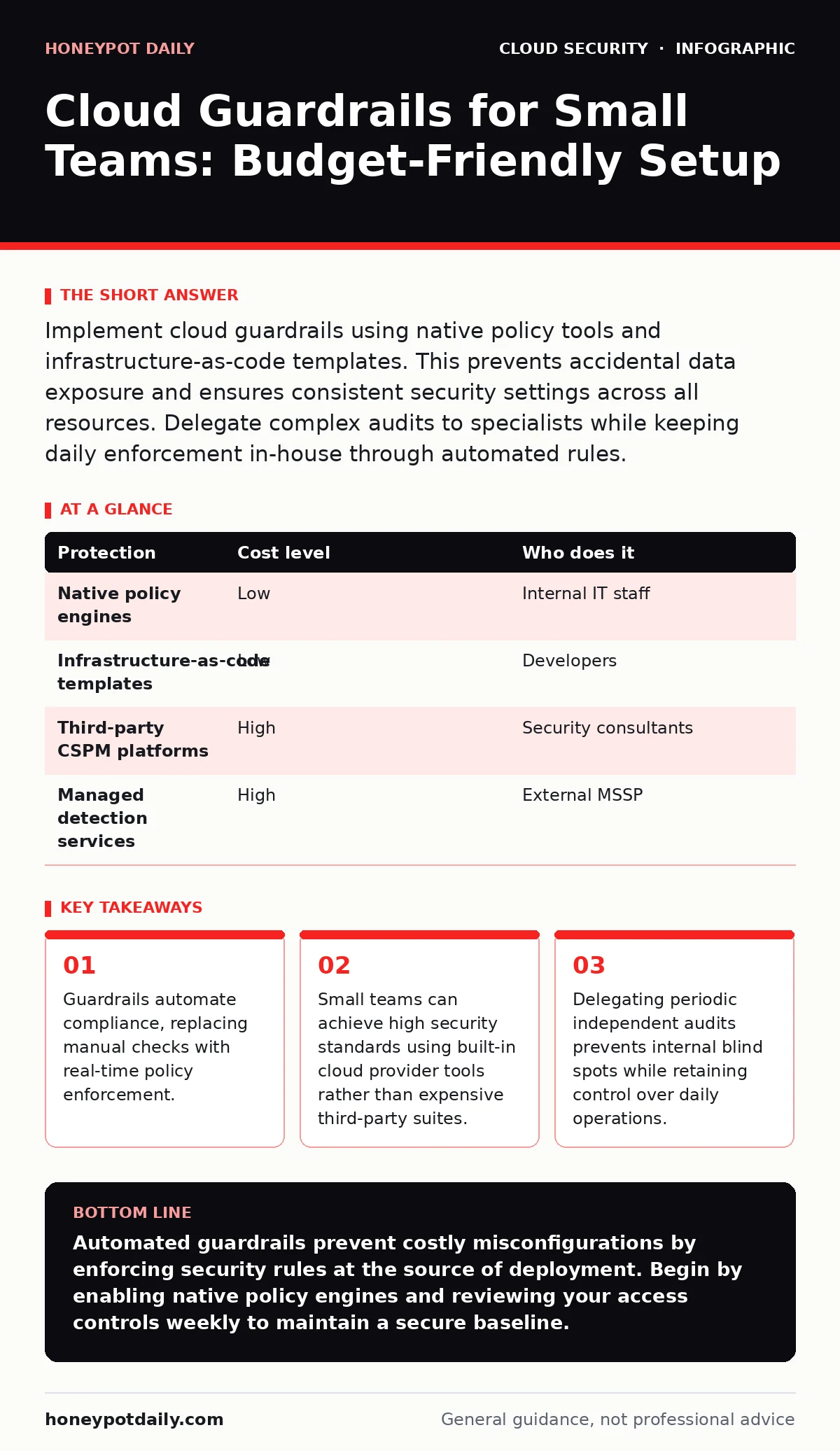
Implement cloud guardrails using native policy tools and infrastructure-as-code templates. This prevents accidental data exposure and ensures consistent security settings across all resources. Delegate complex audits to specialists while keeping daily enforcement in-house through automated rules.
The Mechanics of Automated Prevention
Cloud guardrails are policy rules that enforce security standards automatically. They sit between your infrastructure code and the live environment. When you attempt to deploy a resource that violates these rules, the system rejects the action. This prevents human error from becoming a security incident.
Imagine configuring a database with no encryption. A guardrail detects the missing encryption flag. It stops the deployment and returns an error message. You fix the configuration locally. The insecure resource never reaches the production environment. This shift-left approach moves security checks to the development phase.
Manual audits fail at scale because people miss details under pressure. Automated guardrails do not get tired or distracted. They apply the same strict standards to every deployment. This consistency is vital for maintaining a secure baseline. It ensures that no resource slips through the cracks due to oversight.
Why Small Teams Need Strict Boundaries
Small organisations often assume they are too insignificant to be targeted. This assumption is dangerous. Attackers use automated bots to scan for misconfigurations. They do not care about company size. They care about open doors.
A ten-person team lacks the bandwidth to monitor every configuration change. Developers focus on features, not security details. Without guardrails, security becomes a manual checklist. Checklists are easily skipped during tight deadlines. This creates gaps in your defence perimeter.
Guardrails provide a safety net for small teams. They allow developers to move quickly without compromising security. The system handles the complexity of compliance. You only need to define the rules once. This reduces the cognitive load on your staff. It frees them to focus on building products rather than policing configurations.
Affordable Implementation Strategies
You do not need expensive third-party tools to start. Most major cloud providers offer native policy engines. These tools are included in your base subscription. They provide a robust foundation for basic guardrails.
Start by defining your least-privilege access rules. Ensure every user and service has only the permissions it needs. Use role-based access control to enforce this. Then, enable logging for all API actions. This creates an audit trail for every change.
Use infrastructure-as-code to manage your resources. This allows you to version-control your security policies. You can test changes in a staging environment before applying them. This prevents accidental outages. It also makes it easier to replicate secure configurations across accounts.
| Protection | Cost level | Who does it |
|---|---|---|
| Native policy engines | Low | Internal IT staff |
| Infrastructure-as-code templates | Low | Developers |
| Third-party CSPM platforms | High | Security consultants |
| Managed detection services | High | External MSSP |
What to Delegate to Specialists
Not every task requires in-house expertise. Small teams should delegate complex audits and incident response planning. These areas require specialised knowledge that is hard to maintain internally.
Consider hiring an independent security consultant for annual reviews. They can identify blind spots your team has become accustomed to. Internal teams often develop tunnel vision. An outsider provides a fresh perspective on your architecture.
Delegate incident response tabletop exercises. These simulations test your team's ability to react to breaches. A specialist can facilitate these sessions. They introduce realistic scenarios and evaluate your response. This prepares your team for real-world events without the risk of actual damage.
Defining Effective Policy Rules
Start with high-impact, low-effort rules. Enable encryption for all storage resources. This protects data at rest without complex implementation. Require multi-factor authentication for all administrative accounts. This adds a layer of protection against credential theft.
Block inbound traffic from unknown sources. Restrict access to specific IP ranges where possible. This reduces the attack surface significantly. Disable unused services and ports. Every open port is a potential entry point for attackers.
Document the reason for each rule. This helps new team members understand the security rationale. It also simplifies troubleshooting when legitimate work is blocked. Clear documentation reduces friction between development and security teams. It ensures everyone understands the objectives.
See also: Shift Left Security Meaning: Move Checks to Code Before Build · Difference Between Virtual Private Cloud and Private Cloud
Maintaining and Updating Guardrails
Security policies are not static. New vulnerabilities emerge regularly. You must update your guardrails to address these threats. Schedule quarterly reviews of your policy set. Remove rules that are no longer relevant. Add new rules for emerging risks.
Monitor policy violations closely. High violation rates indicate a mismatch between security and business needs. Adjust the rules to reduce friction. If developers constantly bypass rules, they may be too strict. Balance security with usability.
Use feedback loops to improve your process. Ask developers about false positives. Refine rules to reduce noise. This keeps the system effective and trusted. A noisy system gets ignored. A precise system gets respected and followed.
Integrating Guardrails into Workflow
Embed guardrails into your continuous integration pipeline. This ensures every code change is checked automatically. Developers receive immediate feedback on security issues. They can fix problems before merging code. This integrates security into the daily routine.
Use pull request comments to highlight violations. This makes security visible and actionable. It encourages developers to take ownership of their security posture. It turns security into a collaborative effort rather than a bottleneck.
Automate the remediation of simple issues. For example, automatically encrypt new storage buckets. This reduces the manual effort required to stay compliant. It speeds up the deployment process. Automation scales better than manual intervention.
Building a Culture of Security
Guardrails are a tool, not a solution. They support a culture of security awareness. Educate your team on why these rules exist. Explain the risks of misconfiguration. When people understand the "why", they comply more willingly.
Encourage open discussion about security challenges. If a rule blocks critical work, discuss alternatives. Do not simply override the rule. Find a secure workaround. This builds trust and improves the security posture.
Celebrate security wins. Acknowledge when guardrails prevent an incident. This reinforces positive behaviour. It shows the value of the effort. A positive culture makes security easier to sustain. It turns compliance into a shared goal.
Key takeaways
- Guardrails automate compliance, replacing manual checks with real-time policy enforcement.
- Small teams can achieve high security standards using built-in cloud provider tools rather than expensive third-party suites.
- Delegating periodic independent audits prevents internal blind spots while retaining control over daily operations.
Automated guardrails prevent costly misconfigurations by enforcing security rules at the source of deployment. Begin by enabling native policy engines and reviewing your access controls weekly to maintain a secure baseline.
Frequently asked questions
Do guardrails slow down development speed?
Properly configured guardrails speed up development by providing immediate feedback. Developers fix issues early, avoiding lengthy security reviews later in the process.
Can small teams manage guardrails without a dedicated security officer?
Yes, by leveraging native cloud provider tools and infrastructure-as-code. These tools automate most of the heavy lifting, allowing small IT teams to maintain effective controls.
How often should guardrail policies be updated?
Review policies quarterly or whenever new services are added. Regular updates ensure rules remain relevant to current threats and business requirements.
What is the difference between guardrails and firewalls?
Firewalls control network traffic based on ports and IPs. Guardrails enforce configuration policies on cloud resources, ensuring they are set up securely from the start.
How this guide was produced: written by the Honeypot Daily editorial team with AI assistance, checked against the public references listed below, and reviewed when the facts change. See our editorial policy or report an error.