Endpoint telemetry checklist: capture what attackers hide
Most endpoint agents ignore memory state changes, allowing fileless malware to execute and vanish before logging occurs.
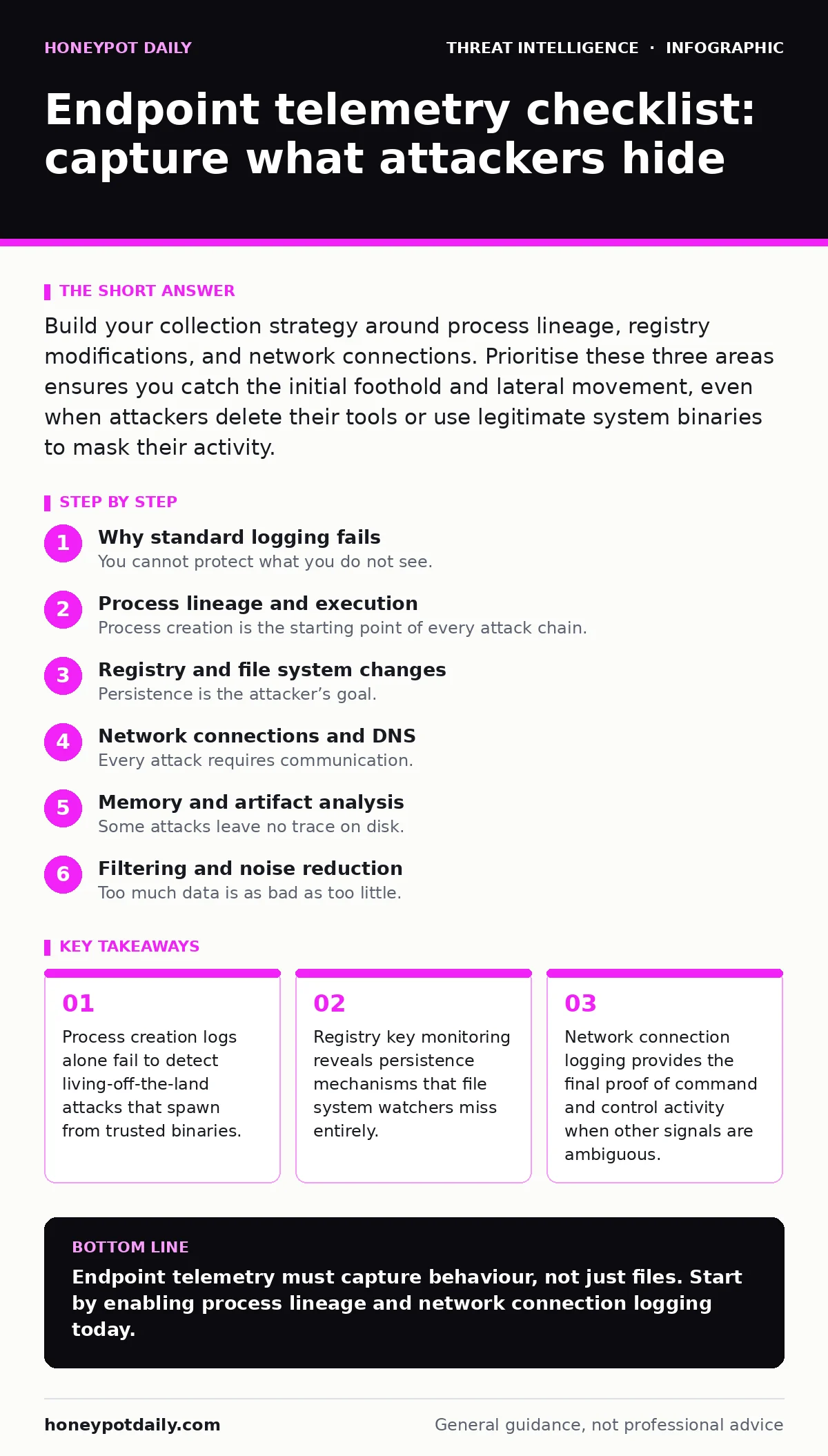
Build your collection strategy around process lineage, registry modifications, and network connections. Prioritise these three areas ensures you catch the initial foothold and lateral movement, even when attackers delete their tools or use legitimate system binaries to mask their activity.
Why standard logging fails
You cannot protect what you do not see. Standard endpoint detection tools often focus on file integrity or known malicious hashes. Attackers know this. They use legitimate system tools to perform actions that look normal in isolation. This approach is known as living-off-the-land. If your telemetry only records file creation, you miss the execution of memory-resident code.
Imagine a scenario where a script executes directly in memory. It never touches the disk. Your file integrity monitoring remains silent. The attack proceeds unnoticed because the artefact never existed as a file. You need telemetry that captures behaviour, not just static objects.
Process lineage and execution
Process creation is the starting point of every attack chain. You must record more than just the new process name. You need the full command line arguments. Attackers often use standard tools like PowerShell or Python with obfuscated arguments. Without the full command line, you cannot distinguish between an administrative task and a malicious script.
- Record full command line arguments: Obfuscation hides malicious intent within standard tool parameters.
- Capture parent-child process relationships: Lateral movement often involves spawning new processes from unexpected parents.
- Log process start and stop times: Timing analysis helps correlate events across different system components.
- Monitor for signed binary execution: Attackers sometimes use signed drivers to bypass security controls.
This depth supports effective process injection detection. When a new process appears, you can trace it back to its origin. If a web server spawns a command shell, that is an anomaly. Without parent process data, that shell looks like a routine administrative task.
Registry and file system changes
Persistence is the attacker’s goal. They need to return to the system after a reboot. Windows systems use the registry heavily for this purpose. Key changes in specific registry hives often indicate an attempt to maintain access. File system changes are also critical, but they are noisy. You must filter for high-value locations.
- Monitor autorun key modifications: These keys execute programs during system startup.
- Track service binary path changes: Attackers often replace legitimate service executables.
- Log changes to user environment variables: Malicious paths can redirect system calls to attacker-controlled binaries.
- Watch for new executable files in temp directories: Temporary folders are common staging grounds for dropped payloads.
This approach complements Windows event log monitoring. Event logs provide the audit trail, but endpoint agents provide the context. By combining both, you reduce the noise. You focus on changes that matter, rather than every file touch.
Network connections and DNS
Every attack requires communication. The endpoint must talk to a command and control server. Network telemetry reveals this conversation. You must capture both the destination and the timing. Short-lived connections are often used to check for callbacks. DNS queries can reveal domain generation algorithms, which create random domain names for communication.
- Log all outbound connections: Internal traffic is safe, but outbound traffic requires scrutiny.
- Record DNS query responses: Domain names alone do not reveal the final IP address.
- Capture connection duration: Short bursts may indicate beaconing behaviour.
- Monitor for encrypted traffic anomalies: Encrypted tunnels can hide malicious payloads from deep packet inspection.
This data is vital for network detection and response. When you see a suspicious process, you can check its network activity. If it connects to an unknown external IP, the risk level increases. This correlation reduces false positives.
Memory and artifact analysis
Some attacks leave no trace on disk. They live entirely in memory. Traditional file-based scans miss these threats. You need telemetry that captures memory state. This includes loaded modules and injected code. It is resource-intensive, so you must balance depth with performance.
- Record loaded DLLs and modules: Legitimate processes should not load unexpected libraries.
- Monitor for memory allocation patterns: Large allocations may indicate unpacking of malicious code.
- Capture heap changes: Heap spraying is a technique used to exploit memory corruption vulnerabilities.
- Log process hollowing attempts: This technique replaces a legitimate process with malicious code.
This level of detail supports mean time to detect improvements. When you catch an attack in memory, you stop it before it spreads. You reduce the window of exposure.
See also: Next-Generation Antivirus: Practical Protection for Small Teams · Next-Gen Antivirus Mistakes: 7 Errors Blocking Your Detections
Filtering and noise reduction
Too much data is as bad as too little. You will drown in alerts if you do not filter. Define baseline behaviour for your systems. Deviations from this baseline are what you investigate. Use allowlists for known administrative tools. This reduces the volume of data you need to analyse.
- Define baseline process trees: Know what normal execution looks like for each application.
- Filter known safe network destinations: Internal DNS and update servers should not trigger alerts.
- Exclude routine maintenance tasks: Backup jobs and patching create predictable noise.
- Set thresholds for frequency: Single events may be errors; repeated events are likely attacks.
This discipline is key for blue team operations. Analysts spend less time on false positives. They focus on genuine threats. This improves response times.
Integration and response
Telemetry is useless if it sits in a silo. You must integrate it with your incident response workflow. Alerts should trigger automated actions. Isolate the endpoint, capture memory dumps, and block network access. This containment prevents further damage.
- Automate endpoint isolation: Cut off network access immediately upon high-confidence alerts.
- Trigger memory capture: Preserve volatile evidence before the system is wiped.
- Correlate with threat intelligence: Check indicators against known malicious feeds.
- Log analyst actions: Ensure accountability and auditability of response steps.
This integration supports YARA rules execution. When you detect a suspicious file, you can scan it with custom rules. This adds another layer of detection. It helps identify variants of known malware.
Key takeaways
- Process creation logs alone fail to detect living-off-the-land attacks that spawn from trusted binaries.
- Registry key monitoring reveals persistence mechanisms that file system watchers miss entirely.
- Network connection logging provides the final proof of command and control activity when other signals are ambiguous.
Endpoint telemetry must capture behaviour, not just files. Start by enabling process lineage and network connection logging today.
Frequently asked questions
How much storage do I need for endpoint telemetry?
Storage needs depend on the volume of events and retention period. Compress logs and archive old data to manage costs.
Can endpoint telemetry detect insider threats?
Yes, by monitoring unusual file access and data exfiltration patterns. Look for deviations from normal user behaviour.
Is endpoint telemetry enough for security?
No, it must be combined with network monitoring and identity management. Layered defence provides better coverage.
How do I handle privacy concerns with endpoint monitoring?
Define clear policies on what is monitored. Exclude personal data where possible and inform users of the monitoring scope.
How this guide was produced: written by the Honeypot Daily editorial team with AI assistance, checked against the public references listed below, and reviewed when the facts change. See our editorial policy or report an error.