Stop Authorization Bypass Vulnerabilities: Prevention Priorities
Logic flaws in permission checks allow attackers to access data they should not see, regardless of how strong your encryption or network filters appear to be.
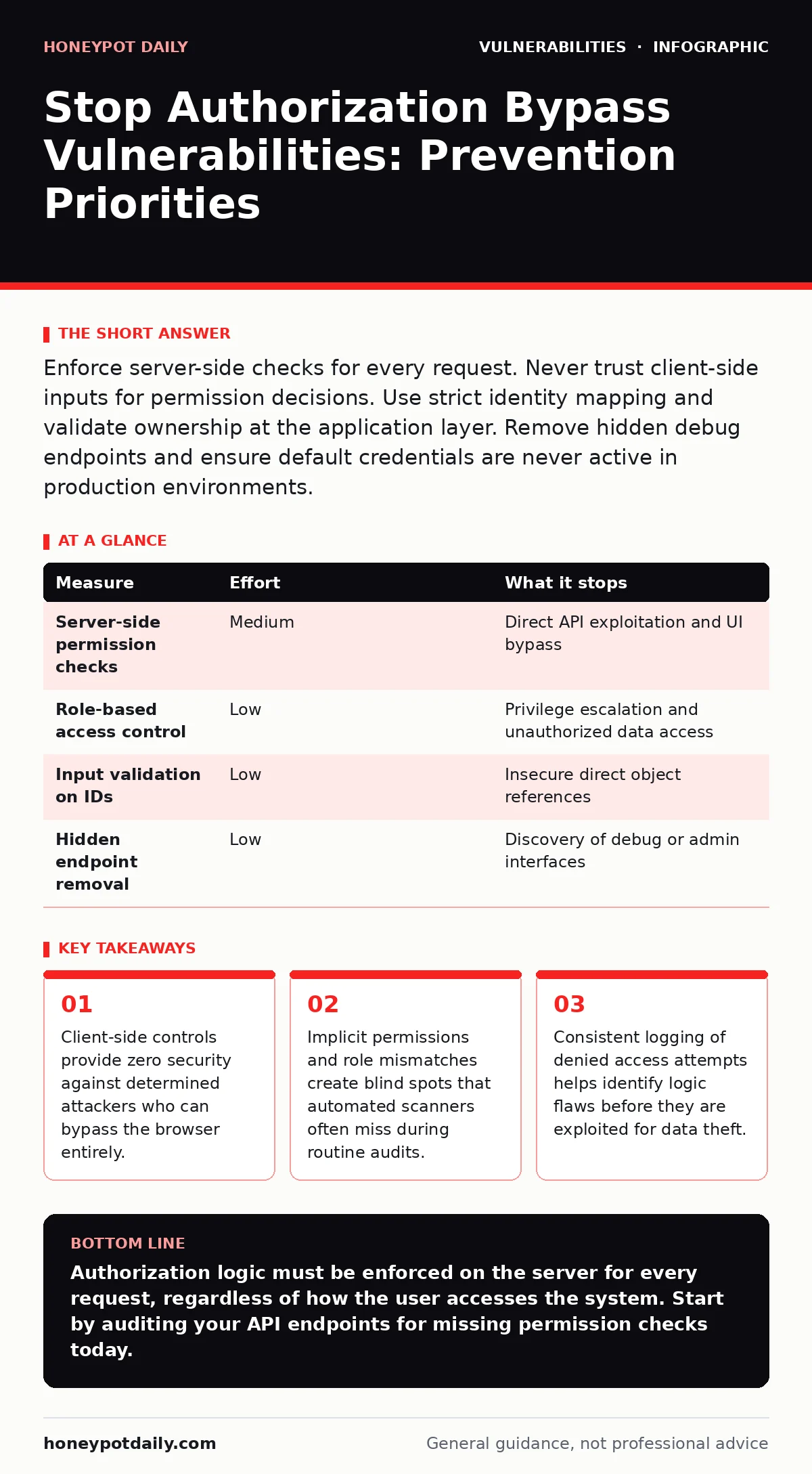
Enforce server-side checks for every request. Never trust client-side inputs for permission decisions. Use strict identity mapping and validate ownership at the application layer. Remove hidden debug endpoints and ensure default credentials are never active in production environments.
The Core Flaw in Access Control
Authorization bypass vulnerabilities occur when an application fails to verify that a user has the right to perform a specific action. This is distinct from authentication, which confirms who the user is. Authorization determines what that user can do. A common failure happens when developers assume that hiding a button or removing a menu item prevents access. An attacker does not need a button. They send a direct HTTP request to the backend API. If the server does not re-check permissions for that specific request, it grants access. This logic gap is the primary entry point for data breaches.
Why Client-Side Checks Fail
Many teams rely on frontend frameworks to hide sensitive features from unauthorized users. This approach creates a false sense of security. The browser is under the user's control. Tools like browser developer consoles or automated scripts can easily reconstruct and send requests that the frontend would normally block. Imagine a scenario where an admin panel is hidden from regular users. An attacker simply copies the URL of the admin endpoint and pastes it into their browser. If the server only checks if the user is logged in, not if they are an admin, the bypass succeeds. You must treat all client-side data as untrusted.
Server-Side Validation as the First Line
The most effective prevention is enforcing authorization on the server for every single request. This means checking permissions at the endpoint level, not just at the application entry point. Use a centralized access control module that evaluates the user's role and the resource's sensitivity. This module should run before any business logic executes. If the check fails, the server returns an error immediately. This approach stops attacks even if the attacker bypasses the user interface. It ensures that permission logic is consistent across all API endpoints and web pages.
| Measure | Effort | What it stops |
|---|---|---|
| Server-side permission checks | Medium | Direct API exploitation and UI bypass |
| Role-based access control | Low | Privilege escalation and unauthorized data access |
| Input validation on IDs | Low | Insecure direct object references |
| Hidden endpoint removal | Low | Discovery of debug or admin interfaces |
Implementing Strict Role-Based Access Control
Role-based access control defines what actions each user type can perform. This system assigns permissions to roles rather than individual users. When a user logs in, the application assigns their role. Every request is then validated against the permissions associated with that role. This reduces complexity and minimises human error. You must ensure that roles are least-privilege by default. A standard user should not have any admin capabilities, even if they are disabled. Regular reviews of role assignments help identify unnecessary permissions that accumulate over time.
Handling Insecure Direct Object References
Insecure direct object references occur when an application exposes internal identifiers to users. For example, a URL might contain a parameter like user_id=101. If a user changes this number to 102, they may access another user's data. This is a form of authorization bypass. To prevent this, map user requests to owned resources. The server should verify that the authenticated user owns the resource identified by the parameter. If the user does not own the resource, the request is denied. This validation must happen for every object reference, not just high-value data.
Removing Attack Surface via Endpoint Hygiene
Attackers often search for hidden endpoints that developers forgot to secure. These might include debug interfaces, administrative consoles, or legacy API routes. Even if these endpoints are not linked from the main application, they remain accessible if the server responds to requests. Scan your application for unused routes and disable them. Ensure that error messages do not reveal internal paths or technology stacks. This reduces the number of potential entry points. A smaller attack surface makes it harder for attackers to find logic flaws to exploit.
The Limits of Automated Testing
Automated security scanners are useful for finding common vulnerabilities, but they struggle with logic flaws. An authorisation bypass often requires a specific sequence of actions or a particular user state. Scanners may not understand the business logic. They might see a valid login and assume all subsequent requests are safe. You need manual testing to verify complex permission flows. This includes testing cross-user scenarios and privilege escalation paths. Combine automated scans with targeted manual reviews to catch what tools miss.
Logging and Monitoring for Anomalies
Even with strong controls, some bypass attempts will occur. Logging every denied access attempt provides visibility into attack patterns. Look for users accessing resources they do not own or attempting actions outside their role. These anomalies may indicate a logic flaw or an active attack. Set up alerts for unusual permission failures. This helps you detect issues before they lead to data exposure. Consistent logging also aids in forensic analysis if a breach occurs. It provides a trail of what the attacker tried to do.
Checklist for Immediate Action
- Audit all API endpoints to ensure server-side permission checks are present.
- Verify that input parameters for resources are validated against user ownership.
- Remove or disable all debug and administrative endpoints in production environments.
Key takeaways
- Client-side controls provide zero security against determined attackers who can bypass the browser entirely.
- Implicit permissions and role mismatches create blind spots that automated scanners often miss during routine audits.
- Consistent logging of denied access attempts helps identify logic flaws before they are exploited for data theft.
Authorization logic must be enforced on the server for every request, regardless of how the user accesses the system. Start by auditing your API endpoints for missing permission checks today.
Frequently asked questions
How do I test for authorization bypass vulnerabilities?
Perform manual penetration testing where you switch between user accounts and attempt to access each other's resources using direct API requests.
Does multi-factor authentication prevent authorization bypass?
No. MFA only verifies identity. It does not check if the authenticated user has permission to perform a specific action or access specific data.
What is the difference between authentication and authorization?
Authentication confirms who you are. Authorization determines what you are allowed to do. A bypass occurs when the system fails to enforce the latter.
Can web application firewalls stop logic-based bypasses?
They can block some known attack patterns, but they often miss complex logic flaws that mimic legitimate user behaviour. Server-side validation is required.
How this guide was produced: written by the Honeypot Daily editorial team with AI assistance, checked against the public references listed below, and reviewed when the facts change. See our editorial policy or report an error.