
SAST vs DAST: The Structural Difference and When to Use Each
Static analysis finds logic flaws early but misses runtime errors, while dynamic testing catches runtime issues but often misses deep logic bugs.
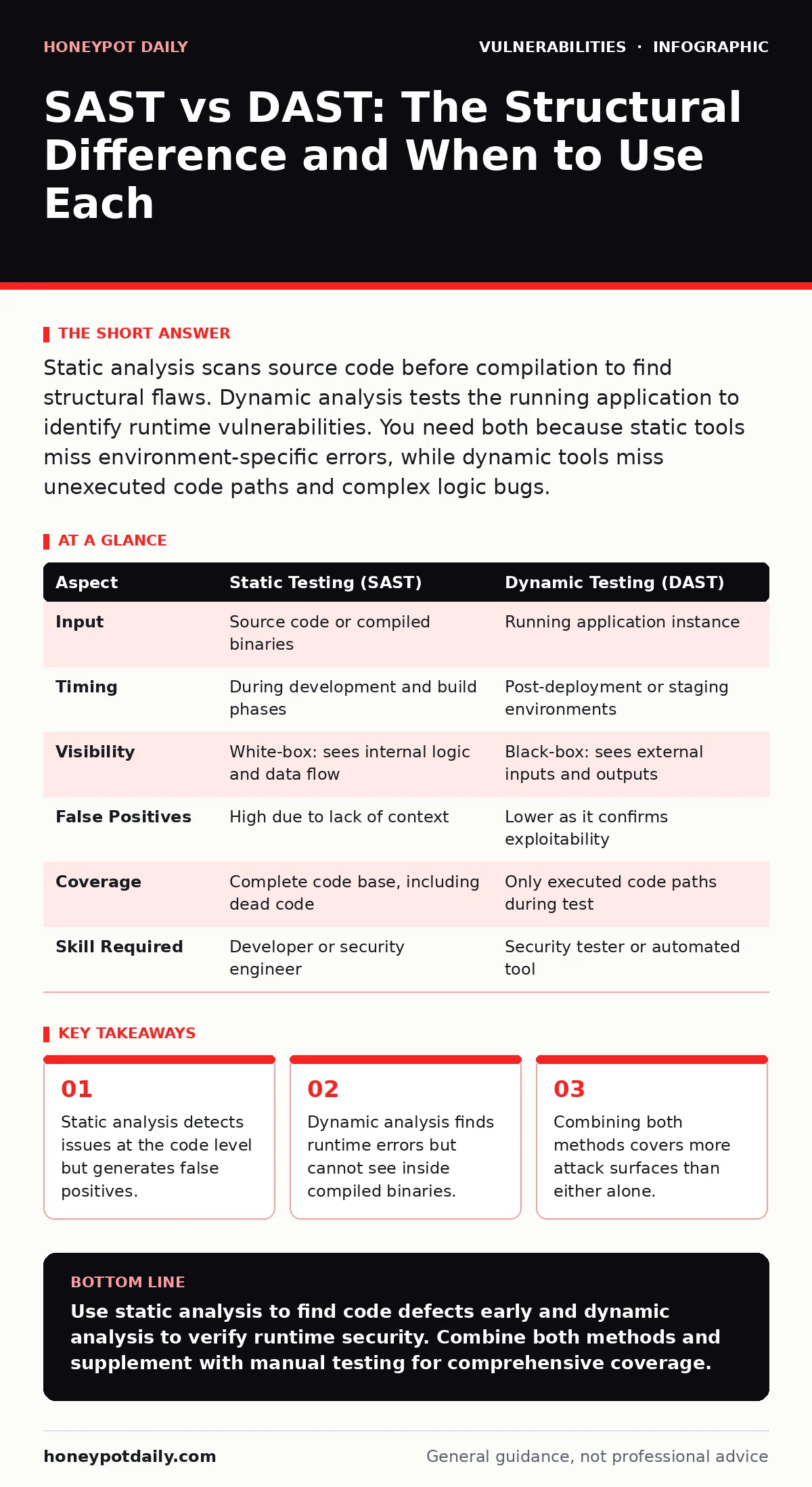
Static analysis scans source code before compilation to find structural flaws. Dynamic analysis tests the running application to identify runtime vulnerabilities. You need both because static tools miss environment-specific errors, while dynamic tools miss unexecuted code paths and complex logic bugs.
The Core Distinction
Static application security testing (SAST) examines source code without executing it. It looks for patterns that match known vulnerability signatures, such as unescaped inputs or improper error handling. This method is akin to proofreading a manuscript for grammatical errors before printing. It finds structural defects early in the development lifecycle. However, it cannot determine if the code is actually reachable or exploitable in production.
Dynamic application security testing (DAST) interacts with a running application. It sends requests to the live system and analyses the responses for security anomalies. This approach treats the application as a black box, simulating real-world attacks. It identifies vulnerabilities that only manifest during execution, such as configuration errors or memory leaks. Unlike static tools, it does not require access to the source code.
Comparison of Mechanisms
| Aspect | Static Testing (SAST) | Dynamic Testing (DAST) |
|---|---|---|
| Input | Source code or compiled binaries | Running application instance |
| Timing | During development and build phases | Post-deployment or staging environments |
| Visibility | White-box: sees internal logic and data flow | Black-box: sees external inputs and outputs |
| False Positives | High due to lack of context | Lower as it confirms exploitability |
| Coverage | Complete code base, including dead code | Only executed code paths during test |
| Skill Required | Developer or security engineer | Security tester or automated tool |
Choosing Static Analysis
Choose SAST when you need to integrate security into the earliest stages of development. It allows developers to fix issues before the code is merged into the main branch. This reduces the cost of remediation, as fixing a typo in code is cheaper than patching a deployed server. It is particularly effective for finding logic errors that are hard to trigger externally, such as complex authorization bypasses.
SAST is also the only way to inspect closed-source libraries or third-party components where you cannot run the code safely. However, you must tune the rules to avoid alert fatigue. Without proper tuning, developers will ignore the noise and miss critical findings.
Choosing Dynamic Analysis
Choose DAST when you need to validate the security of a deployed environment. It reveals issues that arise from the interaction between the application and its infrastructure. For example, it can find misconfigured HTTP security headers that only appear in production. It also identifies vulnerabilities in legacy systems where source code is unavailable.
DAST is essential for testing the effectiveness of your input validation against real-world attack vectors. It simulates an attacker’s perspective, focusing on what can be exploited rather than what looks wrong in code. This makes it valuable for compliance audits and final pre-release checks. However, it requires a stable test environment that mirrors production closely.
Where They Overlap
Both methods aim to reduce the attack surface, but they address different layers. SAST finds the root cause in the code, while DAST confirms the impact in the runtime. You should not view them as competitors but as complementary lenses. Using only one leaves blind spots that attackers will exploit.
The overlap occurs in the identification of common vulnerabilities like cross-site scripting or SQL injection. SAST flags the unescaped string; DAST confirms that the string is reflected in the response. Together, they provide a complete picture. This combination is central to effective exposure management, ensuring you know both what you have and what is vulnerable.
Integration Challenges
Integrating both tools requires careful change management for security patches. Updates to either tool can alter detection rates, causing previously silent vulnerabilities to appear. You must review new findings to distinguish between actual risks and noise. This process demands time and expertise, which many teams lack.
Another challenge is the false sense of security provided by automated scans. Neither tool can find every vulnerability. Business logic flaws often require manual penetration testing to uncover. Automated tools follow predefined rules and cannot reason about intent. Therefore, human review remains necessary for complex applications.
Practical Implementation Steps
- Define your scope for both static and dynamic testing.
- Select tools that integrate with your existing development workflow.
- Establish a baseline by running initial scans and tuning rules.
- Schedule regular scans to catch new vulnerabilities.
- Review findings with developers to ensure understanding.
- Track remediation progress through a ticketing system.
This approach ensures that security is not an afterthought but a continuous process. It aligns with modern development practices and helps maintain a strong security posture. By understanding the strengths and weaknesses of each method, you can build a more resilient application. Remember to check for default credentials in your test environments to avoid accidental exposure.
Key takeaways
- Static analysis detects issues at the code level but generates false positives.
- Dynamic analysis finds runtime errors but cannot see inside compiled binaries.
- Combining both methods covers more attack surfaces than either alone.
Use static analysis to find code defects early and dynamic analysis to verify runtime security. Combine both methods and supplement with manual testing for comprehensive coverage.
Frequently asked questions
Can SAST replace DAST?
No, SAST cannot detect runtime configuration errors or environment-specific vulnerabilities that only appear when the application is running.
Is DAST safe for production environments?
It can be risky as it sends malicious payloads to the application. It is safer to run DAST in staging environments that mirror production.
How often should I run these tests?
Run SAST on every code commit and DAST after major deployments or significant configuration changes.
Do I need both tools for small projects?
Even for small projects, using both methods provides better coverage. Small applications can still have critical vulnerabilities that one tool might miss.
How this guide was produced: written by the Honeypot Daily editorial team with AI assistance, checked against the public references listed below, and reviewed when the facts change. See our editorial policy or report an error.