
Watering hole attack example: how the trap works and how to escape
Attackers compromise trusted sites to bypass perimeter defences, meaning your security tools often see nothing unusual until credentials are already stolen.
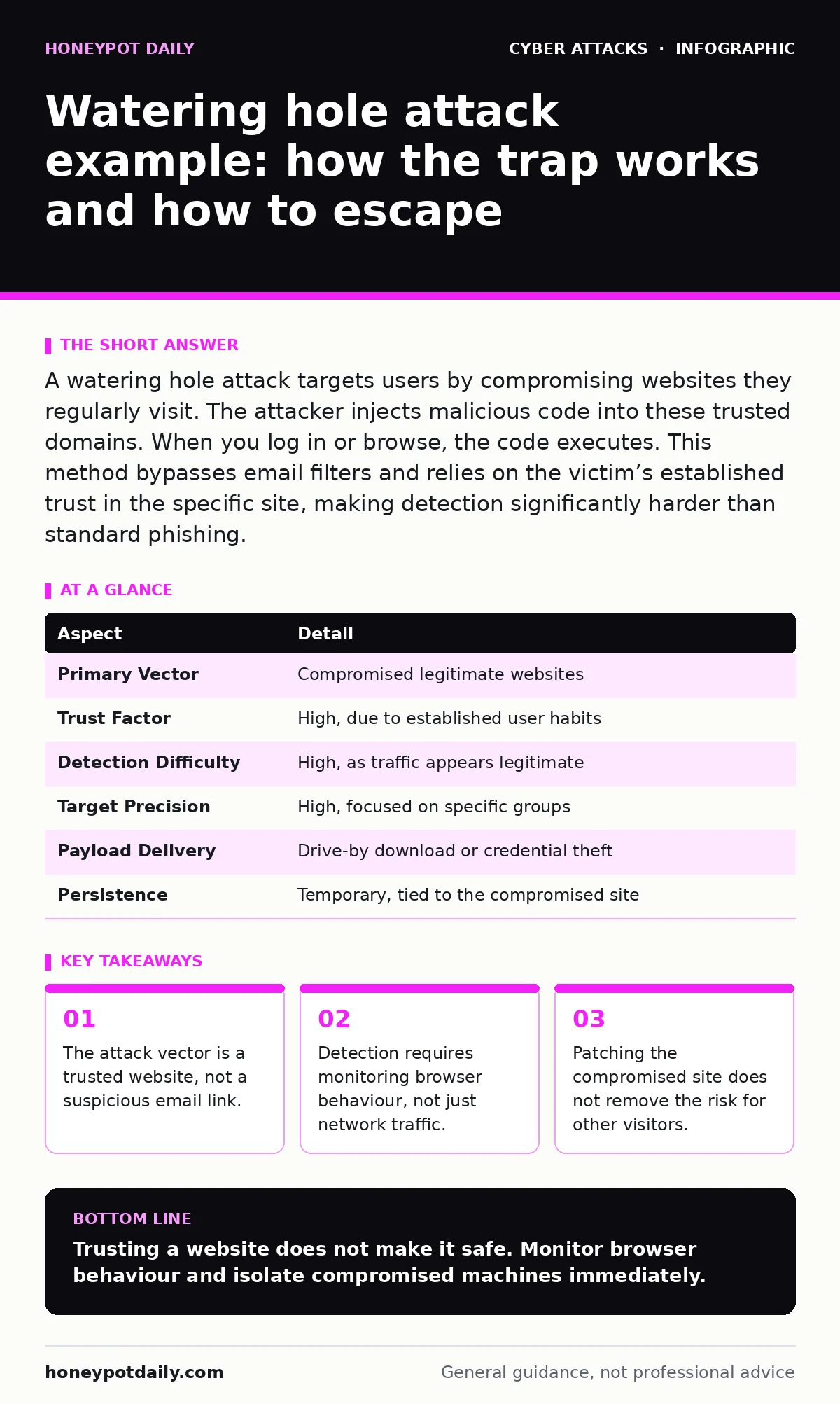
A watering hole attack targets users by compromising websites they regularly visit. The attacker injects malicious code into these trusted domains. When you log in or browse, the code executes. This method bypasses email filters and relies on the victim’s established trust in the specific site, making detection significantly harder than standard phishing.
The concept of a watering hole attack
Imagine a hunter placing poisoned bait at a well where animals gather. The animals trust the water source. They do not suspect the danger. A watering hole attack operates on this same principle of targeted trust. Attackers identify websites that a specific group of people visit regularly. They compromise those sites. They inject malicious code. When you visit the site, the code runs. You receive the payload because you trust the destination. This is not a random spray-and-pray approach. It is a surgical strike against your browsing habits.
What is a watering hole attack example
You need a concrete picture to recognise the threat. A watering hole attack example involves an attacker finding a professional forum used by your industry. The attacker gains access to the forum’s server. They add a script to the page. You log in to read the news. The script checks your browser. It finds a vulnerability. It downloads malware. Your antivirus might not flag it because the request came from a known, trusted domain. The site looks normal. The function works. The infection is silent. This is why the method is so effective. It hides in plain sight.
| Aspect | Detail |
|---|---|
| Primary Vector | Compromised legitimate websites |
| Trust Factor | High, due to established user habits |
| Detection Difficulty | High, as traffic appears legitimate |
| Target Precision | High, focused on specific groups |
| Payload Delivery | Drive-by download or credential theft |
| Persistence | Temporary, tied to the compromised site |
How the mechanism works in practice
The attacker begins with reconnaissance. They map the online behaviour of your team. They find the sites you cannot avoid. These might be industry news portals, software vendor pages, or professional social networks. The attacker then compromises one of these sites. This compromise often happens via a vulnerability in the site’s content management system.
Once inside, they insert malicious JavaScript. This code waits for a visitor. When you arrive, the code executes. It may exploit a browser flaw. It may steal your session cookie. It may redirect you to a login page that looks identical to the real one. The server responds with the payload. Your browser processes it. The attack is complete before you scroll down.
Who falls into the trap
This method targets groups with shared interests. It is not aimed at the general public. Attackers choose sectors where the cost of a breach is high. Financial institutions, healthcare providers, and government agencies are common targets. The attacker looks for sites that these groups visit out of necessity. They avoid sites that are optional. The more critical the site is to your job, the higher the chance it is a watering hole. If you have 500 colleagues who all read the same industry newsletter, that newsletter is a prime target. The attack scales with the concentration of your audience. It exploits collective trust.
Why standard defences often fail
Your firewall allows traffic to known good domains. Your email filter never saw a malicious attachment. Your endpoint detection might miss the execution. This is the hidden cost of perimeter thinking. You assume that if the source is trusted, the content is safe. A watering hole attack breaks this assumption. The source is trusted. The content is malicious. This gap leaves a blind spot. Many organisations invest heavily in email security. They overlook web browsing risks. They treat all outbound traffic as benign. This creates a false sense of safety. The attack slips through because it mimics normal behaviour. It does not look like an intrusion. It looks like a routine visit.
See also: How security operations centers detect and respond to threats · Log Tampering Detection: How Attackers Erase Their Digital Footprints
What people usually get wrong
Many believe that avoiding suspicious emails is enough. This is incorrect. The attack does not come via email. It comes via the web. Another common error is assuming that HTTPS guarantees safety. HTTPS encrypts the connection. It does not verify the integrity of the code. A compromised site can serve malicious scripts over a secure connection. The padlock icon is irrelevant to code quality. Users also think that closing the tab stops the attack. If the payload executed, the damage is done. The malware is already on the machine. The tab closure is too late. These misconceptions lead to delayed response.
How to detect and respond
Detection requires a shift in perspective. You must monitor browser activity, not just network connections. Look for unusual script execution. Watch for redirects to unknown subdomains. Implement a web application firewall. This tool can filter malicious requests. Keep your browsers updated. Unpatched browsers are easy entry points. Use strict content security policies. These policies restrict where scripts can load from. They limit the damage if a site is compromised. Train users to recognise subtle changes in site layout. A missing logo or a strange font might indicate a spoofed page.
Strengthening your web hygiene
You cannot control the sites you visit. You can control how you visit them. Use separate browsers for different tasks. Isolate your work browsing from personal browsing. This limits the spread of infection. Disable unnecessary browser plugins. Plugins increase the attack surface. Use a password manager to avoid typing credentials manually. This reduces the risk of keylogging. If you suspect a watering hole attack, isolate the machine immediately. Do not rely on the browser to recover. Reimage the system. Change passwords from a clean device. Report the compromised site to the owner. They may not know they are infected.
This approach reduces reliance on perimeter defences. It focuses on behaviour and context. It acknowledges that trust is a vulnerability. You must verify, not just assume. The goal is to break the chain of trust. You do this by validating content, not just sources. This mindset shift is the strongest defence. It turns passive browsing into active verification. You become the final filter.
Key takeaways
- The attack vector is a trusted website, not a suspicious email link.
- Detection requires monitoring browser behaviour, not just network traffic.
- Patching the compromised site does not remove the risk for other visitors.
Trusting a website does not make it safe. Monitor browser behaviour and isolate compromised machines immediately.
Frequently asked questions
How is this different from a phishing attack?
Phishing relies on tricking you into clicking a bad link. A watering hole attack tricks you by compromising a good link you already trust.
Can antivirus software stop this?
Antivirus may detect the payload after it downloads. It often fails to detect the initial injection or the drive-by download mechanism.
Is this related to malicious email attachments?
No, this is a web-based attack. Malicious email attachments rely on email delivery. Watering holes rely on web browsing habits.
Does using a password manager help?
Yes, it prevents keyloggers from capturing your credentials. It also avoids storing passwords in the browser, which attackers can steal.
How this guide was produced: written by the Honeypot Daily editorial team with AI assistance, checked against the public references listed below, and reviewed when the facts change. See our editorial policy or report an error.