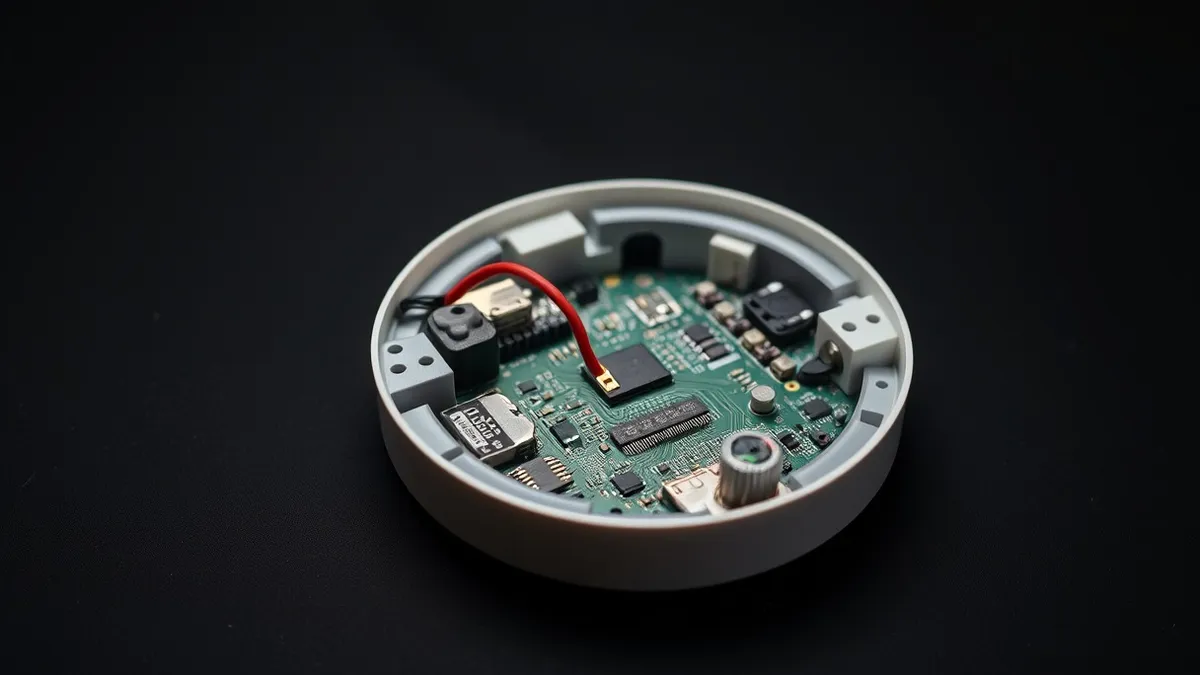
Firmware Update Myths: Correcting 6 Common Security Misunderstandings
Firmware updates often introduce new attack surfaces and require strict cryptographic verification to prevent persistent compromise of hardware devices.
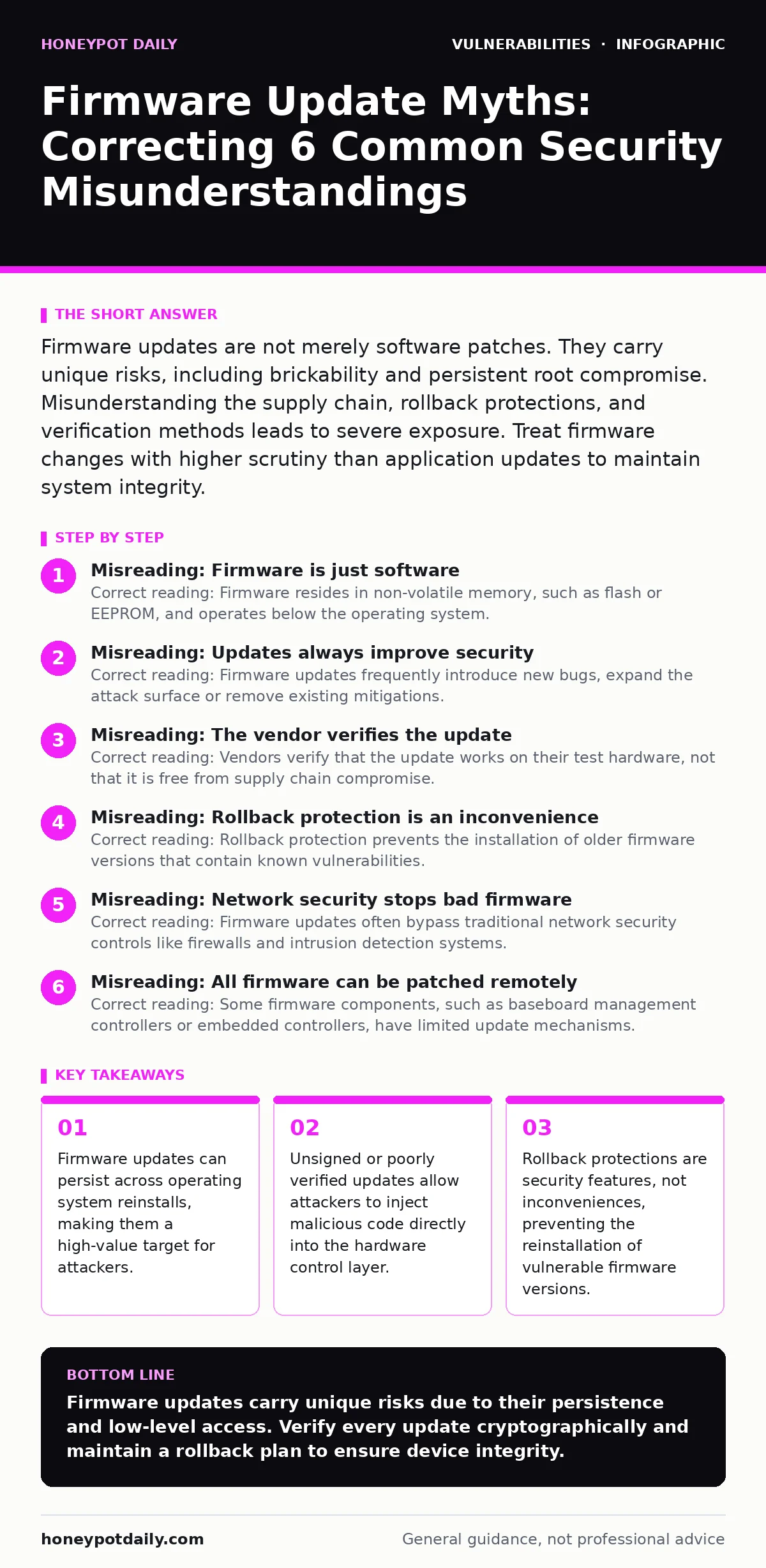
Firmware updates are not merely software patches. They carry unique risks, including brickability and persistent root compromise. Misunderstanding the supply chain, rollback protections, and verification methods leads to severe exposure. Treat firmware changes with higher scrutiny than application updates to maintain system integrity.
Misreading: Firmware is just software
Correct reading: Firmware resides in non-volatile memory, such as flash or EEPROM, and operates below the operating system. It controls hardware initialisation, boot sequences and low-level device interactions. Because it runs before the OS loads, a compromised firmware image persists even if you wipe the hard drive or reinstall the operating system. This persistence makes firmware a critical security boundary. Treating it like application software underestimates the difficulty of remediation. If an attacker gains access to the firmware, they own the device regardless of what happens above it. You must assume firmware is the most privileged layer of the system.
Misreading: Updates always improve security
Correct reading: Firmware updates frequently introduce new bugs, expand the attack surface or remove existing mitigations. Developers often prioritise feature additions or performance tweaks over security hardening. A new update might disable a legacy security feature to support newer hardware, inadvertently weakening the device. You should never assume an update is a net positive for security. Each update requires independent risk assessment. The process of updating also carries risk, as interrupted updates can brick the device or leave it in an inconsistent state. Review release notes for security-specific changes, not just feature lists.
Misreading: The vendor verifies the update
Correct reading: Vendors verify that the update works on their test hardware, not that it is free from supply chain compromise. Firmware updates often include third-party libraries, bootloaders and drivers that you cannot inspect. The build environment itself might be compromised, allowing malicious code to slip into legitimate updates. You cannot rely on the vendor’s reputation for security. Instead, you must implement cryptographic verification on your end. Ensure the update package is signed with a trusted key and that the signature is verified before installation. This step shifts trust from the vendor to the cryptographic proof.
Misreading: Rollback protection is an inconvenience
Correct reading: Rollback protection prevents the installation of older firmware versions that contain known vulnerabilities. Attackers often exploit this by forcing a device to revert to a vulnerable version, a technique known as a downgrade attack. Without rollback protection, you cannot guarantee that a device is running the most secure version.
This protection relies on secure boot mechanisms and monotonic counters that track the firmware version. Disabling or bypassing rollback protection for troubleshooting purposes exposes the device to persistent threats. Accept the limitation that you cannot downgrade to fix a bad update easily. Plan for hardware replacement if an update fails critically.
Misreading: Network security stops bad firmware
Correct reading: Firmware updates often bypass traditional network security controls like firewalls and intrusion detection systems. Many devices use direct connections to vendor servers or peer-to-peer distribution methods. Even if the network traffic is encrypted, the payload is not inspected for malware. Once the update reaches the device, the network defences are irrelevant. You must secure the update process at the endpoint. Implement allow-listing for update servers and verify the integrity of the downloaded package. Network segmentation helps limit the spread of compromised devices, but it does not prevent the initial infection via a malicious update.
Misreading: All firmware can be patched remotely
Correct reading: Some firmware components, such as baseboard management controllers or embedded controllers, have limited update mechanisms. These components might require physical access, specialised tools or manual intervention to update. Remote patching is not always possible or safe for these critical components.
Assuming remote patchability can lead to unpatched vulnerabilities in the hardware control layer. You need to maintain an accurate inventory of all firmware components and their update requirements. Identify which components require physical access and plan for regular maintenance windows. This ensures that no critical component remains vulnerable due to logistical constraints.
Misreading: Firmware updates are isolated events
Correct reading: Firmware updates interact with the entire system stack, including the BIOS, UEFI, operating system and applications. A mismatch between firmware and OS versions can cause instability or security gaps. For example, a new firmware feature might require a corresponding OS driver update to function securely.
Ignoring these dependencies can lead to configuration drift and reduced security posture. You must coordinate firmware updates with other system changes. This approach aligns with change management for security patches, ensuring that all components are compatible and secure. Testing updates in a staging environment helps identify these interactions before they affect production systems.
Misreading: Open-source firmware is inherently safer
Correct reading: Open-source firmware allows for community review, but it does not guarantee security. Many open-source projects lack dedicated security teams, rigorous testing processes or timely patching. The transparency of the code can also help attackers identify vulnerabilities faster.
Closed-source firmware, while opaque, might benefit from vendor resources and security expertise. The key is not the source model, but the security practices applied. Evaluate the project’s maintenance activity, vulnerability disclosure policy and community engagement. Consider using software composition analysis to identify vulnerable components in both open and closed-source firmware.
Misreading: Firmware updates do not need rollback plans
Correct reading: Firmware updates can fail, bricking the device or causing severe instability. Without a rollback plan, you face extended downtime and potential data loss. Rollback plans should include recovery images, manual update procedures and hardware replacement strategies. Test these plans regularly to ensure they work under pressure. This preparation aligns with mitigations and workarounds, providing a safety net when primary security measures fail. Document the steps required to recover from a failed update and ensure that your team knows how to execute them. Regular drills improve readiness and reduce the impact of update failures.
Misreading: Firmware security is a one-time task
Correct reading: Firmware security is an ongoing process. New vulnerabilities are discovered regularly, and new devices are added to the network continuously. You must maintain an updated inventory of all firmware versions, track known vulnerabilities and apply patches promptly. Regular audits and testing help identify gaps in your firmware security posture. This continuous approach aligns with exposure management, ensuring that you understand and reduce the risk associated with your hardware assets. Integrate firmware management into your overall security strategy, rather than treating it as an isolated concern.
Key takeaways
- Firmware updates can persist across operating system reinstalls, making them a high-value target for attackers.
- Unsigned or poorly verified updates allow attackers to inject malicious code directly into the hardware control layer.
- Rollback protections are security features, not inconveniences, preventing the reinstallation of vulnerable firmware versions.
- Over-the-air updates often bypass traditional network security controls, requiring specific endpoint validation strategies.
Firmware updates carry unique risks due to their persistence and low-level access. Verify every update cryptographically and maintain a rollback plan to ensure device integrity.
Frequently asked questions
How do I verify a firmware update is legitimate?
Check the digital signature of the update package against the vendor’s public key. Ensure the signature is valid and that the update source is trusted.
What is a downgrade attack on firmware?
A downgrade attack forces a device to revert to an older, vulnerable firmware version. Rollback protection prevents this by blocking the installation of older versions.
Can firmware updates brick a device?
Yes, interrupted or incompatible updates can render a device unusable. Always backup configurations and test updates in a staging environment before deployment.
How often should I update firmware?
Update firmware regularly, but prioritise security patches over feature updates. Balance the need for security with the risk of instability.
How this guide was produced: written by the Honeypot Daily editorial team with AI assistance, checked against the public references listed below, and reviewed when the facts change. See our editorial policy or report an error.