
Implement Privileged Access Management Without Breaking Operations
Privileged access management shifts security from static credentials to dynamic sessions, reducing the blast radius of compromised admin accounts.
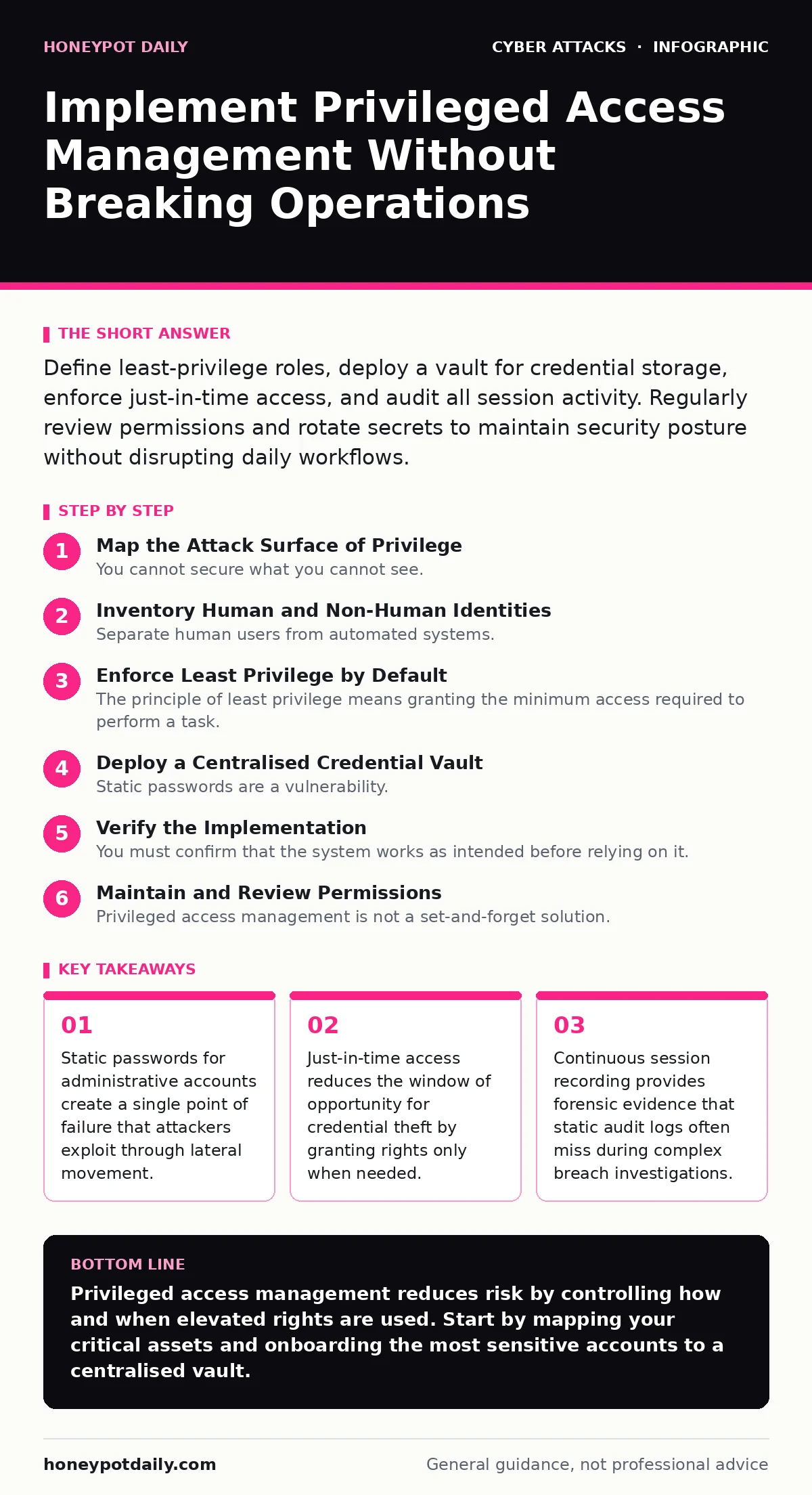
Define least-privilege roles, deploy a vault for credential storage, enforce just-in-time access, and audit all session activity. Regularly review permissions and rotate secrets to maintain security posture without disrupting daily workflows.
Map the Attack Surface of Privilege
You cannot secure what you cannot see. The first phase involves identifying every account that holds elevated rights, not just those labelled "Administrator". This includes service accounts, application identities, and emergency break-glass accounts. These non-human accounts are often overlooked because they do not appear in human resource directories.
Many organisations assume that domain administrators are the only high-risk targets. This is incorrect. Local administrator rights on servers, database super-user accounts, and cloud root credentials offer similar access. You must catalogue these explicitly. A gap in this inventory means a gap in your defence.
Inventory Human and Non-Human Identities
Separate human users from automated systems. Humans require authentication mechanisms that prove identity, such as multi-factor authentication. Automated systems require secrets management that allows rotation without manual intervention. Mixing these two categories leads to poor security hygiene.
Create a distinct list for each type. Human accounts should have clear ownership. Non-human accounts should have documented purpose and expiry dates. An account without an owner is a liability. You must assign responsibility for every privileged identity, even if that responsibility is simply to flag it for review.
Enforce Least Privilege by Default
The principle of least privilege means granting the minimum access required to perform a task. This is not a one-time configuration. It is a continuous process of removing rights that are no longer needed. Most administrative accounts retain permissions from previous roles, creating a bloated attack surface.
You must implement role-based access control. Define roles based on job functions, not individual names. Assign users to roles. This simplifies auditing because you review the permissions of a role, not hundreds of individual accounts. It also ensures consistency across the organisation.
Deploy a Centralised Credential Vault
Static passwords are a vulnerability. A centralised vault stores credentials and injects them into sessions without revealing them to the user. This prevents password sharing and ensures that credentials are never written to disk or chat messages. The vault becomes the single source of truth for privileged access.
Integration with your identity provider is critical. The vault must verify the user’s identity before releasing the credential. If the identity provider flags suspicious behaviour, the vault must deny access. This creates a layered defence where compromise of one component does not lead to full access.
Numbered rollout steps ensure a smooth transition.
Step 1: Install the Vault Appliance or Service
Deploy the vault infrastructure in a secure network segment. Configure high availability to prevent single points of failure. Ensure network connectivity between the vault and the systems it protects. Verify that the vault can communicate with your identity provider for authentication checks.
Step 2: Onboard Critical Accounts First
Do not onboard all accounts simultaneously. Start with the most sensitive systems identified in the mapping phase. Move the credentials of these accounts into the vault. Update the applications or services that use these credentials to request them from the vault instead of storing them locally.
Step 3: Enable Session Recording and Monitoring
Configure the vault to record all privileged sessions. This includes keystrokes, screen activity, and command execution. Ensure that recordings are stored securely and are tamper-proof. Set up alerts for suspicious activities, such as unusual commands or access from new locations.
Verify the Implementation
You must confirm that the system works as intended before relying on it. Create a test environment that mirrors your production systems. Perform a series of privileged actions through the vault. Check that the credentials are not visible to the user. Verify that the session is recorded and stored correctly.
Use the following checklist to validate your deployment:
- All identified critical accounts are stored in the vault.
- Users can access systems only through the vault interface.
- Multi-factor authentication is enforced for all vault logins.
- Session recordings are intact and searchable.
- Alerts are triggered by simulated suspicious activity.
If any item fails, you must resolve the issue before proceeding. A partial implementation leaves gaps that attackers will exploit.
Maintain and Review Permissions
Privileged access management is not a set-and-forget solution. Permissions change as roles evolve. Regular reviews ensure that users do not retain unnecessary rights. Automate these reviews where possible. Send notifications to account owners for validation. Escalate unverified accounts for removal.
Integrate with incident response plans to handle emergency access. Define procedures for revoking access immediately during a breach. Test these procedures regularly. A delayed revocation can turn a contained incident into a major disaster. Refer to existing guidance on incident response plans for detailed procedures.
Address Edge Cases and Legacy Systems
Some legacy systems do not support modern authentication protocols. These require alternative approaches, such as jump servers or bastion hosts. These intermediate systems restrict access and provide an additional layer of logging. They are not a perfect solution but they mitigate risk where native controls are unavailable.
Beware of browser-in-the-browser attacks that mimic login prompts. Ensure that your vault uses unique, verifiable indicators to distinguish legitimate login requests from clones. Train users to verify these indicators. This defence is critical when dealing with phishing simulations that target administrative credentials.
Key takeaways
- Static passwords for administrative accounts create a single point of failure that attackers exploit through lateral movement.
- Just-in-time access reduces the window of opportunity for credential theft by granting rights only when needed.
- Continuous session recording provides forensic evidence that static audit logs often miss during complex breach investigations.
Privileged access management reduces risk by controlling how and when elevated rights are used. Start by mapping your critical assets and onboarding the most sensitive accounts to a centralised vault.
Frequently asked questions
Does privileged access management replace multi-factor authentication?
No, it complements it. MFA verifies identity, while PAM controls access to privileged resources. You need both for effective defence.
How do I handle emergency break-glass accounts?
Store these in the vault with strict approval workflows. Enable enhanced logging and alerting for any use. Review access immediately after each use.
What if a legacy system cannot connect to the vault?
Use a bastion host or jump server to mediate access. Ensure all traffic through the hop is logged and monitored. Plan for migration to a supported system.
How often should I review privileged permissions?
At least quarterly. More frequent reviews are advisable for high-risk accounts. Automate reminders to account owners to validate their rights.
How this guide was produced: written by the Honeypot Daily editorial team with AI assistance, checked against the public references listed below, and reviewed when the facts change. See our editorial policy or report an error.