Logging Library Vulnerabilities Explained: How Silent Logs Leak Secrets
A flawed logging component records sensitive data like passwords or keys in plain text, creating a permanent record that attackers can steal.
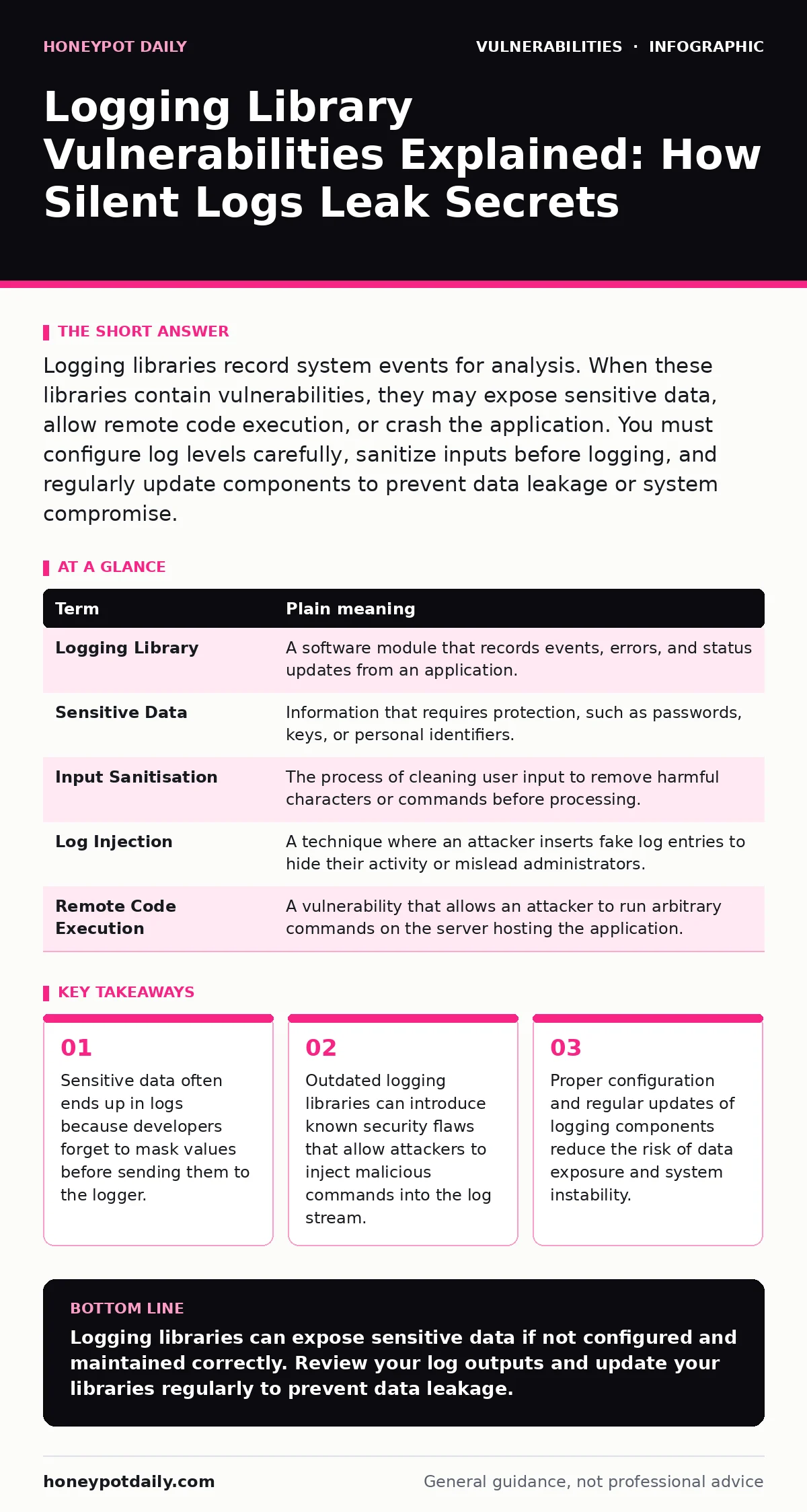
Logging libraries record system events for analysis. When these libraries contain vulnerabilities, they may expose sensitive data, allow remote code execution, or crash the application. You must configure log levels carefully, sanitize inputs before logging, and regularly update components to prevent data leakage or system compromise.
The Post Office Analogy
Imagine a post office that records every letter’s content on a public bulletin board. The intention is to track delivery issues. In reality, anyone walking by can read private correspondence. Logging libraries function like this bulletin board. They capture application activity for troubleshooting. If the library is flawed or misconfigured, it exposes sensitive information to anyone who can access the log files. This exposure creates a direct path for attackers to steal credentials or personal data.
Key Terms Defined
Understanding the mechanics requires clarity on specific terms. These definitions help you identify where risks emerge in your own systems.
| Term | Plain meaning |
|---|---|
| Logging Library | A software module that records events, errors, and status updates from an application. |
| Sensitive Data | Information that requires protection, such as passwords, keys, or personal identifiers. |
| Input Sanitisation | The process of cleaning user input to remove harmful characters or commands before processing. |
| Log Injection | A technique where an attacker inserts fake log entries to hide their activity or mislead administrators. |
| Remote Code Execution | A vulnerability that allows an attacker to run arbitrary commands on the server hosting the application. |
Why Ordinary Users Are Affected
You might assume logging issues only affect engineers. This assumption is incorrect. When an application logs your login attempt, it often records your username. If the library is vulnerable, it might also record your password in plain text. Attackers who gain access to these logs can harvest these credentials. They then use them to access your accounts on other services. This chain of events starts with a simple logging error but ends with a compromised personal identity.
The Hidden Cost of Convenience
Developers often use logging libraries because they are easy to integrate. This convenience carries a hidden cost. Many libraries are open-source and maintained by small teams. They may not receive frequent security updates. When a vulnerability is discovered in a popular library, every application using it becomes vulnerable. This creates a widespread risk that is difficult to manage. The ease of adding logging features often leads to neglecting the security configuration of those features.
Simple Safety Habits
You can reduce these risks with straightforward practices. These habits do not require advanced technical skills but do require discipline.
- Minimise log verbosity: Configure your application to log only what is necessary for troubleshooting. Avoid logging sensitive fields like passwords, tokens, or personal details.
- Sanitise all inputs: Ensure that any data passed to the logger is cleaned. This prevents log injection attacks where attackers try to write malicious commands into the log file.
- Update regularly: Check for updates to your logging libraries frequently. Apply patches promptly to fix known vulnerabilities. This is similar to change management for security patches where timely application is key.
Advanced Risks and Mitigation
For those managing complex systems, the risks extend further. A vulnerable logging library can sometimes lead to remote code execution if the log processing engine executes code from the log entries. This is rare but severe. Another risk is log injection, where attackers craft inputs that break the log format, allowing them to insert false entries. This can hide their real activities or trigger alerts that distract security teams.
Detecting Issues in Your Stack
How do you know if your logging setup is safe? Start by reviewing your log files. Look for any sensitive data that should not be there. Check the versions of your logging libraries. Compare them against known vulnerability databases. Tools for dependency scanning can automate this check. They identify outdated components and flag those with known security issues. This proactive approach prevents breaches before they happen.
Integrating Security into Development
Security is not an afterthought. It must be part of the development lifecycle. When you add a logging library, consider its security implications. Ask how it handles sensitive data. Ask how it processes input. Integrate checks into your build process. This aligns with dynamic application security testing (DAST) principles, where you test running applications for vulnerabilities. By catching issues early, you avoid costly fixes later.
Final Thoughts on Logging Security
Logging is necessary for maintaining healthy applications. However, it introduces significant security risks if handled poorly. You must treat log data as sensitive. You must keep your libraries updated. You must configure your logging carefully. By following these steps, you protect your users and your organisation from unnecessary exposure.
Key takeaways
- Sensitive data often ends up in logs because developers forget to mask values before sending them to the logger.
- Outdated logging libraries can introduce known security flaws that allow attackers to inject malicious commands into the log stream.
- Proper configuration and regular updates of logging components reduce the risk of data exposure and system instability.
Logging libraries can expose sensitive data if not configured and maintained correctly. Review your log outputs and update your libraries regularly to prevent data leakage.
Frequently asked questions
Can a logging vulnerability lead to a full system compromise?
Yes, if the vulnerability allows remote code execution or log injection that triggers system commands, it can lead to full compromise.
How often should I update my logging libraries?
Update them as soon as security patches are released. Regular updates are part of good **change management
How this guide was produced: written by the Honeypot Daily editorial team with AI assistance, checked against the public references listed below, and reviewed when the facts change. See our editorial policy or report an error.